Customer Workflows for CX Teams: The Ultimate Guide
Build workflows across your entire customer journey to deliver superior CX at every touchpoint. Empower your team with the right balance of AI and automation.
No Credit Card Needed | Guided Setup
Build workflows across your entire customer journey to deliver superior CX at every touchpoint. Empower your team with the right balance of AI and automation.
No Credit Card Needed | Guided Setup
Unlock seamless customer experiences with automated workflows. Boost retention, streamline support and personalize at every touchpoint for superior CX.
Most businesses have broken handoffs. When support, sales, and marketing operations run on disconnected processes, customers repeat themselves, followed by churn. This is where customer workflows come into play to streamline repeatable processes by automating common interactions from first contact through post-purchase.
Walk through the definitive guide to explore the use cases, implementation steps and best practices for building workflows that scale without sacrificing personalization.
Customer workflows are structured, repeatable processes designed to manage and optimize customer interactions (across various touchpoints) throughout their journey with a brand. These workflows orchestrate activities, automate tasks and guide both customers as well as employees through ideal paths of engagement.
Well-designed customer experience workflows enhance customer satisfaction by streamlining interactions and reducing friction points. They also improve operational efficiency, allowing businesses to allocate resources more effectively and identify areas for improvement.
Key objectives:
Not all customer workflows serve the same purpose, and understanding the different types helps businesses design the right process for each stage of the customer journey. Here are the main categories to consider.
1. Transactional Workflows
Transactional workflows trigger in response to a specific customer action like purchase, cancellation or refund request. Each trigger sets off a proper sequence of steps designed to manage a particular scenario.
Some of the common examples are order confirmation, shipping updates and delivery follow-up, each executing automatically without human intervention. The consistency ensures every customer receives the same experience, regardless of the action that occurs.
2. Lifecycle Workflows
Lifecycle workflows span longer across the customer relationship, guiding onboarding, renewal, or win-back efforts over time. Instead of reacting to a single event, they orchestrate all touchpoints across weeks or months. Common lifecycle workflow moments are:
3. Service Coordination Workflows
Service coordination manages how support requests move between teams, channels and systems across the resolution process. The primary goal is to maintain continuity as the request travels from one point to another.
They make sure a ticket opened over chat carries complete context if escalated to prevent customers from repeating themselves during resolution. The continuity improves both speed as well as customer satisfaction.
4. Feedback-Driven Workflows
Feedback-driven workflows activate after a customer shares input that can be through a survey, review or support interaction. The workflow routes this response to the appropriate team based on expertise and urgency. Some common triggers for feedback-driven workflows are:
While customer experience workflow is about following every aspect of the customer’s journey, it also offers insights into their behavior. Let’s delve into some of its helpful use cases.
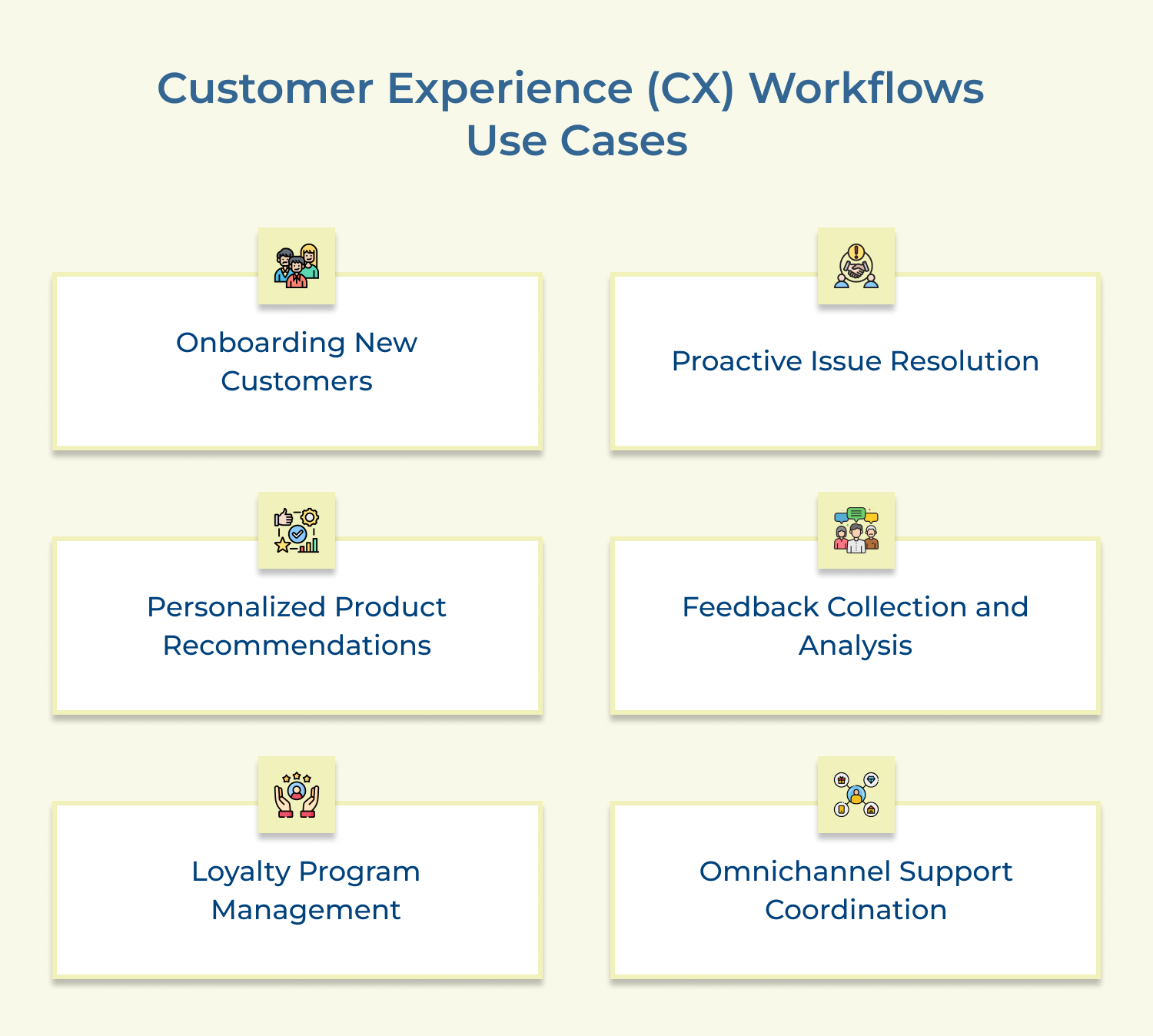
Create a seamless onboarding experience for new customers using automated workflows. Start with a welcome email containing essential account information and product guides. Follow up with personalized tutorial videos and interactive walkthroughs based on the customer’s preferences or industry. Schedule check-in calls at key milestones to ensure customer satisfaction and address any concerns promptly.
Implement workflows that identify potential issues before they escalate. Use data analytics to detect unusual patterns in product usage or customer behavior. Trigger automated outreach to affected customers with relevant troubleshooting information or connect them to support teams. This proactive approach significantly reduces customer frustration and supports ticket volume.
Develop workflows that analyze customer purchase history, browsing behavior and demographic data to generate tailored product recommendations. Send personalized emails or in-app notifications showcasing relevant items or services. Incorporate A/B testing to optimize recommendation algorithms and messaging for maximum engagement along with conversion rates.
Automate the process of gathering and analyzing customer feedback. Create workflows that send surveys at key touchpoints in the customer journey, such as post-purchase or after customer support interactions. Use natural language processing to analyze open-ended responses, categorize feedback while also observing for any actionable insights. Automatically route critical issues to relevant teams for immediate action.
Design workflows to enhance customer loyalty programs. Automatically track customer purchases and interactions to award points or status upgrades. Send personalized notifications about reward milestones, exclusive offers or expiring points. Create targeted campaigns for different loyalty tiers to drive engagement and retention.
Implement digital workflows that ensure a consistent customer experience across multiple support channels. When a customer reaches out via one channel (e.g., email), create a unified ticket that tracks all subsequent interactions, regardless of the channel used (e.g., phone, chat, social media). Ensure that customer context and history are readily available to support agents, eliminating the need for customers to repeat information.
Read more: Learn how help desk software for real estate & property management enhances customer workflows from inquiry to resolution.
Customer workflows are structured processes that guide customers through various interactions with a business, from initial contact to post-purchase support. Implementing well designed customer workflows offers numerous advantages:
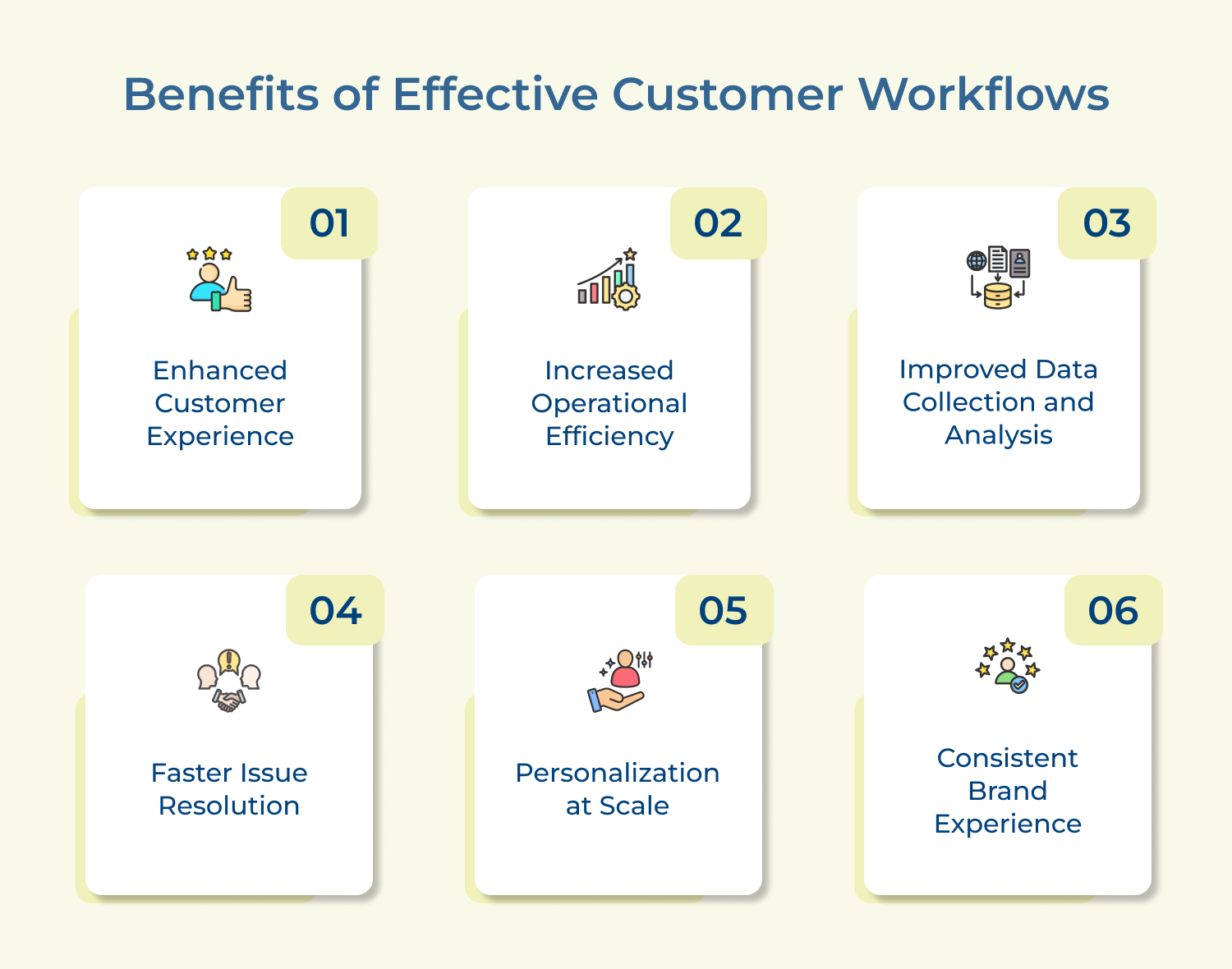
1. Enhanced customer experience: Streamlined workflows ensure efficiency in customer interactions, leading to smoother, more satisfying experiences. The consistency builds trust and loyalty, encouraging repeat business as well as positive word-of-mouth referrals.
2. Increased operational efficiency: By automating routine tasks and standardizing processes, customer workflows reduce manual effort as well as minimize errors. This way, staff get to focus on more complex issues and value-added activities, improving overall productivity.
3. Improved data collection and analysis: Structured workflows facilitate systematic data collection at each customer touchpoint. Accessing this wealth of information enables businesses to gain deeper insights into customer behavior, preferences and pain points. Thus, making data-driven decision-making and strategy development.
4. Faster issue resolution: Well-designed workflows can quickly route customer inquiries or complaints to the appropriate department or individual, reducing response times and improving first-contact resolution rates. The speed and accuracy in problem-solving significantly enhance customer satisfaction.
5. Personalization at scale: Customer workflows allow businesses to incorporate personalization elements based on customer data and behavior, even in large-scale operations. The tailored approach makes customers feel valued and understood, building stronger relationships.
6. Consistent brand experience: A seamless customer experience is all about standardizing customer interaction across various channels. The consistency reinforces brand identity and values, contributing to stronger brand recognition.
We outline the essential steps to successfully implement customer workflows that transform the customer experience.
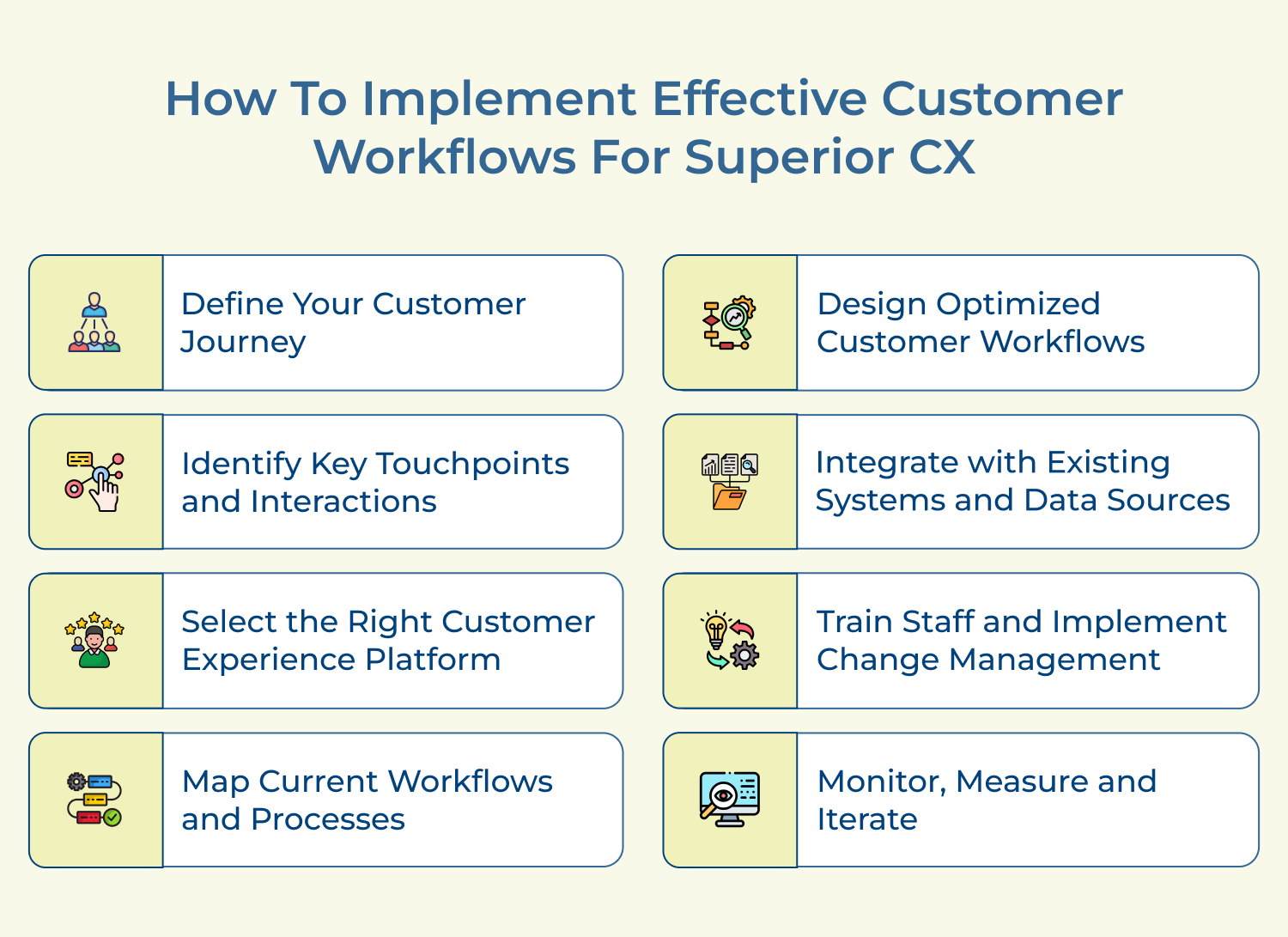
Defining your customer journey provides a clear understanding of how customers interact with your business from initial awareness to post-purchase support. This holistic view helps identify opportunities for improvement and ensures that your workflows address all critical stages of the customer lifecycle.
Use the defined customer journey to guide the development of targeted workflows that address specific customer needs at each stage. It ensures a cohesive and personalized experience throughout the entire customer lifecycle, improving satisfaction as well as loyalty.
Best practices:
Identifying key touchpoints and interactions helps prioritize which areas of the customer experience need the most attention. It allows you to focus your efforts on the moments that matter most to customers, maximizing the impact of your CX initiatives.
Use this information to design workflows that specifically address pain points or enhance positive interactions at crucial touchpoints. The targeted approach ensures that your CX platform is optimized to deliver value where it’s most needed.
Best practices:
Choosing the right CX platform like Omni24 is crucial as it will serve as the foundation for implementing and managing your customer workflows. The right platform should align to your business needs, integrate with existing systems and provide the necessary tools to create as well as optimize workflows.
Use the selected platform to centralize customer data, automate workflows and provide a unified interface for managing customer interactions across all touchpoints. It enables a consistent and efficient approach to customer experience management.
Best practices:
Mapping current workflows and processes provides a baseline understanding of how your organization currently handles customer interactions. The step is essential for identifying inefficiencies, redundancies and areas for improvement in your existing customer service operations.
Use the mapped workflows to identify bottlenecks, manual processes that can be automated, and gaps in the customer experience. The information guides the design of optimized workflows that address current shortcomings and leverage the capabilities of your new CX platform.
Best practices:
Designing optimized customer workflows is crucial for leveraging the full potential of your CX platform. Well-designed workflows improve efficiency, ensure consistency in customer interactions and enable personalized experiences that meet/exceed customer expectations.
Use the insights gained from previous steps to create streamlined, automated workflows that guide customers and employees through ideal interaction paths. These optimized workflows should address pain points, reduce friction while enhancing the overall customer experience.
Best practices:
Integration with existing systems and data sources is essential for creating a unified view of the customer while ensuring seamless information flow across the organization. This integration enables more personalized and efficient customer interactions by leveraging all available data.
Use integrations to pull relevant customer data from various sources into your CX platform, enabling workflows that are informed by comprehensive customer insights. It allows for more targeted and effective customer engagements across all touchpoints.
Best practices:
Training staff and implementing effective change management strategies are crucial for successful adoption of new workflows as well as the CX platform. It makes sure that employees are equipped to leverage the new tools and processes effectively, maximizing the impact on customer experience.
Use comprehensive training programs and change management techniques to prepare your team for the new workflows as well as platform. This includes not only technical training but also guidance on how to deliver enhanced customer experiences within the new framework.
Best practices:
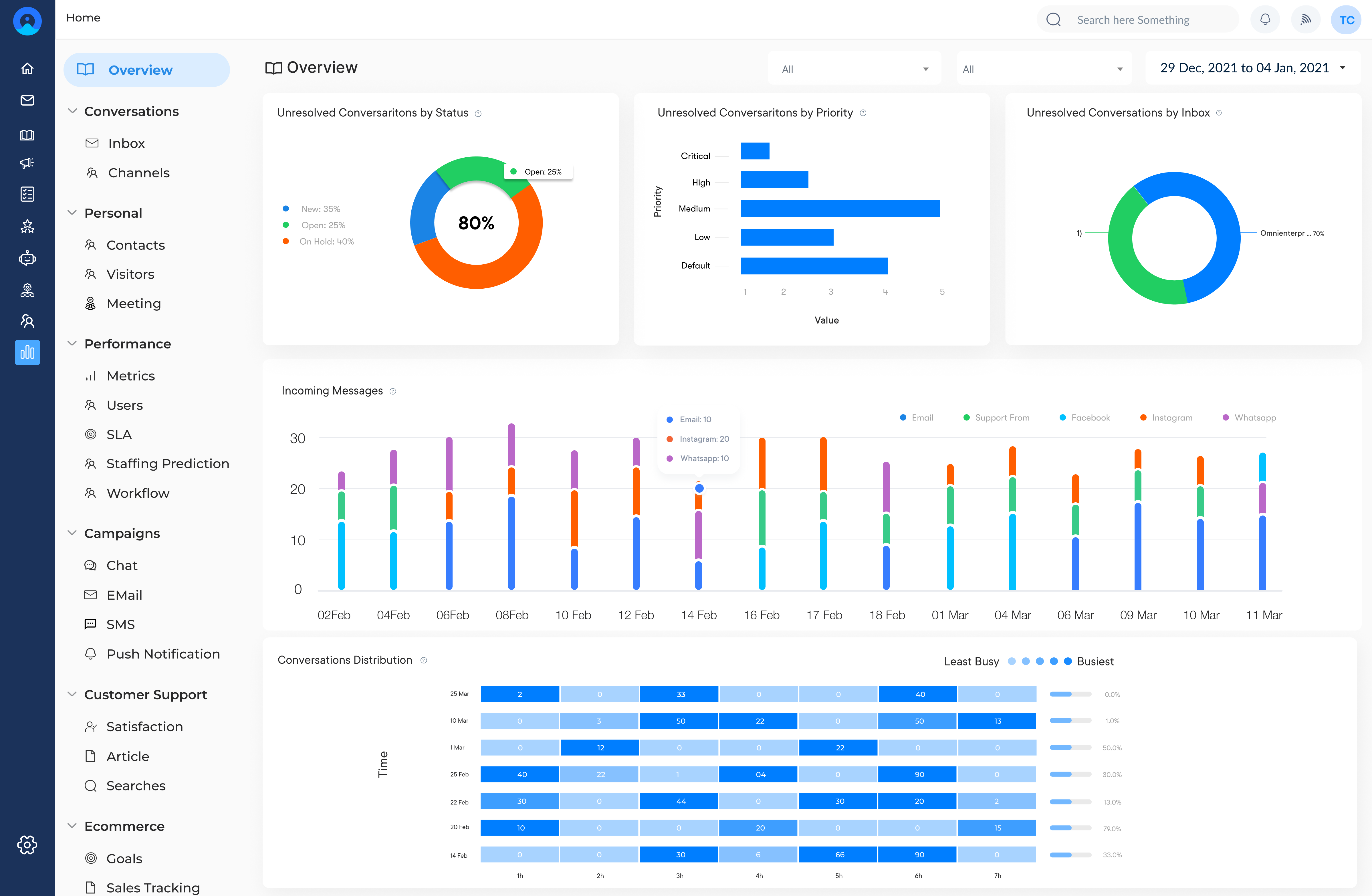
Continuous monitoring, measurement and iteration are essential for ensuring the long-term effectiveness of your customer workflows. The ongoing process helps you identify areas for improvement, adapt to changing customer needs and maximize the return on your CX platform investment.
Use analytics and feedback mechanisms built into your CX platform to track key performance indicators, gather customer insights, while identifying opportunities for workflow optimization. The data-driven approach enables continuous improvement of your customer experience.
Best practices:
Customer workflows do streamline the overall business process. However, optimizing it with best practices will guarantee that the business is making the most out of it. Let’s explore more:
Embrace a Customer-Centric Approach
Always design and manage workflows with the customer’s perspective in mind. Regularly gather and incorporate customer feedback to ensure workflows truly meet their needs as well as expectations. This approach creates experiences that resonate with customers and drive satisfaction.
Implement Omnichannel Integration
Ensure seamless integration across all customer touchpoints and channels. Workflows should provide a consistent experience whether customers interact via phone, email, chat or in-person. The consistency builds trust and reduces customer frustration.
Leverage Automation and AI
Utilize automation and artificial intelligence to streamline repetitive tasks which also provides quick responses to common queries. This not only improves efficiency but also allows human agents to focus on more complex, high-value interactions that require empathy and critical thinking.
Personalize at Scale
Use data analytics and customer insights to create personalized workflows. Tailor interactions based on customer history, preferences and behavior. The personalization makes customers feel valued and understood, enhancing their overall experience.
Ensure Real-Time Responsiveness
Design workflows that enable real-time responses to customer needs. Implement systems that alert the right personnel immediately when issues arise, allowing for swift resolution and proactive customer service.
Prioritize Data Security and Privacy
Build robust data protection measures into all customer workflows. Ensure compliance with relevant regulations and be transparent about data usage. It builds trust and demonstrates respect for customer privacy.
Empower Frontline Employees
Provide customer-facing staff with the tools, training and authority to manage workflows effectively. Empower them to make decisions that benefit the customer, creating a culture of ownership and excellence in customer service.
Even well -defined customer workflows fall short without the right foundation. Let’s explore the common challenges businesses face when building them.
Automating a process simply executes the same mistakes faster and at greater scale. Workflows on unclear ownership often amplify existing problems instead of resolving them. It frustrates both customers and employees involved.
Support, sales and operations each manage their own disconnected workflows, leading to customers experiencing fragmented service as they move between teams. This creates broken handoffs and inconsistent messaging across different touchpoints.
Excessive automation makes interactions feel impersonal during complex situations that require empathy. Workflows that route every scenario across the same path risk frustrating customers requiring human judgment instead of a scripted response.
Workflows designed once and left untouched drift out of alignment as customer expectations evolve. Inefficiencies and outdated logic accumulate unnoticed, leading to the erosion of the very experience the workflow was built to improve.
Overcoming these hurdles requires an ongoing approach instead of one-time setup.
Well-structured customer workflows are the backbone of scalable, consistent CX. It automates routine tasks and reduces manual errors to build meaningful customer relationships. Brands that invest in workflow automation create experiences that drive loyalty and measurable growth.
Ready to see the difference? Book a personalized demo to explore how Omni24 fits your CX stack. Omni24’s workflow automation platform gives teams the structure to deliver superior customer experiences at scale.
Omni24’s customer engagement platform harnesses automation and AI to deliver unified customer experiences across digital channels, while keeping human touch
CX workflows specifically focus on optimizing the customer’s journey and experience. Traditional business processes may prioritize internal efficiency.
CX workflows are designed with the customer’s perspective in mind, often spanning multiple departments and channels. They emphasize personalization, emotional engagement and seamless transitions between touchpoints to create a cohesive, satisfying customer experience.
AI and automation can significantly enhance CX workflows by personalizing interactions, predicting customer needs, as well as streamlining processes. They can automate routine tasks, provide instant responses to common queries and offer intelligent routing of complex issues. AI can also analyze vast amounts of customer data to provide insights for continuous workflow optimization and more targeted customer experiences.
Customer workflows improve experience by providing a consistent, efficient path for customer interactions. They eliminate confusion, reduce wait times and ensure that customer needs are addressed systematically. By mapping out ideal interaction paths, workflows help companies deliver smoother, more personalized experiences, leading to higher customer satisfaction and loyalty.
Success can be measured through various metrics:
Also consider operational metrics like workflow completion rates, abandonment rates and average handling time. Regular customer feedback and journey analytics provide qualitative insights for continuous improvement.
Customer workflows should be reviewed and updated regularly, typically quarterly or biannually. However, they should also be adjusted in response to significant changes in:
Continuous monitoring allows for quick identification of inefficiencies or bottlenecks that require immediate attention.
Ensure accessibility by designing workflows that accommodate various needs and preferences. This includes offering multiple communication channels, providing clear instructions, using simple language and considering accessibility standards for digital interfaces. Regularly test workflows with diverse user groups while also gathering feedback to identify and address any accessibility issues.