Top 13 Email Management Tips for Effective Business Growth
Email management tips streamline communication, prioritize tasks and boost productivity by reducing inbox clutter and keeping you organized.

Email management tips streamline communication, prioritize tasks and boost productivity by reducing inbox clutter and keeping you organized.
Email has become an indispensable tool for communication, but it can also be a major source of lost productivity if not managed properly. With the average professional receiving dozens of emails daily, managing your inbox efficiently is crucial for maintaining focus.
70% of marketers have brand email guidelines for smarter management.
Whether you are drowning in unread messages or struggling to prioritize your responses, mastering email management can significantly improve your workflow and reduce anxiety.
Let us explore practical email management tips that will help you take control of your inbox, boost your productivity and transform email from a daily challenge into a streamlined part of your routine.
Email management tips refer to strategies designed to efficiently handle, organize and process email communications. These tips help professionals maintain control over their inboxes, reduce digital clutter and improve productivity in their daily work.
The importance of effective email management cannot be overstated. With the overwhelming volume of emails received daily, proper management techniques are crucial for maintaining focus and ensuring that important messages are not overlooked. Good email practices contribute to better time management, improved communication and enhanced work-life balance.
Key objectives:
Effective email management is crucial for businesses as it impacts communication efficiency, productivity and overall organizational success. Here’s why it matters:
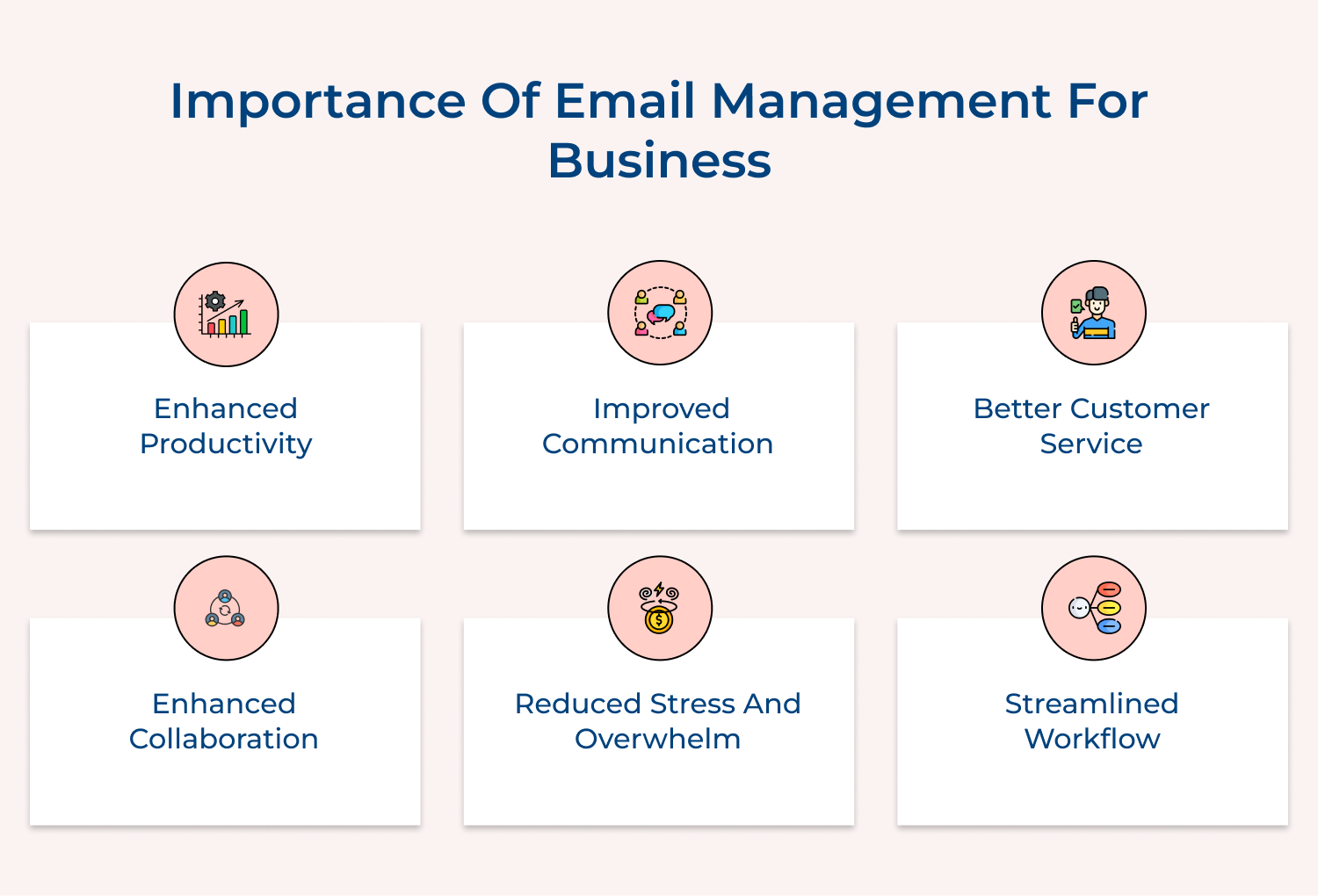
Efficient email management is crucial for productivity. These smart tips will help you streamline your inbox, save time and improve organizational communication.
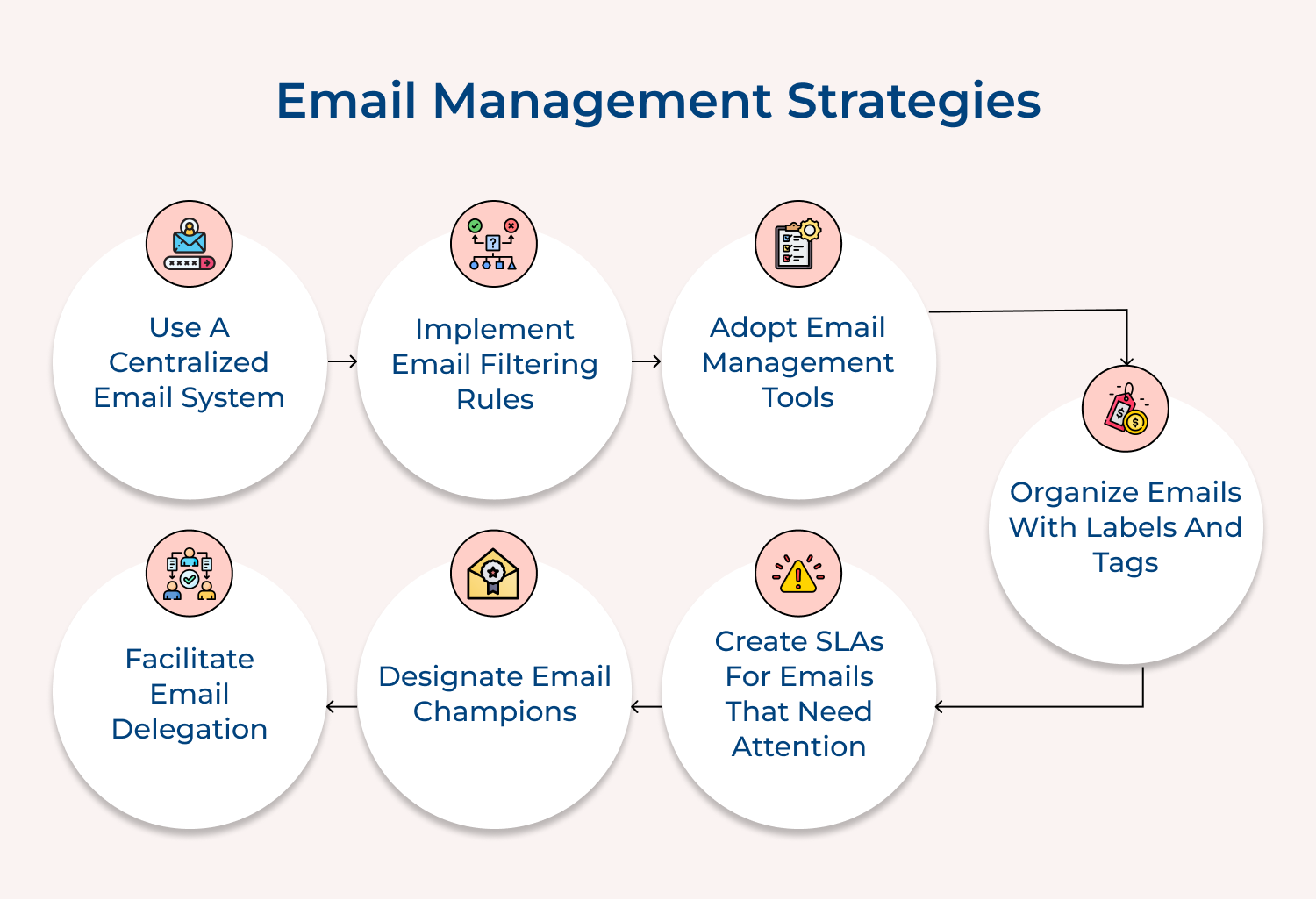
A centralized email system provides a unified platform for all company communications, ensuring consistency and easier management. It allows for standardized policies and better security control. Such an approach reduces the risk of miscommunication and improves overall efficiency in handling emails.
Implement a company-wide email system like Google Workspace or Microsoft 365. Set up company domains and create accounts for all employees. Use admin controls to manage security settings, archive emails and set up shared resources like calendars or contact lists.
Pro tips:
Department-specific email accounts streamline communication by directing inquiries to the right team. It reduces individual inbox clutter, ensures faster response times and provides a more organized approach to handling department-related queries. It also facilitates better teamwork and knowledge sharing within departments.
Set up email addresses like sales@company.com or support@company.com. Assign team members to monitor these accounts on a rotational basis. Use shared inbox tools to manage these accounts collaboratively, allowing multiple team members to view, respond to and track emails efficiently.
Pro tips:
Email filtering rules automatically sort incoming messages, reducing inbox clutter and helping prioritize important emails. It saves time spent on manual sorting and ensures that urgent messages are not overlooked. It also helps in organizing emails for easier retrieval.
Set up rules in your email client to automatically sort emails based on sender, subject, or content. For example, move newsletters to a ‘Reading’ folder, client emails to a ‘Priority’ folder, and internal memos to a ‘Team’ folder. Regularly review and refine these rules.
Pro tips:
Shared inbox tools facilitate collaborative email management, particularly useful for customer service, sales or project teams. They prevent duplication of efforts, ensure no emails are missed and provide transparency in team communication. It improves response times and overall team efficiency.
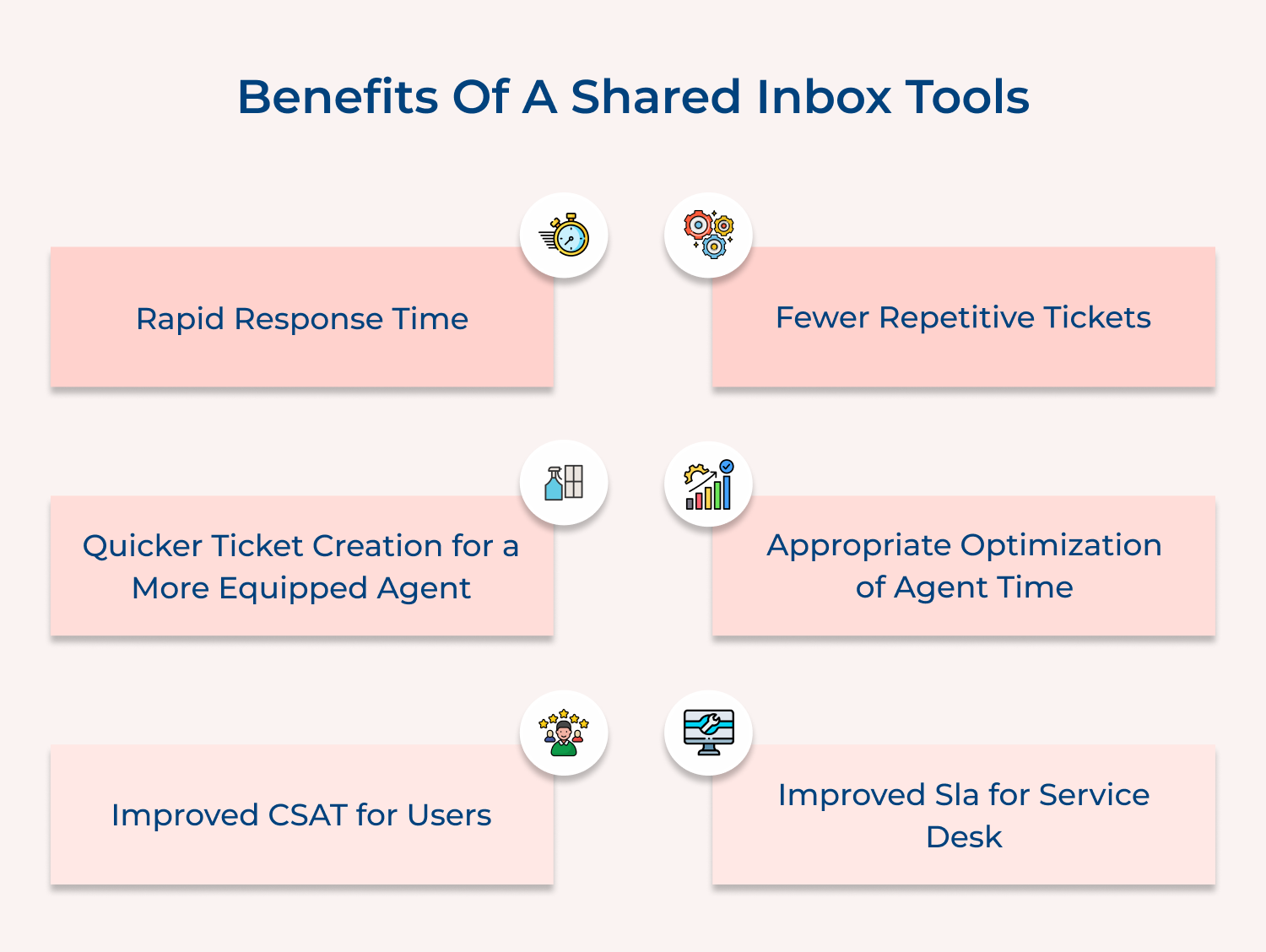
Implement a shared inbox tool like Front or Hiver. Assign team members to monitor the shared inbox. Use features like internal notes, email assignment and status tracking to manage emails collaboratively. Set up automated workflows to route specific types of emails to the right team members.
Pro tips:
Email management tools provide advanced features to organize, prioritize and process emails more efficiently. They can automate repetitive tasks, provide insights into email habits and offer functionalities like email scheduling and tracking, ultimately saving time.
Implement tools like Boomerang, SaneBox, or Unroll.me. Use features like email scheduling to send messages at optimal times, email tracking to know when messages are opened and smart filtering to prioritize important emails. Leverage analytics to understand and improve your email habits.
Pro tips:
Email templates save time when responding to frequently asked questions or sending routine communications. They ensure consistency in messaging, reduce the risk of errors and allow for quicker responses. It is particularly useful for customer service, sales and HR departments.
Create templates for common scenarios like customer inquiries, meeting requests, or project updates. Store these templates in your email client or a shared document. Customize the templates as needed before sending to add a personal touch and relevant details.
Pro tips:
Labels and tags help categorize emails without moving them from the inbox, allowing for easy retrieval. The system provides flexibility in organization, enables emails to belong to multiple categories and facilitates quick searching. It’s particularly useful for managing complex projects or diverse responsibilities.
Create a system of labels or tags based on projects, clients, urgency, or action required. Apply these to incoming and outgoing emails. Use color-coding to visually distinguish between different categories. Combine labels with filters to automatically tag incoming emails.
Pro tips:
Flagging important emails or setting Service Level Agreements (SLAs) ensures that critical messages receive timely attention. This practice helps prioritize workload, meets customer expectations and prevents important tasks from being overlooked. It’s crucial for maintaining high-quality customer service and efficient internal communication.
Use your email client’s flagging feature to mark important messages. Set up an SLA system that defines response times for different types of emails. Use reminders or alerts to notify you when SLA deadlines are approaching. Regularly review flagged emails and SLA performance.
Pro tips:
Collaborative tools can significantly reduce email volume by providing alternative platforms for internal communication and project management. The shift helps declutter inboxes, improves real-time collaboration and keeps project-related discussions organized. It also promotes more efficient teamwork and information sharing.
Implement tools like omni24 for instant messaging, Trello for project management, or Microsoft Teams for team collaboration. Encourage team members to use these platforms for internal communications and project updates instead of email. Integrate these tools with your email system for seamless workflow.
Pro tips:
Email champions help promote best practices, provide support and drive adoption of efficient email management techniques within the organization. They serve as go-to resources for email-related issues, ensuring consistent application of email policies and helping to continually improve email processes.
Select individuals from different departments to serve as email champions. Provide them with advanced training on email management techniques and tools. Task them with conducting workshops, creating guidelines and offering one-on-one support to colleagues. Regularly meet with champions to discuss challenges and improvements.
Pro tips:
A knowledge base for email FAQs reduces repetitive emails by providing readily available answers to common questions. It saves time for both senders & recipients, ensures consistency in responses and allows team members to focus on more complex or unique queries.
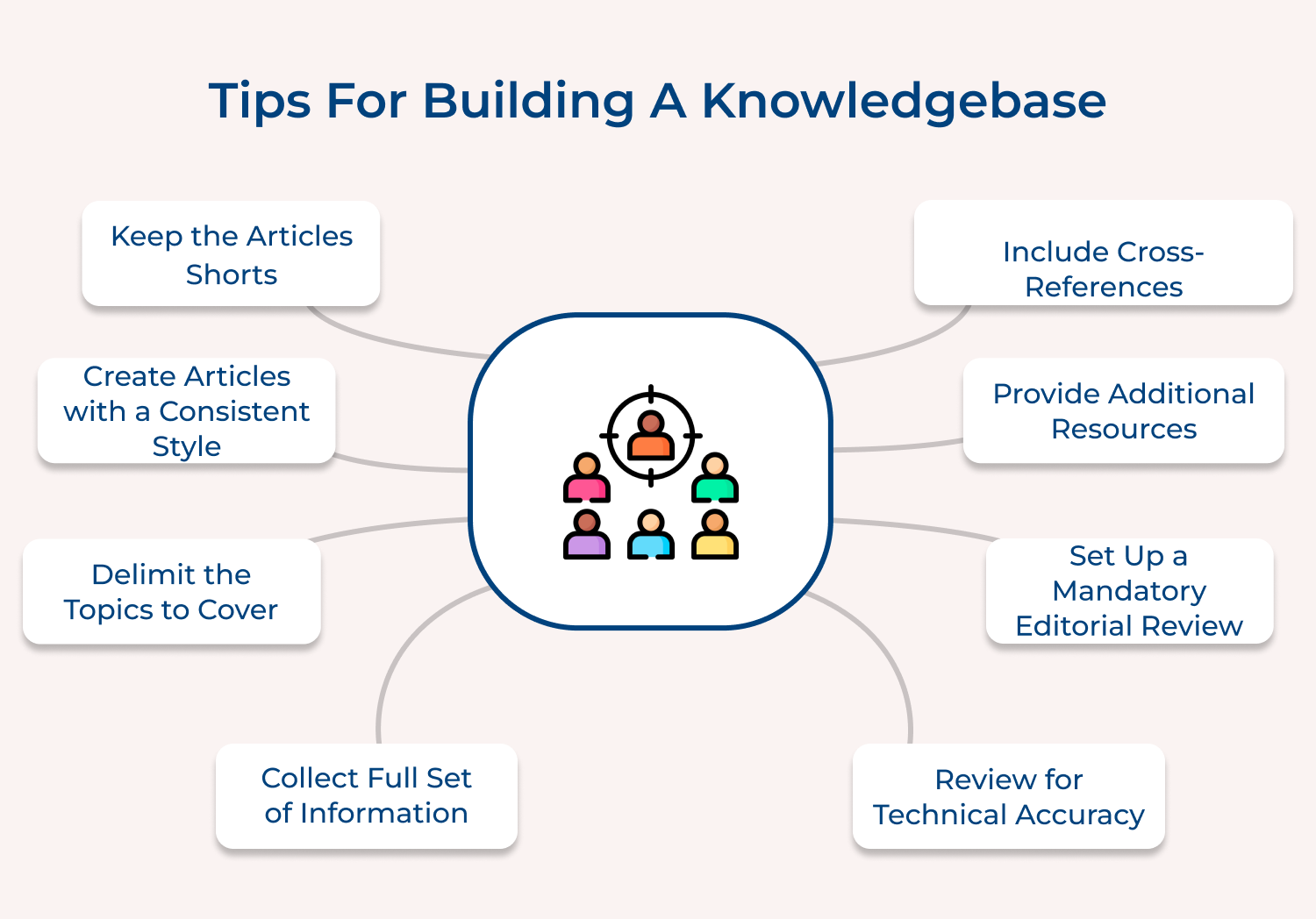
Develop a searchable database of frequently asked questions and their answers. Make this accessible to all employees. Encourage team members to consult the knowledge base before sending emails. Regularly update the content based on new common questions or changes in processes.
Pro tips:
Email delegation allows for efficient distribution of workload, ensures that emails are handled by the most appropriate person and prevents bottlenecks in communication. It’s particularly useful for managers or team leads who receive a high volume of emails, some of which could be handled by team members.
Use email client features or third-party tools that allow for easy delegation. Assign emails to team members based on their roles and expertise. Set up a system to track delegated emails and their status. Provide guidelines on how to handle delegated emails and when to escalate.
Pro tips:
Regular inbox cleaning prevents the accumulation of unnecessary emails. It ensures that important messages don’t get lost in the shuffle and helps in adhering to data retention policies. This practice contributes to improved focus and productivity.
Set aside dedicated time (e.g., weekly or monthly) for inbox cleaning. During this time, delete unnecessary emails, archive old but important messages and organize remaining emails into appropriate folders. Use this opportunity to unsubscribe from unwanted newsletters and update your email management rules.
Pro tips:
Effective inbox management is crucial for maintaining productivity and reducing stress. Here are best practices to achieve a well-organized inbox.

Mastering email management is crucial for maintaining productivity and reducing workplace stress. By implementing effective strategies, such as setting clear priorities, utilizing filters and scheduling dedicated email times, you can transform your inbox into a well-organized and efficient workspace.
Embracing tools like templates, automation and integration with other systems further streamlines your communication process. Regularly reviewing and updating your email practices ensures they remain aligned with your needs.
Adopting these tips not only helps manage your email more effectively but also improves overall workflow, enhances communication and supports a more productive work environment.

How do you delete thousands of emails at once?
To delete thousands of emails at once, use your email client’s search or filter function to select all emails matching specific criteria (e.g., date range, sender, or subject). Then, use the “Select All” option and delete. For web-based email services, you might need to select emails in batches due to page load limitations. Always double-check your selection before deleting to avoid accidental loss of important emails.
How does email management work for your business?
Email management for businesses involves implementing systems and policies to organize, prioritize, and efficiently handle incoming/outgoing emails. This typically includes setting up shared inboxes, delegating responsibilities, using automated filters and rules, establishing response time standards or training employees on email etiquette. Many businesses also utilize customer relationship management (CRM) tools to integrate email management with other business processes for improved workflow and customer service.
What folders should I have in my email inbox?
Essential email folders typically include:
What emails should be archived and what emails should be deleted?
Archive emails that may be needed for future reference, such as important conversations, project details, financial information or legal documents. Also, archive emails that provide context for ongoing projects or relationships. Delete spam, outdated promotional emails, personal conversations unrelated to work and any redundant or unnecessary emails. Always consider your organization’s data retention policies and legal requirements when deciding what to archive or delete.
 https://omni24.io/wp-content/uploads/2026/08/AI-Customer-Service-Agents.png
1256
2400
Webvision Solution
https://omni24.io/wp-content/uploads/2023/04/Omni-Logo-1.svg
Webvision Solution2026-09-21 04:48:512026-09-21 04:48:51How to Build an AI Customer Service Agents: 8 Key Steps
https://omni24.io/wp-content/uploads/2026/08/AI-Customer-Service-Agents.png
1256
2400
Webvision Solution
https://omni24.io/wp-content/uploads/2023/04/Omni-Logo-1.svg
Webvision Solution2026-09-21 04:48:512026-09-21 04:48:51How to Build an AI Customer Service Agents: 8 Key Steps https://omni24.io/wp-content/uploads/2026/08/Omnichannel-Conversational-AI.png
1256
2400
Tushar Joshi
https://omni24.io/wp-content/uploads/2023/04/Omni-Logo-1.svg
Tushar Joshi2026-09-16 03:51:072026-09-16 03:51:07How to Build Omnichannel Conversational AI Strategy
https://omni24.io/wp-content/uploads/2026/08/Omnichannel-Conversational-AI.png
1256
2400
Tushar Joshi
https://omni24.io/wp-content/uploads/2023/04/Omni-Logo-1.svg
Tushar Joshi2026-09-16 03:51:072026-09-16 03:51:07How to Build Omnichannel Conversational AI Strategy https://omni24.io/wp-content/uploads/2026/08/Customer-Service-Teams.png
1256
2400
Tushar Joshi
https://omni24.io/wp-content/uploads/2023/04/Omni-Logo-1.svg
Tushar Joshi2026-09-15 04:01:522026-09-15 04:02:16How to Build Customer Service Teams: 6 Key Steps
https://omni24.io/wp-content/uploads/2026/08/Customer-Service-Teams.png
1256
2400
Tushar Joshi
https://omni24.io/wp-content/uploads/2023/04/Omni-Logo-1.svg
Tushar Joshi2026-09-15 04:01:522026-09-15 04:02:16How to Build Customer Service Teams: 6 Key Steps
Whether it’s about acquire, engage or support – Omni24 covers all your customer engagement needs in one complete platform.

Copyright ©2026 Veemo All rights reserved.
CA, Los Angeles, Hall Ave, 19011