How to Build Customer Service Teams: 6 Key Steps
Customer service teams ensure consistent, responsive support that builds trust, boosts satisfaction and drives loyalty.

Customer service teams ensure consistent, responsive support that builds trust, boosts satisfaction and drives loyalty.
Modern customers expect instant personalized responses whenever they reach out. Poor support experience leads them to competitors who understand that every interaction shapes brand loyalty.
Customer service teams face rising demands: 87% of support teams report increased expectations year-over-year, with 63% of customers prioritizing response speed.
Building an effective support team feels overwhelming when you’re juggling hiring, training, tools and daily operations simultaneously. Most businesses struggle with high turnover, inconsistent service quality and teams that can’t scale as customer volume grows.
Walk through the guide on creating a customer support team that actually works. Also, learn hiring strategies and metrics that matter for delivering exceptional customer experiences.
Customer service teams are groups of employees dedicated to helping customers before, during and after purchases. They handle questions, solve problems and ensure people have positive experiences with a company. These teams serve as the direct link between businesses and their customers.
Strong customer service teams directly influence revenue and reputation. They turn frustrated customers into loyal advocates and prevent negative reviews from spreading. Companies with excellent service teams often see higher retention rates and increased customer lifetime value.
Key Elements
Investing in a dedicated customer service team transforms how your business interacts with customers. Here’s why building this team matters for creating exceptional experiences.
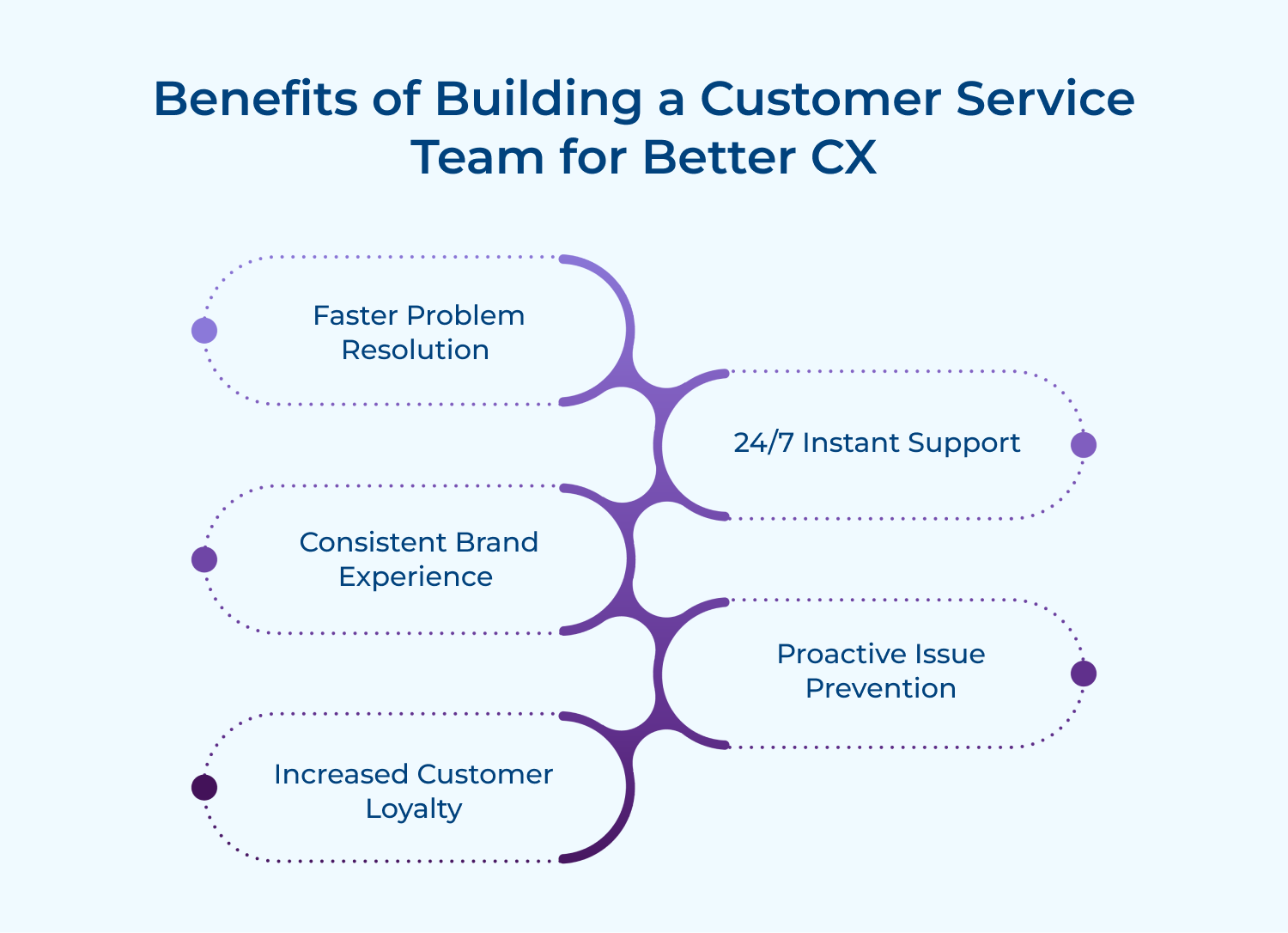
1. Faster problem resolution: Dedicated teams develop expertise in handling common issues efficiently. Customers get solutions quickly instead of waiting while employees figure out unfamiliar problems. This speed reduces frustration and keeps people satisfied.
2. Consistent brand experience: Trained service teams deliver uniform responses across all customer interactions. Everyone receives the same quality of help regardless of when they reach out. This consistency builds trust in your brand.
3. Proactive issue prevention: Service teams spot recurring problems before they escalate into bigger crises. They identify patterns in customer complaints and alert other departments. This foresight prevents widespread dissatisfaction and saves money.
4. Increased customer loyalty: People remember how well you treat them during difficult moments. A strong service team turns problems into opportunities to demonstrate commitment. These positive experiences create customers who stick around longer.
5. Valuable business insights: Customer service teams hear direct feedback about products and services daily. They understand what frustrates users and what features people want most. This information guides better business decisions across departments.
The right structure depends on your company’s size and complexity. Here are two frameworks to help you organize your support team effectively.
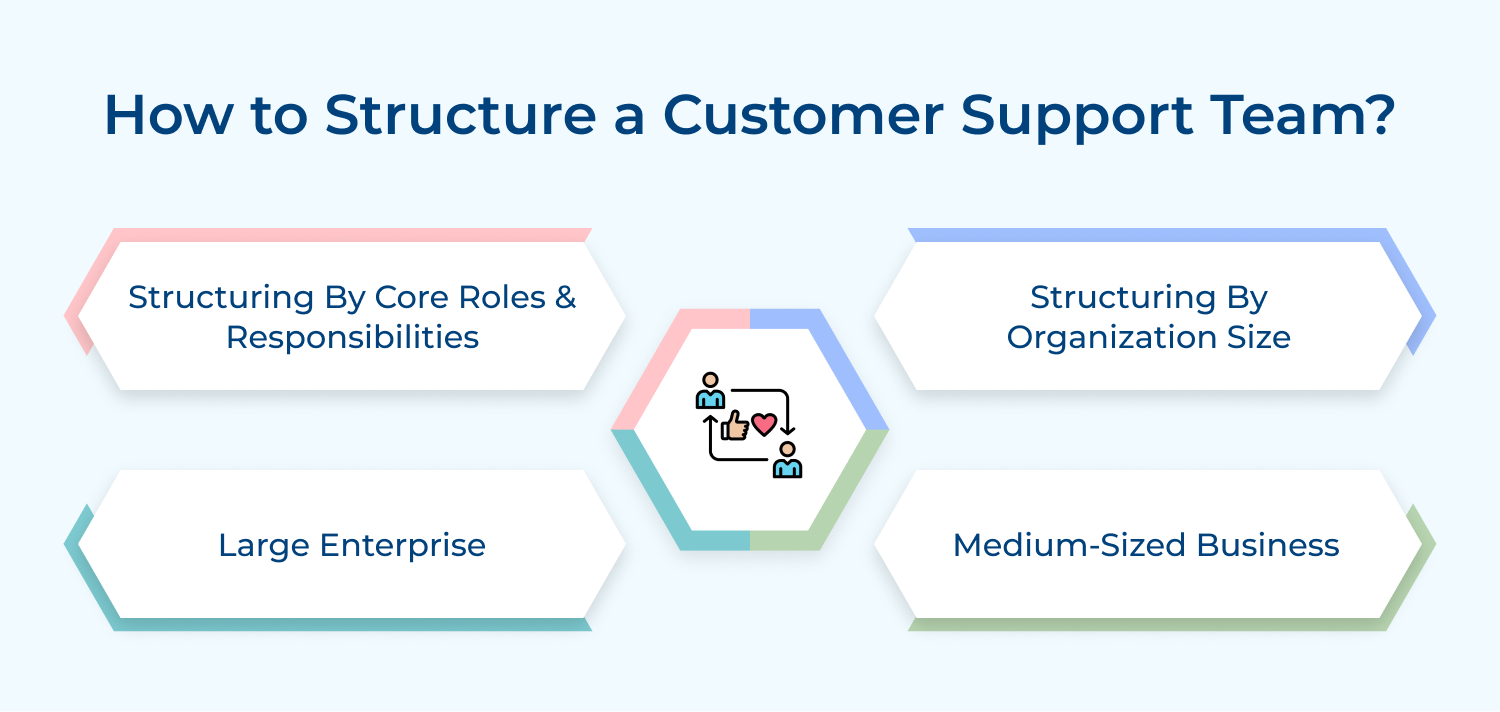
Different company sizes require different approaches to team structure. Your current scale determines which model works best for your resources and customer volume.
Small Business
Small teams handle everything with minimal hierarchy and maximum flexibility. Everyone wears multiple hats and knows customers personally. This intimate setup works when dealing with manageable ticket volumes.
Here’s what makes small business support work well:
The personal touch becomes your competitive advantage at this stage. Every interaction feels genuine because agents have real ownership over outcomes. Customers appreciate the authenticity that comes from talking with people who truly care.
Growing companies need specialized roles while maintaining collaborative culture. Teams split into defined functions like technical support and billing assistance. This structure balances efficiency with personalized service as volume increases.
Here’s how medium businesses organize their support:
Specialization improves resolution quality without losing the personal connection. Agents develop deep expertise in their areas while still collaborating across teams. This setup scales well as you add more customers and products.
Enterprise teams operate like well-oiled machines with clear hierarchies and processes. Multiple departments coordinate to serve thousands of daily interactions across channels. Structure becomes critical for maintaining consistency and preventing chaos at scale.
Enterprise support relies on these organizational elements:
Sophisticated systems compensate for the loss of personal touch. Technology routes customers to the right specialist while knowledge bases ensure consistent answers. The focus shifts to operational excellence and continuous process improvement.
Role-based structures define what each team member does daily. Clear responsibilities prevent confusion and ensure every customer’s needs get addressed properly.
Frontline Agents
These representatives handle initial customer contacts and resolve straightforward issues independently. They’re the face of your company and manage the highest volume of interactions.
Key responsibilities that define frontline work include:
Strong communication skills matter more than technical expertise at this level. Agents must stay patient under pressure while juggling multiple conversations simultaneously. Their positive attitude sets the tone for the entire customer experience.
Escalation Specialist
Specialists handle complex cases that frontline agents cannot resolve alone. They possess deeper technical knowledge or authority to make exceptions and offer solutions. These team members receive the toughest challenges that require creative thinking.
Escalation specialists focus on these critical areas:
Experience distinguishes specialists from frontline agents in meaningful ways. They’ve seen countless edge cases and developed intuition for finding solutions. Customers appreciate talking to someone who truly understands their frustration and can help.
Support Operations Manager
Managers oversee team performance and ensure support runs smoothly every day. They balance customer needs with business goals while developing their team members. Operations managers analyze metrics to identify bottlenecks and improvement opportunities constantly.
Management responsibilities include these essential duties:
Great managers protect their teams from burnout while pushing for better results. They advocate for resources and tools that make everyone’s job easier. Their leadership determines whether support feels like a cost center or strategic advantage.
Here’s a step-by-step guide to building a customer support team that not only meets but exceeds your customers’ expectations, ensuring satisfaction and long-term loyalty.
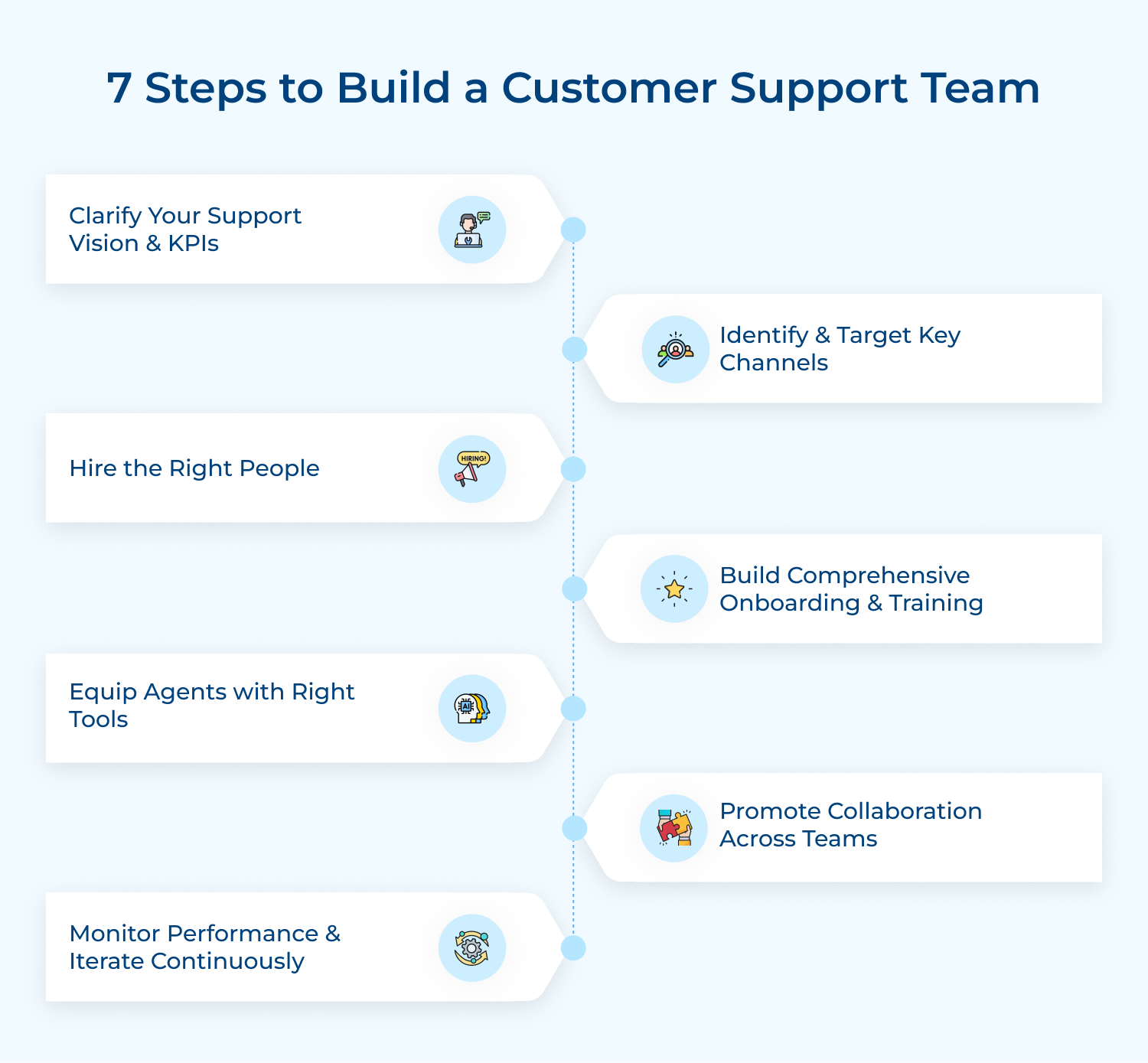
Setting a clear support vision defines how your team will serve customers daily. This foundation guides every decision from hiring to tool selection and ensures everyone works toward the same customer experience goals.
If you don’t know where to start, consider these questions:
These questions force you to think beyond vague promises and commit to specific standards. They transform abstract ideas about good service into concrete targets your team can actually achieve and measure.
So how do you actually clarify your vision? Start by deciding what matters most to your customers. Do they value speed over detailed explanations or prefer thorough guidance even if it takes longer? Your answer becomes your guiding principle for everything else.
Choosing the right communication channels determines where your team focuses their energy. Meeting customers on their preferred platforms makes support feel convenient rather than frustrating and increases the likelihood they’ll actually reach out when problems arise.
Here are effective ways to identify your key channels:
Let’s say you run a software company targeting small business owners. Your research shows they’re active on email during work hours and prefer quick chat responses. You’d focus resources on email and live chat rather than spreading yourself thin across social media.
But what if customers contact you everywhere? Start with two or three channels where most inquiries already come in. Master those before expanding to additional platforms based on actual demand.
Building your support team starts with finding people who genuinely care about helping others. Skills can be taught but the natural desire to solve problems and empathize with frustration cannot be easily trained into someone.
The right people transform ordinary interactions into memorable experiences that build loyalty. They turn angry customers into advocates and prevent small issues from becoming reasons to leave. Your team’s personality becomes inseparable from your brand’s reputation.
When hiring for your support team, focus on these factors:
So, where do you actually find these people? Look beyond traditional job boards to communities where helpful people naturally gather. Former teachers, hospitality workers and community moderators often possess the core traits you need.
Here are proven methods for finding great support candidates:
New hires need structured learning to become effective support team members quickly. Proper onboarding transforms nervous beginners into confident agents who can handle real customer issues without constant supervision or second-guessing themselves.
Most successful businesses build onboarding programs that include these elements:
The biggest challenge is balancing speed with thoroughness when training new agents. Rush them too quickly and they’ll make costly mistakes that frustrate customers. Take too long & you waste resources while your team remains understaffed. Solve this by creating a two-week intensive program followed by gradual responsibility increases with regular check-ins.
Providing the right software and systems enables your team to work effectively. Without proper tools agents waste time switching between platforms and struggle to track conversations or find information customers need quickly.
What should you actually look for when choosing tools? Prioritize ease of use over fancy features because complex systems slow agents down. The best tool is one your team will actually use daily without frustration or confusion.
Here’s how the right tools transform your support operations:
The right toolkit doesn’t just make agents faster but also reduces stress and burnout. When people can find answers and communicate smoothly they feel more confident and stay engaged with their work longer.
Breaking down silos between support and other departments creates better outcomes for customers. When support teams can easily communicate with product, engineering and sales they solve problems faster to prevent recurring issues from frustrating multiple customers.
Support agents hear customer pain points daily that other teams never see directly. Sharing these insights helps product teams prioritize features, engineering fix critical bugs and sales set accurate expectations. Everyone benefits when information flows freely across department boundaries.
Pro tips:
Tracking the right metrics helps you understand how well your support team serves customers. Numbers reveal what’s working and where you need to improve your approach.
Before diving into specific metrics, ask yourself these questions:
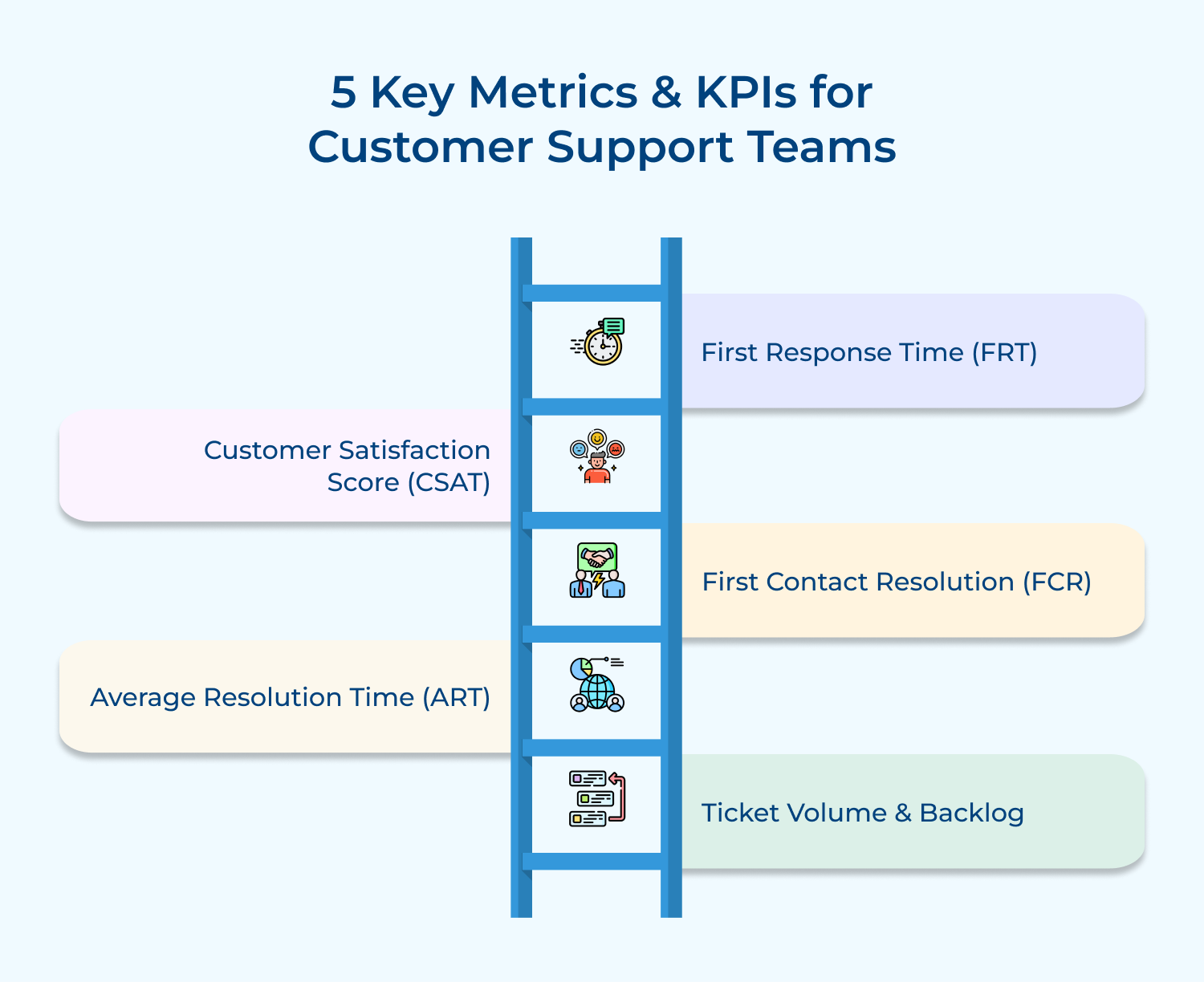
1. First Response Time (FRT)
This measures how quickly agents acknowledge a customer’s initial message or inquiry. Faster responses show customers you value their time and reduce anxiety while they wait for help. Most customers expect replies within hours not days.
2. Customer Satisfaction Score (CSAT)
This tracks how happy customers feel immediately after a support interaction ends. You typically ask customers to rate their experience on a scale after each conversation. High scores indicate your team is meeting expectations consistently.
3. First Contact Resolution (FCR)
This shows what percentage of issues get completely solved during the first interaction. High FCR means customers don’t need to reach out multiple times for the same problem. It saves everyone time and demonstrates agent competence.
4. Average Resolution Time (ART)
This measures how long it takes to fully resolve a customer issue from start to finish. Shorter resolution times mean customers return to their work or life faster. Balance speed with quality to avoid rushing through complex problems.
5. Ticket Volume and Backlog
This counts how many customer inquiries arrive and how many remain unanswered at any time. Growing backlogs signal you need more agents or better processes. Tracking trends helps you staff appropriately during busy periods.
The right technology stack empowers your support team to work smarter and faster. These essential tools help agents manage conversations, automate repetitive tasks and deliver consistent customer experiences.
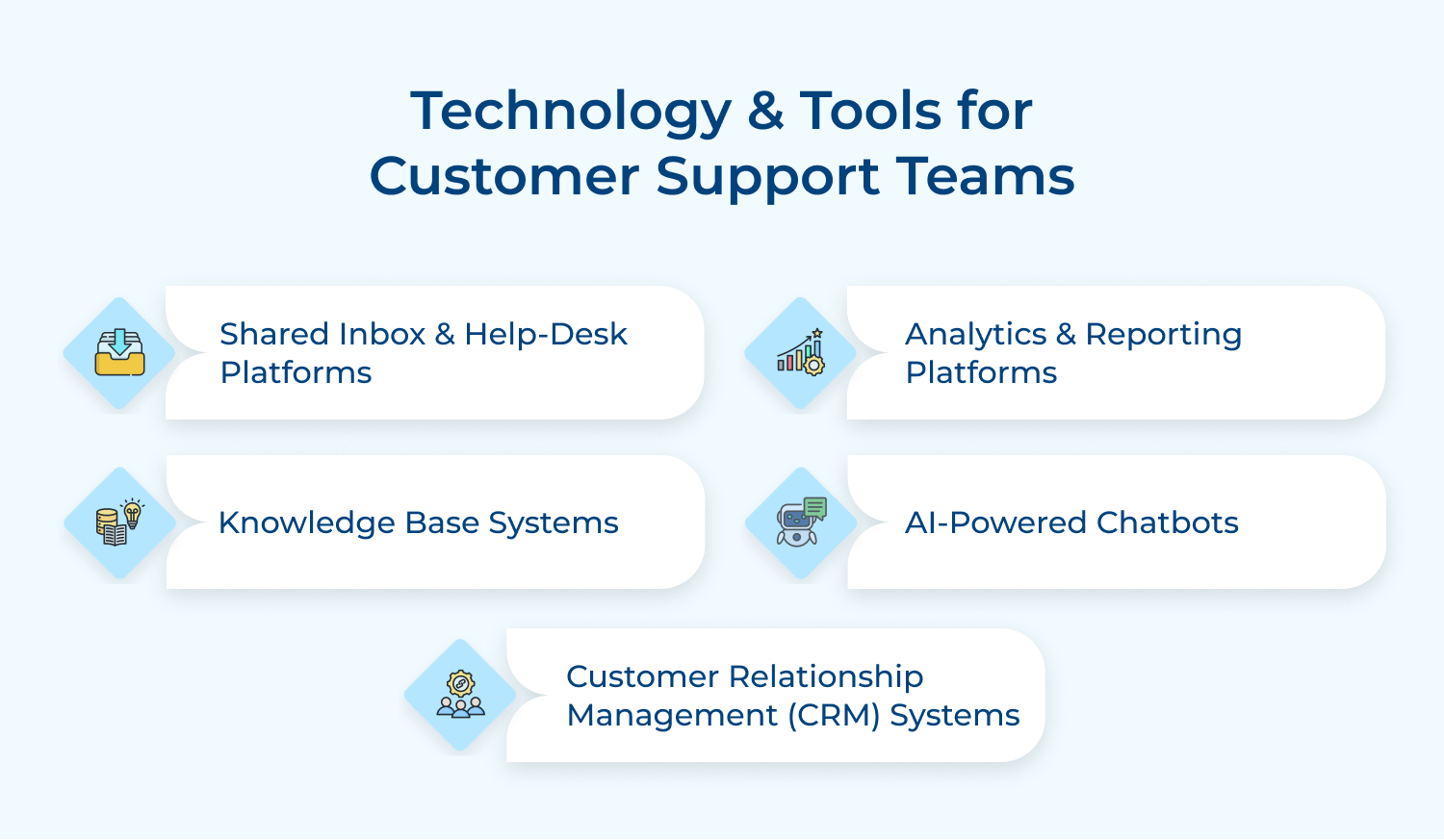
These centralize all customer messages from email, chat and social media into one unified workspace. Agents can see conversation history, assign tickets to teammates and track resolution progress without switching between multiple applications constantly.
These handle routine questions automatically so agents can focus on complex issues requiring human judgment. Chatbots provide instant answers 24/7 for common inquiries like password resets or order tracking. They escalate tricky problems to real agents seamlessly.
These create searchable libraries of help articles, FAQs and troubleshooting guides for customers. Customers can find answers independently without contacting support while agents access accurate information quickly. Well-organized knowledge bases reduce ticket volume significantly.
These track performance metrics like response times, satisfaction scores and resolution rates in real-time dashboards. Managers identify trends, spot bottlenecks and make data-driven decisions about staffing or process changes. Clear reporting keeps everyone accountable to goals.
These store complete customer profiles including purchase history, previous interactions and account details in one place. Agents access context immediately without asking customers to repeat information they’ve already shared. Personalized service becomes possible at scale.
Building a strong customer support team takes intentional effort and smart planning. The right structure, people, tools and processes transform how customers perceive your entire business to determine whether they stay loyal or leave.
Start with clarity about your vision and grow from there. Focus on hiring empathetic people, training them thoroughly and giving them resources to succeed. Your investment in exceptional service creates competitive advantages that competitors can’t easily copy.

How can I measure the ROI of my support team?
Track customer retention rates and lifetime value before & after support improvements. Compare support costs against revenue from retained customers who might have left without good service. Calculate savings from reduced churn and increased referrals from satisfied customers.
What are the key elements of good and successful customer support teams?
Successful teams combine skilled people with clear processes and the right tools. They have empathetic agents who communicate well, efficient systems for tracking issues and leadership that supports continuous improvement. Strong collaboration with other departments also matters significantly.
What kind of training should I provide to my customer support team?
Start with comprehensive product knowledge so agents understand what they’re supporting thoroughly. Include communication skills training for handling difficult conversations and de-escalating frustrated customers. Provide ongoing coaching on new features and regular practice with challenging scenarios.
What role does a positive work culture play in building a successful customer support team?
Culture determines whether agents stay engaged or burn out quickly from constant stress. Supportive environments where people feel valued and heard produce happier agents who treat customers better. Recognition, reasonable workloads and growth opportunities reduce turnover.
What role does customer intent play in search engine optimization (SEO)?
Customer intent plays a significant role in search engine optimization (SEO) because search engines aim to deliver relevant and useful results to users based on their search queries. By understanding customer intent, businesses can optimize their website content to align with what their target audience. It improves their visibility in search engine results.
Do customer service teams handle refunds and returns?
Most support teams process refunds and returns as part of their core responsibilities. Some companies give agents authority to approve refunds immediately while others require manager approval for larger amounts. Clear policies help agents handle these requests consistently and fairly.
 https://omni24.io/wp-content/uploads/2026/09/Social-commerce-scaled.png
1340
2560
Webvision Solution
https://omni24.io/wp-content/uploads/2023/04/Omni-Logo-1.svg
Webvision Solution2026-10-23 12:18:272026-10-23 12:18:27What is Social Commerce and Why Does It Matter?
https://omni24.io/wp-content/uploads/2026/09/Social-commerce-scaled.png
1340
2560
Webvision Solution
https://omni24.io/wp-content/uploads/2023/04/Omni-Logo-1.svg
Webvision Solution2026-10-23 12:18:272026-10-23 12:18:27What is Social Commerce and Why Does It Matter? https://omni24.io/wp-content/uploads/2026/08/AI-Customer-Service-Agents.png
1256
2400
Webvision Solution
https://omni24.io/wp-content/uploads/2023/04/Omni-Logo-1.svg
Webvision Solution2026-09-21 04:48:512026-09-21 04:48:51How to Build an AI Customer Service Agents: 8 Key Steps
https://omni24.io/wp-content/uploads/2026/08/AI-Customer-Service-Agents.png
1256
2400
Webvision Solution
https://omni24.io/wp-content/uploads/2023/04/Omni-Logo-1.svg
Webvision Solution2026-09-21 04:48:512026-09-21 04:48:51How to Build an AI Customer Service Agents: 8 Key Steps https://omni24.io/wp-content/uploads/2026/08/Omnichannel-Conversational-AI.png
1256
2400
Tushar Joshi
https://omni24.io/wp-content/uploads/2023/04/Omni-Logo-1.svg
Tushar Joshi2026-09-16 03:51:072026-09-16 03:51:07How to Build Omnichannel Conversational AI Strategy
https://omni24.io/wp-content/uploads/2026/08/Omnichannel-Conversational-AI.png
1256
2400
Tushar Joshi
https://omni24.io/wp-content/uploads/2023/04/Omni-Logo-1.svg
Tushar Joshi2026-09-16 03:51:072026-09-16 03:51:07How to Build Omnichannel Conversational AI Strategy
Whether it’s about acquire, engage or support – Omni24 covers all your customer engagement needs in one complete platform.

Copyright ©2026 Veemo All rights reserved.
CA, Los Angeles, Hall Ave, 19011