What is Knowledge Base SEO & How to Create it?
Knowledge Base SEO optimizes informational content with effective article structuring to boost search rankings, visibility and user engagement.

Knowledge Base SEO optimizes informational content with effective article structuring to boost search rankings, visibility and user engagement.
Your customers are struggling to find answers to their questions, flooding your support team with repetitive inquiries while potential customers can’t discover your helpful content through search engines.
Knowledge bases optimized for SEO rank higher in search results with top pages receiving 28% of clicks.
Every unanswered question represents a frustrated customer who might abandon your product, while your support team burns out handling the same basic questions repeatedly instead of focusing on complex issues.
Creating an SEO-optimized knowledge base transforms this challenge into an opportunity by making your support content discoverable through search engines, reducing ticket volume while attracting new customers who find your brand through helpful solutions.
A knowledge base is your customer support team’s central library of information. Think of it as a well-organized digital filing cabinet that stores answers to common questions, step-by-step guides and troubleshooting solutions. It serves as both a self-service resource for customers and a reference tool for support agents to quickly find accurate information.
When customers visit your knowledge base, they can search for specific topics or browse through categories to find solutions. The system uses keywords and tags to match their queries with relevant articles. Support agents also access this same information to provide consistent and accurate responses during live conversations with customers.
Key functionalities:
A well-optimized knowledge base transforms how customers find solutions and how support teams operate efficiently. Recent industry research reveals compelling evidence about SEO-optimized knowledge bases in customer support.
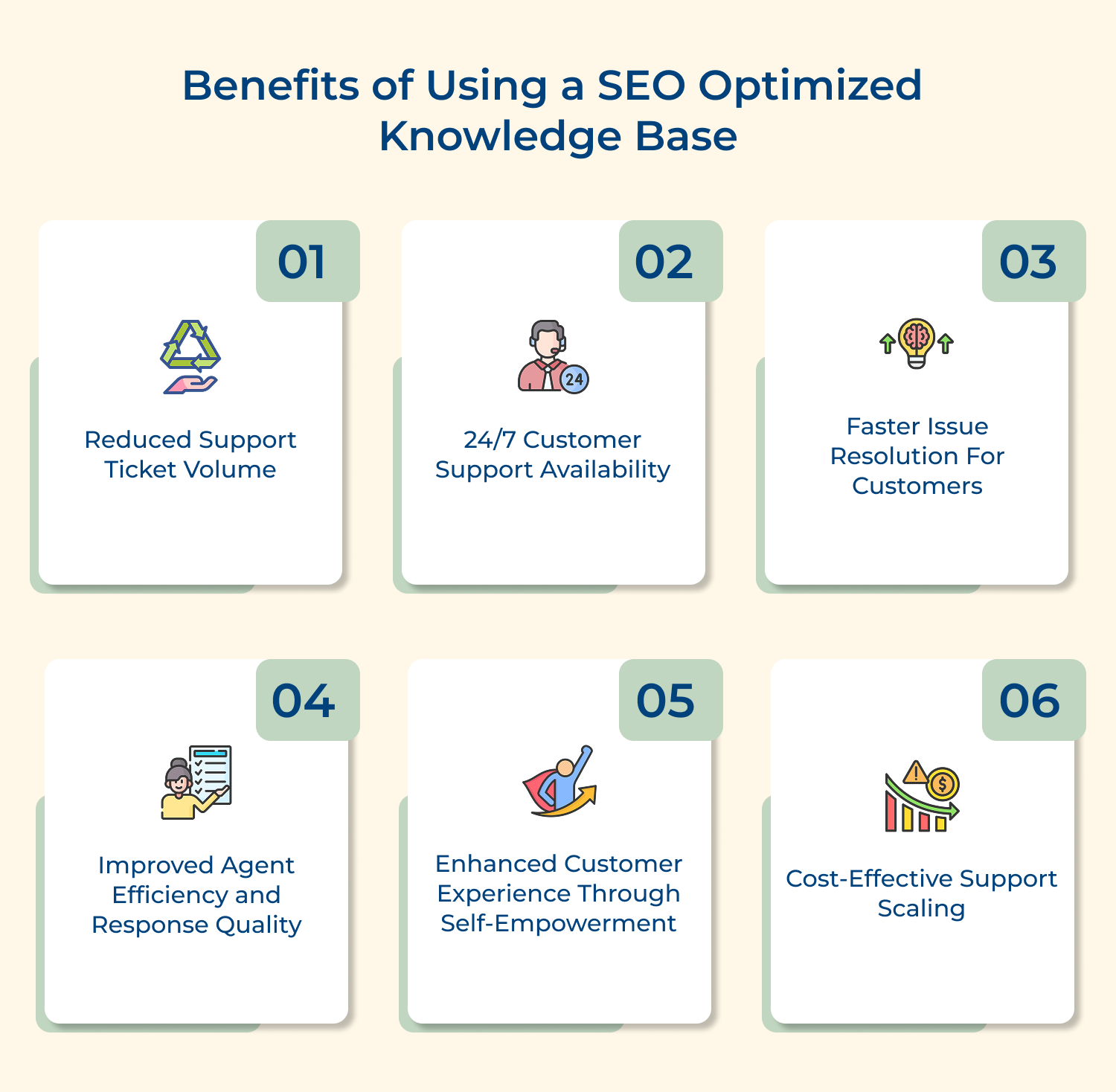
1. Reduced Support Ticket Volume
When your knowledge base ranks well in search results, customers discover solutions before reaching out for help. This proactive approach means fewer routine inquiries land in your support queue, allowing your team to focus on complex issues that truly require human assistance.
2. 24/7 Customer Support Availability
An SEO-optimized knowledge base works around the clock without requiring staff coverage. Customers can find answers to urgent questions at any time through search engines, creating a seamless support experience that doesn’t depend on business hours or time zones.
3. Faster Issue Resolution for Customers
Search-optimized articles help customers find specific solutions quickly without navigating through multiple support channels. This direct path to answers reduces frustration and creates a more satisfying experience where problems get solved in minutes rather than hours or days.
4. Improved Agent Efficiency and Response Quality
Support representatives can quickly locate accurate information from a well-organized and searchable knowledge base during customer conversations. This immediate access to standardized answers ensures consistent responses while reducing the time agents spend researching solutions for each inquiry.
5. Enhanced Customer Experience Through Self-Empowerment
Customers feel more confident when they can solve problems independently using clear and accessible information. This self-service approach creates a sense of accomplishment leading to higher satisfaction levels and stronger relationships with your brand over time.
6. Cost-Effective Support Scaling
An SEO-optimized knowledge base handles increasing customer volumes without proportional increases in support staff. As your business grows, the same content serves more customers through organic discovery, making it a sustainable and economical approach to customer support expansion.
These eight critical steps will guide you in building searchable knowledge base that meets both user needs and SEO best practices.
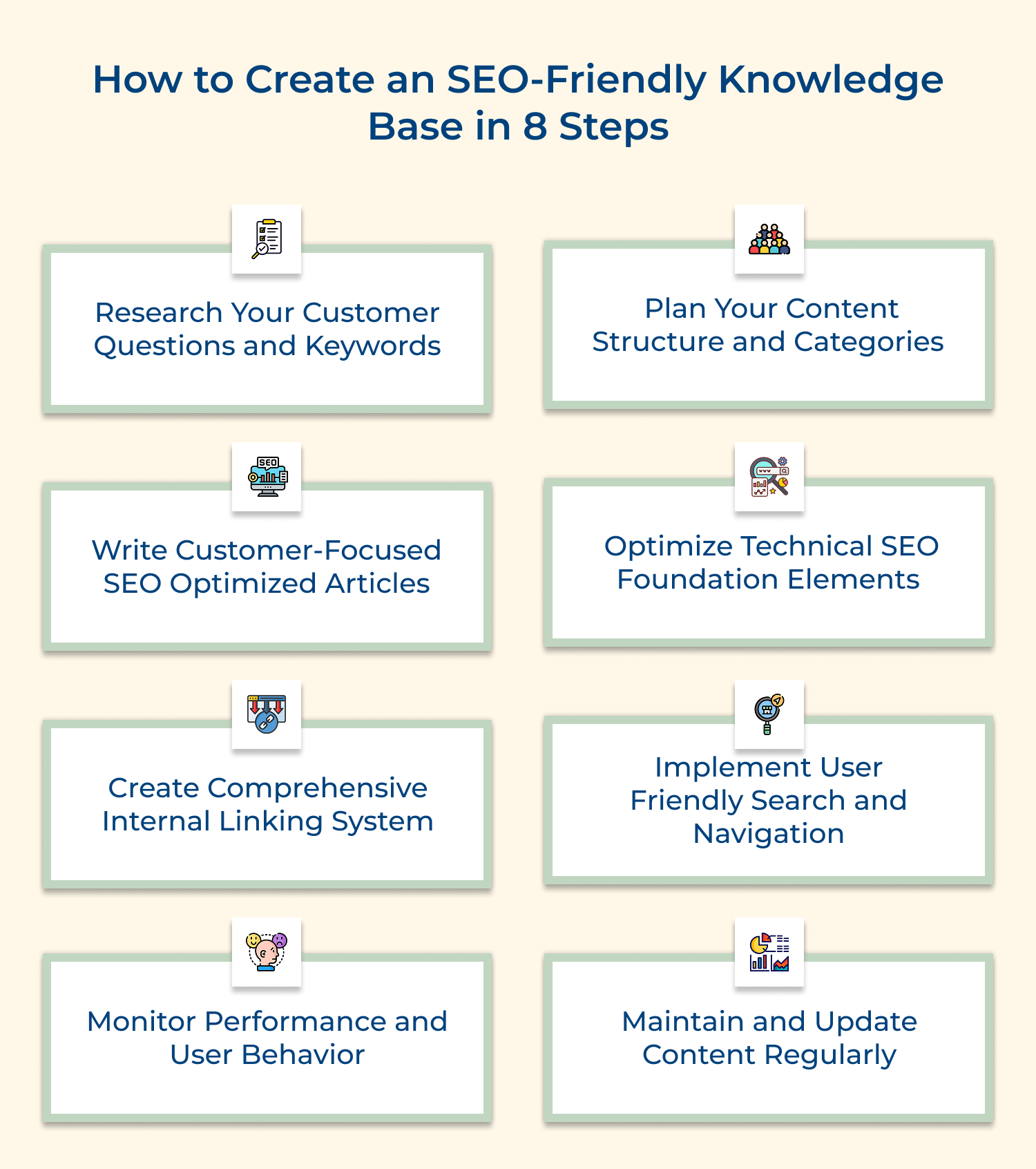
Understanding your customers’ search behavior forms the foundation of an effective SEO knowledge base. The research reveals the exact language customers use when seeking help and identifies content gaps that need addressing. Here are three effective approaches to uncover what your customers are really searching for:
For example, if you run a software company, you might discover that customers search for “app won’t open” rather than “application startup error.” This insight helps you create content using language that matches their natural search behavior.
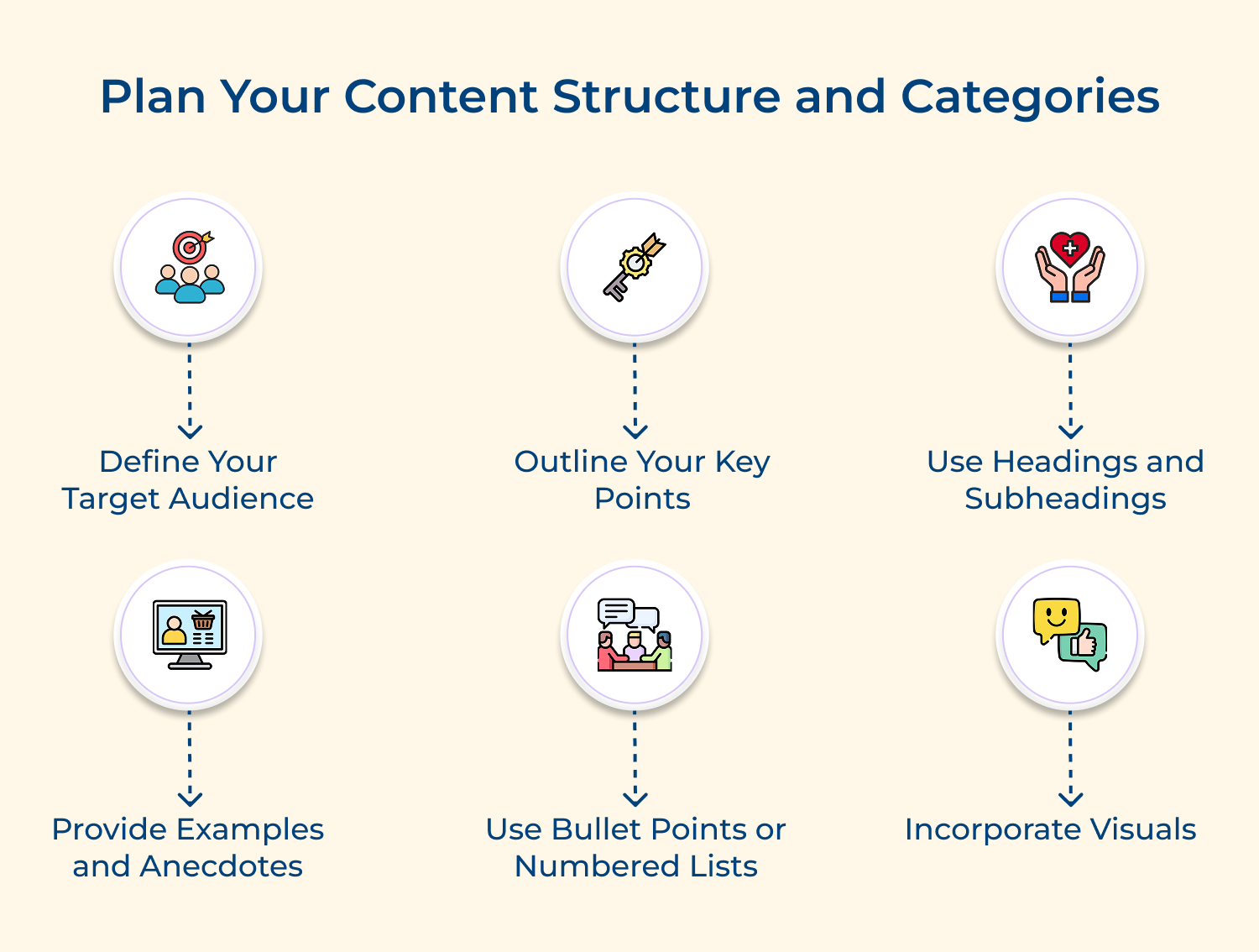
Content structure determines how easily both users and search engines can navigate your knowledge base. A well-planned hierarchy creates clear pathways to information while supporting your SEO goals.
Consider these essential questions before designing your knowledge base structure:
These questions help you create categories that mirror your customers’ mental models rather than your internal business structure. This alignment makes information discovery more intuitive and improves user satisfaction.
Think of implementation like building a house – you need a solid foundation before adding rooms. Start with broad categories, then create specific subcategories that feel natural to your customers.
Customer-focused SEO articles solve real problems while being discoverable through search engines. This balance ensures your content serves both human readers and technical requirements effectively. Consider these four essential factors when creating your support articles:
For instance, instead of writing “Product Configuration Guide,” create “How to Set Up Your Account in 5 Minutes” which directly addresses the customer’s time concern and includes actionable language. Here are examples of customer-focused articles that work well for support teams:
Remember that great support articles anticipate follow-up questions and provide comprehensive solutions rather than partial answers that require additional research.
Technical SEO optimization ensures search engines can properly crawl, index and rank your knowledge base content. Without solid technical foundations, even the best-written articles won’t reach customers who need them most. Here are three effective methods for strengthening your knowledge base’s technical SEO performance:
Why does technical optimization matter so much for customer support? Think of it this way: would you rather have customers find your helpful articles instantly through Google, or struggle to locate basic information and flood your support inbox instead?
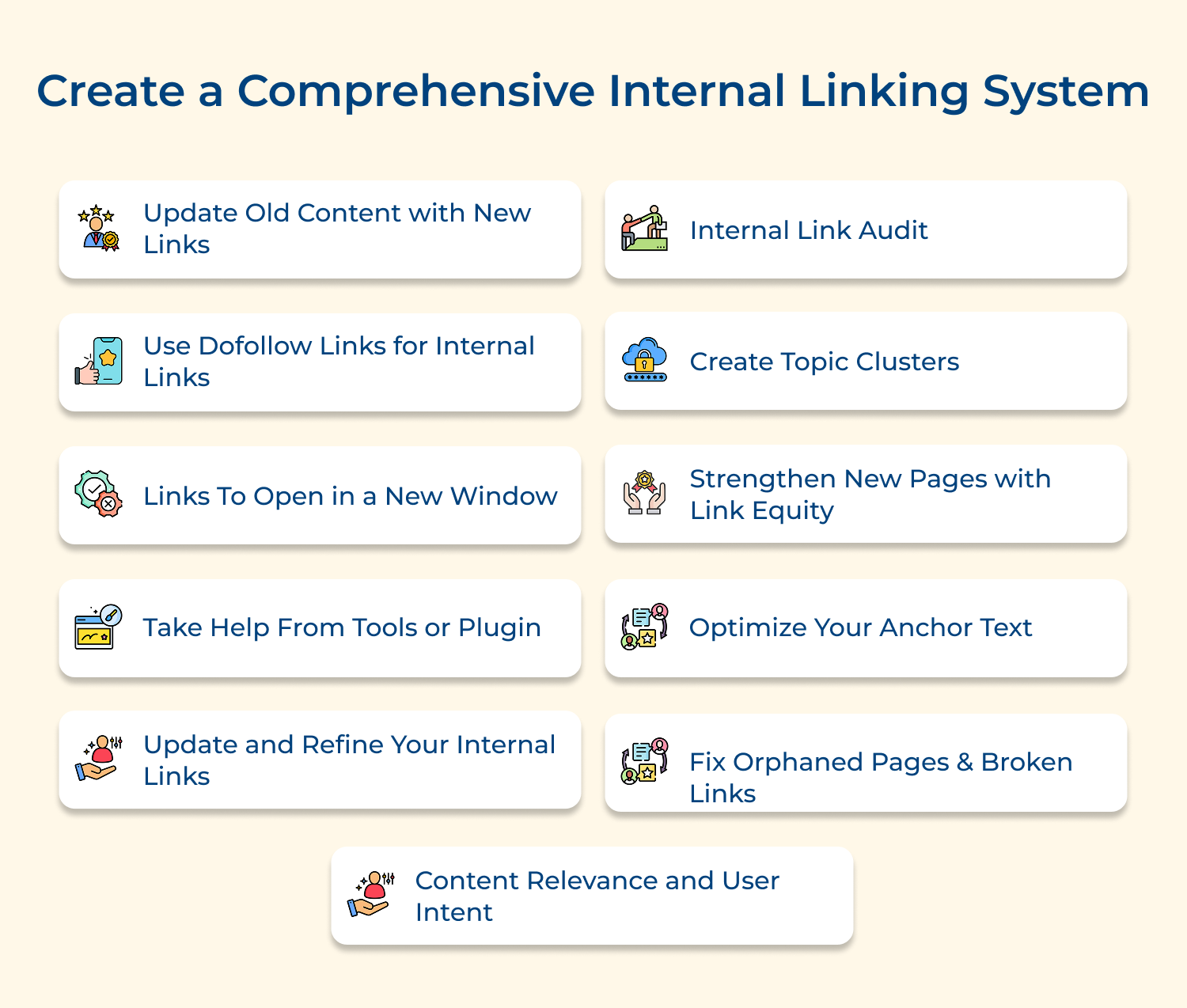
Internal linking connects related content within your knowledge base while helping search engines understand your site’s structure and topic relationships. This strategic approach guides customers through logical information pathways and improves overall discoverability.
Link Related Articles with Descriptive Anchor Text
Use specific anchor text that tells readers exactly what they’ll find when clicking a link rather than generic phrases like “click here.” This approach helps both users and search engines understand the connection between articles.
Build Hub Pages Connecting Multiple Related Topics
Create comprehensive resource pages that serve as central connection points for specific subjects or product areas. These hub pages organize multiple related articles under one umbrella while providing customers with a complete overview.
Include Contextual Links for Follow-Up Questions
Anticipate the natural progression of customer questions and include relevant links within your content that address likely next steps. The proactive linking strategy reduces the need for customers to search separately for additional information.
User-friendly search and navigation features determine whether customers can quickly locate the information they need or abandon your knowledge base in frustration. These elements directly impact both user satisfaction and your site’s search engine performance through improved engagement metrics. Implementing effective search and navigation provides three
Key benefits:
For example, adding search filters like “Getting Started” or “Troubleshooting” helps new users find beginner-friendly content while experienced customers can quickly access advanced technical solutions.
The article suggestions and popular content sections encourage customers to explore beyond their initial query. This strategic placement of supplementary resources often resolves additional questions before they arise while demonstrating the comprehensive nature of your support offerings.
Performance monitoring reveals how effectively your SEO knowledge base serves customers and identifies opportunities for continuous improvement. This ongoing analysis ensures your content strategy remains aligned with actual user needs and search engine requirements.
These four essential metrics provide comprehensive insights into your SEO-focused knowledge base performance and customer engagement patterns:
For instance, if analytics show customers frequently search for “password reset” but spend only 30 seconds on that article, you might need clearer instructions or better visual aids.
What else can businesses do beyond tracking metrics? Consider conducting regular user testing sessions where you watch customers navigate your knowledge base in real-time. This qualitative feedback often reveals navigation issues that numbers alone can’t capture.
Content maintenance ensures your knowledge base remains accurate, relevant and valuable to customers over time. Regular updates also signal to search engines that your site provides fresh and trustworthy information worth ranking highly.
This systematic approach involves scheduling quarterly content audits to identify outdated information, monitoring customer feedback for improvement suggestions, refreshing SEO elements to match evolving search trends and algorithm updates.
How to implement?
Think of SEO optimization as giving your knowledge base a complete health checkup and tune-up to help more customers discover your valuable content.
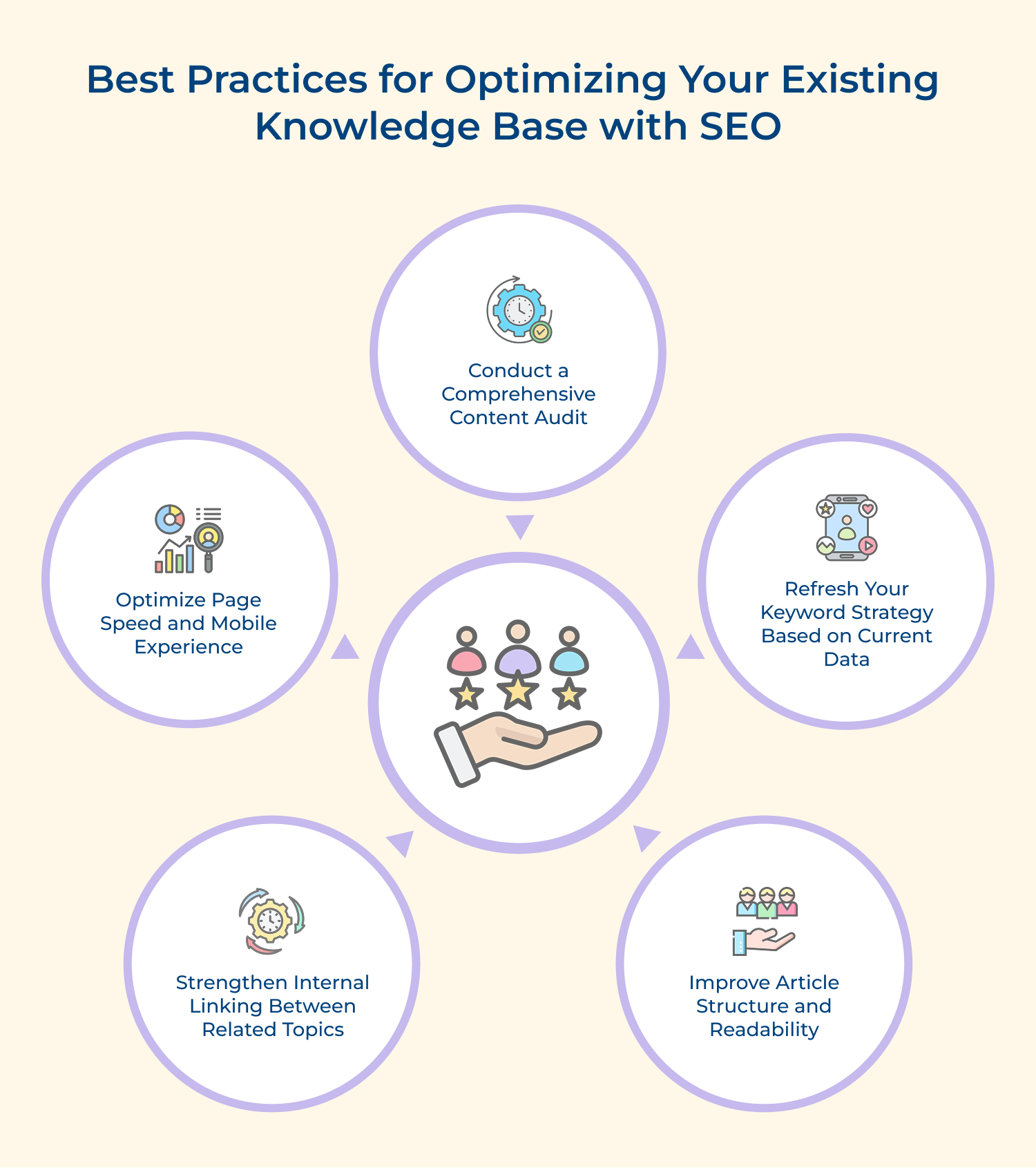
Start by examining every article in your knowledge base like a detective looking for clues about what’s working and what needs improvement. Review each piece of content for accuracy, relevance and search performance to identify gaps where customers might be struggling to find answers they need.
Your customers’ language evolves, so update your keyword approach by analyzing recent support tickets and search queries to understand how people currently describe their problems. Replace outdated terminology with fresh keywords that match today’s search patterns while maintaining the helpful tone your customers expect.
Transform dense paragraphs into scannable content by adding descriptive headings, bullet points and short sentences that make information easier to digest. This restructuring helps both human readers who want quick answers and search engines that need clear signals about your content’s organization.
Connect your articles like building bridges between related islands of information, helping customers discover additional helpful resources while they’re solving their current problem. Strategic internal linking also tells search engines which articles are most important and how different topics relate to each other.
Ensure your knowledge base loads quickly on all devices because frustrated customers will leave before finding answers if pages take too long to appear. Test your articles on smartphones and tablets to guarantee smooth experiences regardless of how customers choose to access your support content.
These leading brands demonstrate how strategic SEO optimization transforms knowledge bases from simple help centers into powerful customer acquisition and retention tools.
1. Amazon
Amazon’s knowledge base leverages long-tail keywords that match specific customer problems like “how to return damaged items” and “track package delivery status.” Their articles use conversational language that mirrors how customers naturally search, while maintaining comprehensive coverage of topics from account management to marketplace selling guidance.
Amazon’s SEO-optimized help content reduces support ticket volume by directing customers to self-service solutions before they contact representatives. This approach creates a seamless experience where customers resolve issues quickly while Amazon maintains operational efficiency across their massive global customer base.
2. Spotify
Spotify structures their knowledge base around music streaming terminology that users actually search for, including phrases like “offline playlist not working” and “family plan setup guide.” Their content strategy focuses on solving specific use cases while incorporating trending music-related keywords that capture both existing users and potential customers discovering the platform.
Spotify’s optimized knowledge base attracts new users who discover the platform while searching for music streaming solutions and troubleshooting help. This organic discovery channel complements their marketing efforts by demonstrating product capabilities and building trust before users even sign up for accounts.
3. Airbnb
Airbnb organizes their knowledge base around the dual audience of hosts or guests, using location-specific keywords and travel-related search terms that capture high-intent traffic. Their articles address real-world scenarios like “first time hosting tips” and “booking cancellation policies” while naturally incorporating keywords that travelers use when planning trips.
Airbnb’s SEO strategy positions their knowledge base as a comprehensive travel resource that attracts potential users during their research phase. This early engagement builds familiarity with the platform and establishes Airbnb as a trusted authority in travel planning before users make booking decisions.
5. Canva
Canva’s knowledge base targets design-related keywords that capture both beginners and experienced users searching for creative solutions. Their content strategy includes trending design terms and how-to guides that rank well for searches like “create social media graphics” or “design tips for beginners.”
Impact on Business: Canva’s optimized help content serves as a powerful lead generation tool that introduces their design platform to users searching for creative solutions. This educational approach demonstrates product value while building confidence in users who might otherwise feel intimidated by design software.
Knowledge base SEO transforms your support content from a reactive help center into a proactive customer acquisition engine that works continuously. This strategic approach reduces support tickets while attracting new customers who discover your brand through helpful content.
The integration of SEO principles with customer support creates a self-reinforcing system where better content drives more organic traffic and improved customer satisfaction. Your knowledge base becomes both a cost-effective support solution and a powerful marketing asset that demonstrates your expertise to potential customers.

What is knowledge base SEO and why does it matter?
Knowledge base SEO is the practice of optimizing your support articles to rank higher in search engine results while serving customer needs effectively. Think of it as building a bridge between what customers search for and the helpful solutions you already have. This approach transforms your knowledge base from a passive help center into an active customer acquisition channel that works around the clock to attract and assist users.
How to optimize your knowledge base content?
Start by researching the exact words customers use when describing their problems, then structure your articles around these natural search phrases. Focus on creating comprehensive answers that solve complete problems rather than partial solutions. Use clear headings, include relevant keywords naturally throughout your content and connect related articles through strategic internal linking to create a web of helpful information that search engines can easily understand.
How does an optimized knowledge base help your business?
An SEO-optimized knowledge base reduces support ticket volume by helping customers find solutions independently while attracting potential customers who discover your brand through helpful content searches. This dual benefit creates cost savings through reduced support needs and revenue opportunities through organic lead generation. Your knowledge base essentially becomes a marketing asset that demonstrates your expertise and builds trust with prospects before they even contact your sales team.
Which SEO tools are best for knowledge base optimization?
Google Search Console provides invaluable insights into how customers find your content and which articles perform best in search results. Keyword research tools like SEMrush or Ahrefs help identify the specific terms customers use when seeking solutions. Analytics platforms reveal user behavior patterns and content gaps that need attention. The key is choosing tools that match your technical expertise level while providing actionable insights you can implement consistently over time.
How long does it take to see SEO results for knowledge bases?
Knowledge base SEO typically shows initial improvements within three to six months with more significant results emerging after consistent optimization efforts over eight to twelve months. The timeline depends on factors like your current content quality, competition levels and how well your articles match customer search intent. Remember that SEO is a marathon rather than a sprint, requiring patience effort to build the authority and trust that search engines reward with higher rankings.
 https://omni24.io/wp-content/uploads/2026/09/Social-commerce-scaled.png
1340
2560
Webvision Solution
https://omni24.io/wp-content/uploads/2023/04/Omni-Logo-1.svg
Webvision Solution2026-10-23 12:18:272026-10-23 12:18:27What is Social Commerce and Why Does It Matter?
https://omni24.io/wp-content/uploads/2026/09/Social-commerce-scaled.png
1340
2560
Webvision Solution
https://omni24.io/wp-content/uploads/2023/04/Omni-Logo-1.svg
Webvision Solution2026-10-23 12:18:272026-10-23 12:18:27What is Social Commerce and Why Does It Matter? https://omni24.io/wp-content/uploads/2026/08/AI-Customer-Service-Agents.png
1256
2400
Webvision Solution
https://omni24.io/wp-content/uploads/2023/04/Omni-Logo-1.svg
Webvision Solution2026-09-21 04:48:512026-09-21 04:48:51How to Build an AI Customer Service Agents: 8 Key Steps
https://omni24.io/wp-content/uploads/2026/08/AI-Customer-Service-Agents.png
1256
2400
Webvision Solution
https://omni24.io/wp-content/uploads/2023/04/Omni-Logo-1.svg
Webvision Solution2026-09-21 04:48:512026-09-21 04:48:51How to Build an AI Customer Service Agents: 8 Key Steps https://omni24.io/wp-content/uploads/2026/08/Omnichannel-Conversational-AI.png
1256
2400
Tushar Joshi
https://omni24.io/wp-content/uploads/2023/04/Omni-Logo-1.svg
Tushar Joshi2026-09-16 03:51:072026-09-16 03:51:07How to Build Omnichannel Conversational AI Strategy
https://omni24.io/wp-content/uploads/2026/08/Omnichannel-Conversational-AI.png
1256
2400
Tushar Joshi
https://omni24.io/wp-content/uploads/2023/04/Omni-Logo-1.svg
Tushar Joshi2026-09-16 03:51:072026-09-16 03:51:07How to Build Omnichannel Conversational AI Strategy
Whether it’s about acquire, engage or support – Omni24 covers all your customer engagement needs in one complete platform.

Copyright ©2026 Veemo All rights reserved.
CA, Los Angeles, Hall Ave, 19011