Web Self Service: What it is, Features and its Benefits
Web self-service is important because it empowers customers to get quick support. It also reduces support costs while improving efficiency and customer satisfaction.

Web self-service is important because it empowers customers to get quick support. It also reduces support costs while improving efficiency and customer satisfaction.
Are you tired of waiting on hold or navigating complicated customer service processes? Many businesses still rely on traditional methods, frustrating customers with long wait times and inefficient solutions.
Web self-service offers a game-changing solution, allowing customers to resolve issues instantly at their convenience. 81% of customers prefer self-service portals over live agents for resolving issues.
The intuitive interface reduces human error, and cost-saving benefits for businesses. Web self-service is transforming how companies interact with their customers. Let’s explore how it can improve both your customer experience and operational efficiency.
Web self-service is a technology-enabled approach that allows customers to find answers, resolve issues and complete transactions independently. It encompasses various tools or resources like knowledge bases, FAQs, chatbots, video tutorials and automated systems that empower users to help themselves at their convenience.
Modern customers increasingly prefer self-service options with studies showing that over 70% of consumers expect companies to provide self-service tools. It enhances customer satisfaction by providing immediate, 24/7 access to support resources, eliminating wait times and timezone constraints.
Key objectives:
Web self-service empowers customers to find answers and resolve issues on their own. Exploring its key benefits shows how it improves efficiency.
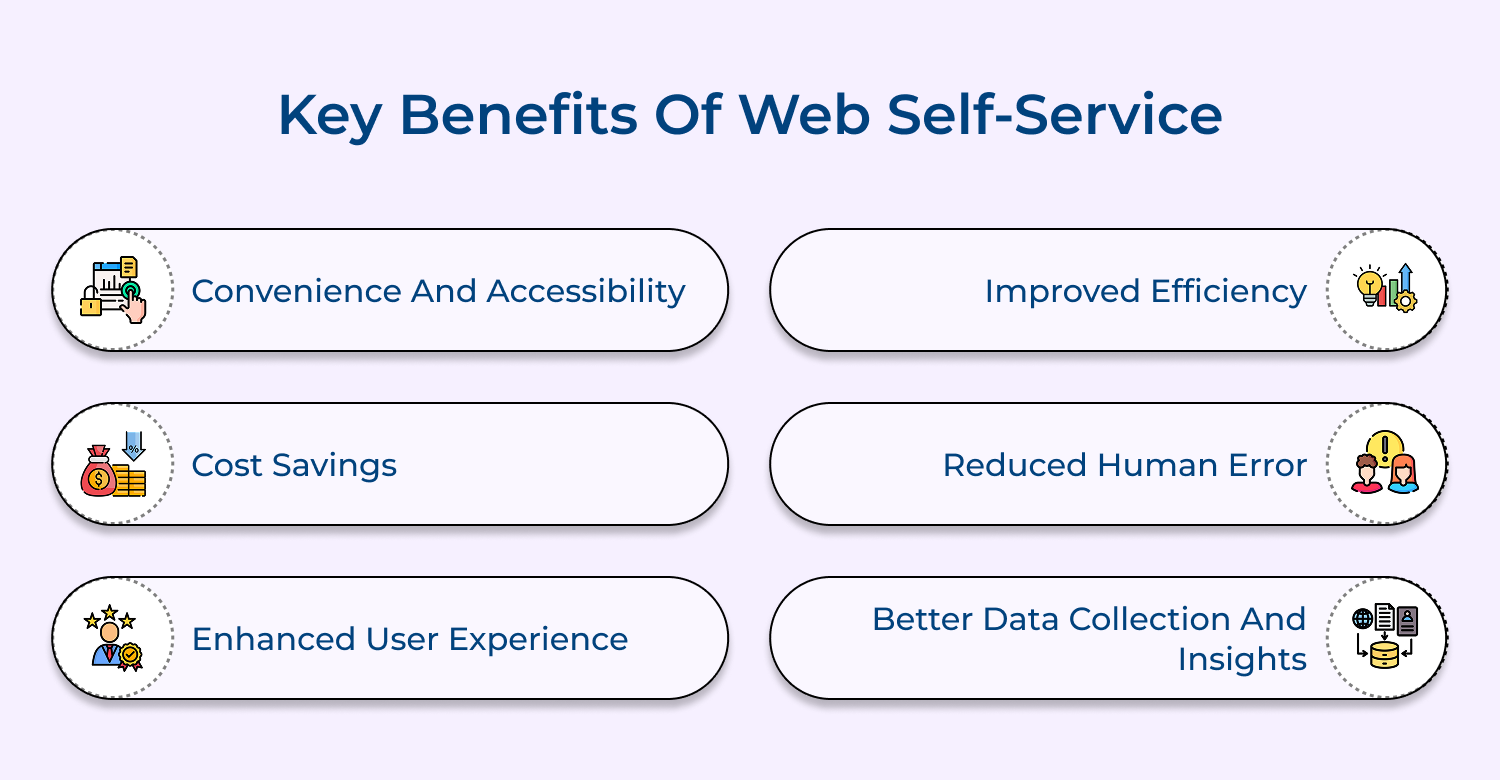
1. Convenience and Accessibility
Customers can access services or information at any time and from any location, offering 24/7 availability. Immediate resolutions become possible, reducing the need for direct interactions and enhancing convenience.
2. Cost Savings
Live customer support demands can be minimized when customers resolve issues independently. Operational costs, including staffing and call center resources, decrease, while service quality remains unaffected.
3. Enhanced User Experience
Self-service platforms feature intuitive, user-friendly interfaces that simplify navigation. Quick access to answers eliminates the need for long waits, ensuring customers enjoy a smooth, efficient experience.
4. Improved Efficiency
Routine tasks, such as account management and responding to frequently asked questions, are automated. The automation of these tasks improves service delivery speed, minimizing delays for customers and businesses alike.
5. Reduced Human Error
Standardized web interfaces minimize the chances of errors from miscommunication or human oversight. Accurate transactions result in fewer customer frustrations and smoother business operations.
6. Better Data Collection and Insights
User interactions generate valuable data, offering insights into customer behavior and preferences. Analyzing this information helps businesses enhance service offerings and refine marketing strategies.
Implementing web-based self-service starts with understanding customer needs and common queries. A well-structured platform enables faster resolution and better customer experiences.
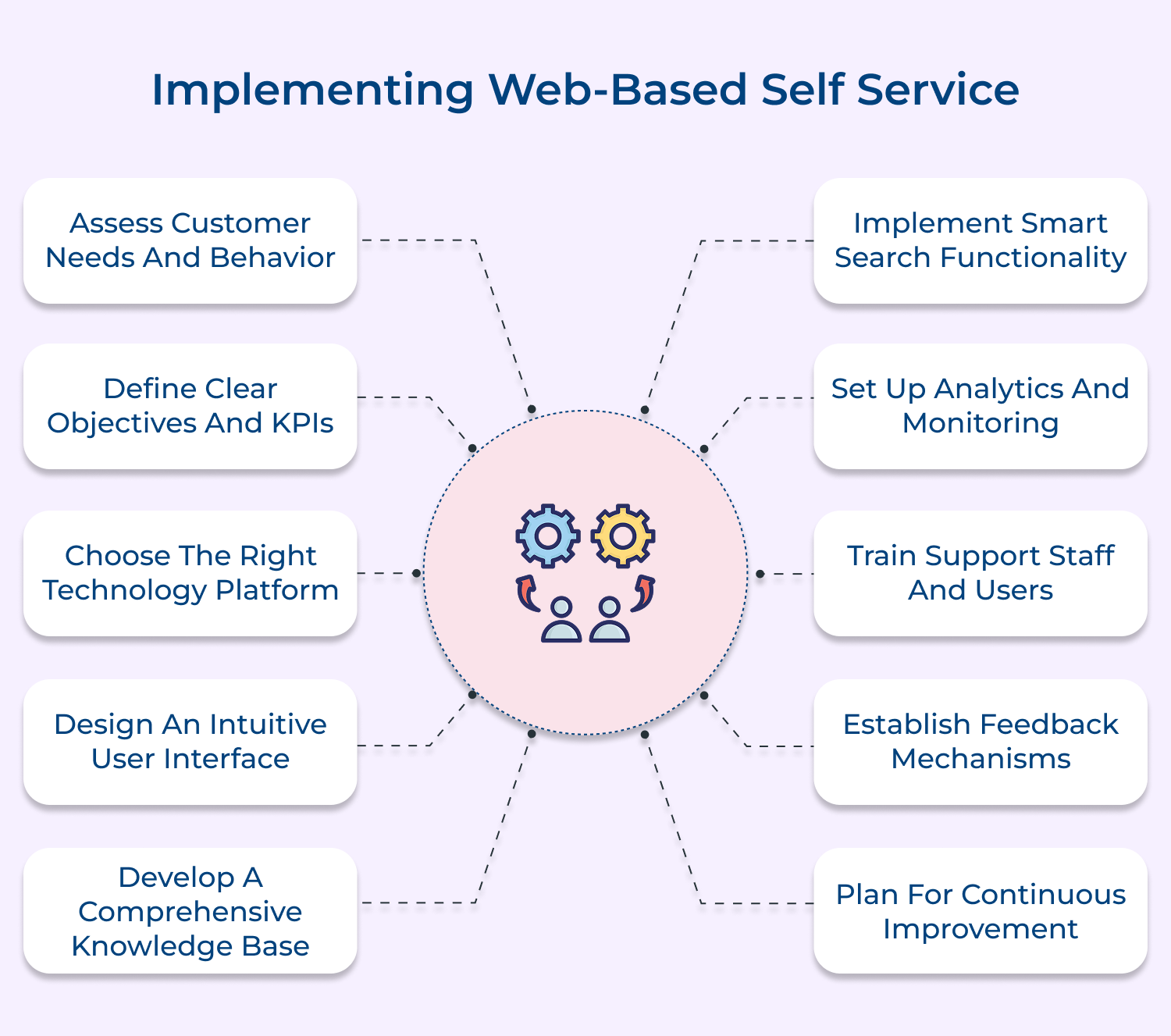
A systematic process of analyzing data about customer support interactions, frequently asked questions, common issues and user preferences to understand where self-service can be most effectively implemented.
Understanding customer needs ensures your self-service solution addresses real pain points and delivers actual value. Without proper assessment, you risk developing features that customers won’t use or missing critical functionality they need, leading to poor adoption and wasted resources.
Pro tips:
The process of establishing specific, measurable goals or success metrics for your self-service implementation, including both quantitative and qualitative performance indicators.
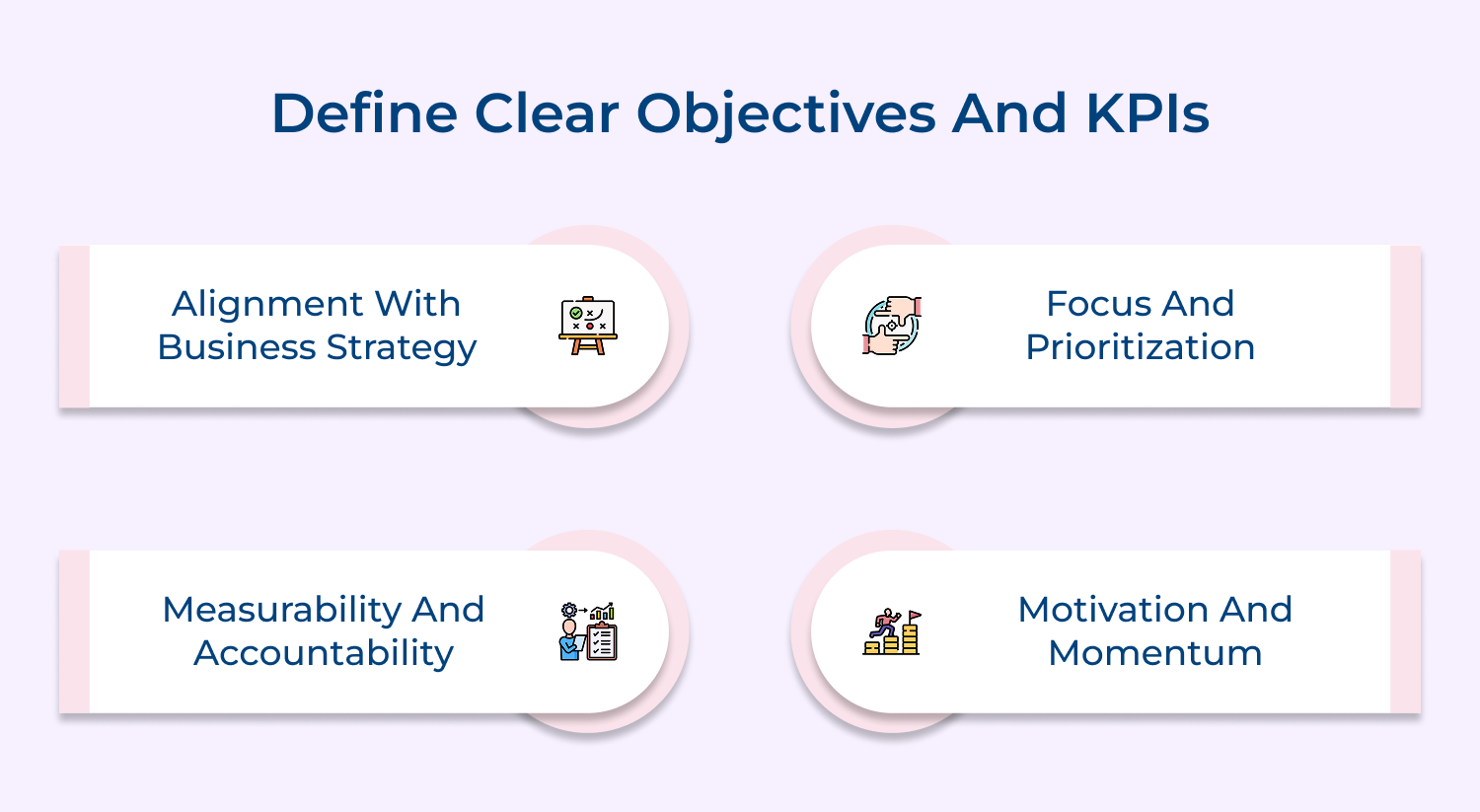
Clear objectives provide direction and help measure success. Without defined KPIs, you can’t effectively evaluate the impact of your self-service implementation or justify the investment in resources and technology.
Pro tips:
The selection process for implementing the most suitable self-service software solution that aligns with your business requirements and technical infrastructure.
The right platform ensures seamless integration with existing systems, scalability for future growth and the necessary features to meet customer needs. Poor platform choice can lead to implementation challenges and limited functionality.
Pro tips:
The process of creating a user-friendly, accessible interface that makes it easy for customers to navigate and find solutions to their problems quickly.
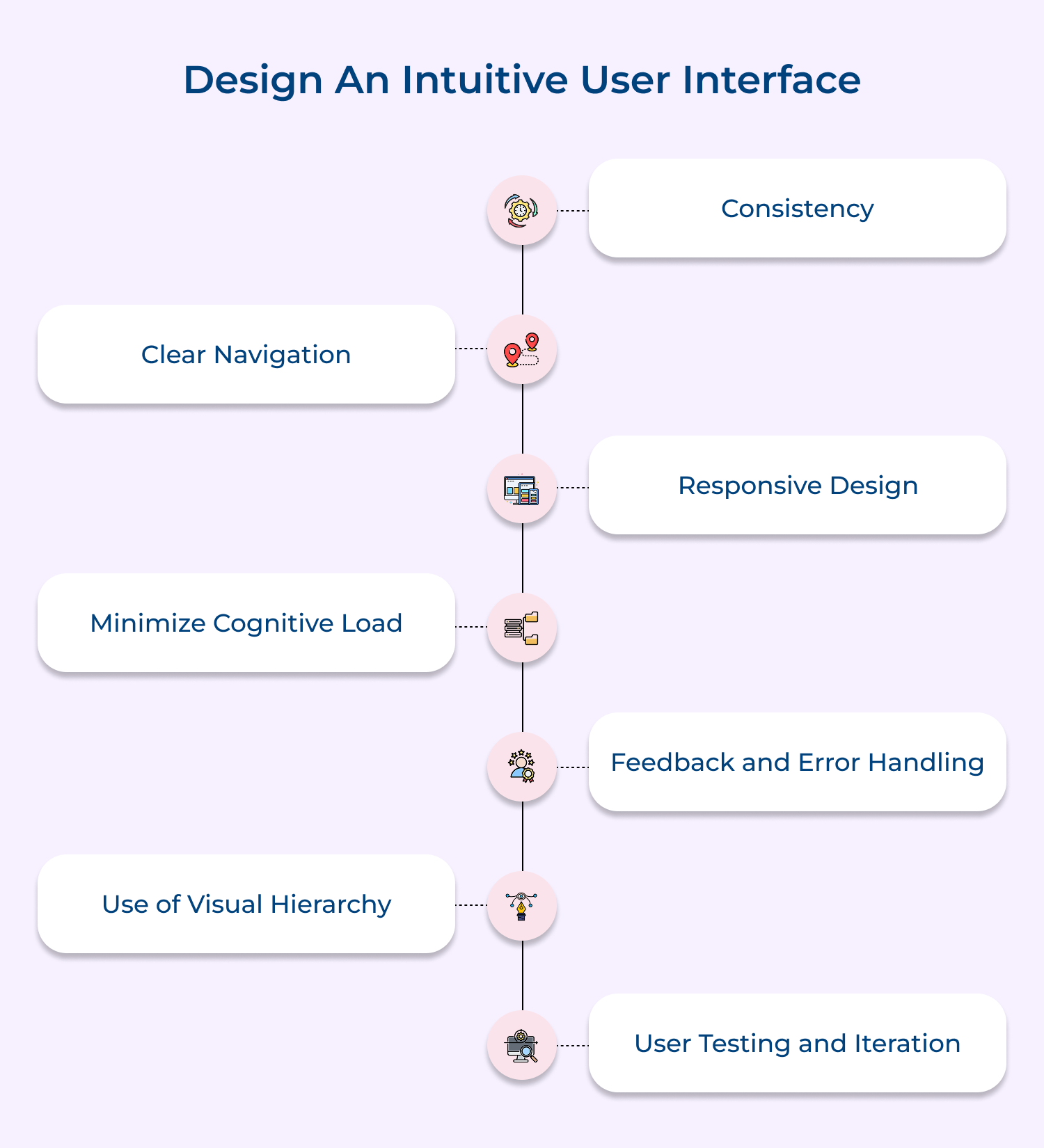
An intuitive interface reduces user frustration and increases adoption of self-service tools. Poor design can lead to abandoned searches and increased support calls, defeating the purpose of self-service.
Pro tips:
A centralized repository of information including articles, FAQs, tutorials and troubleshooting guides that address common customer questions or issues.
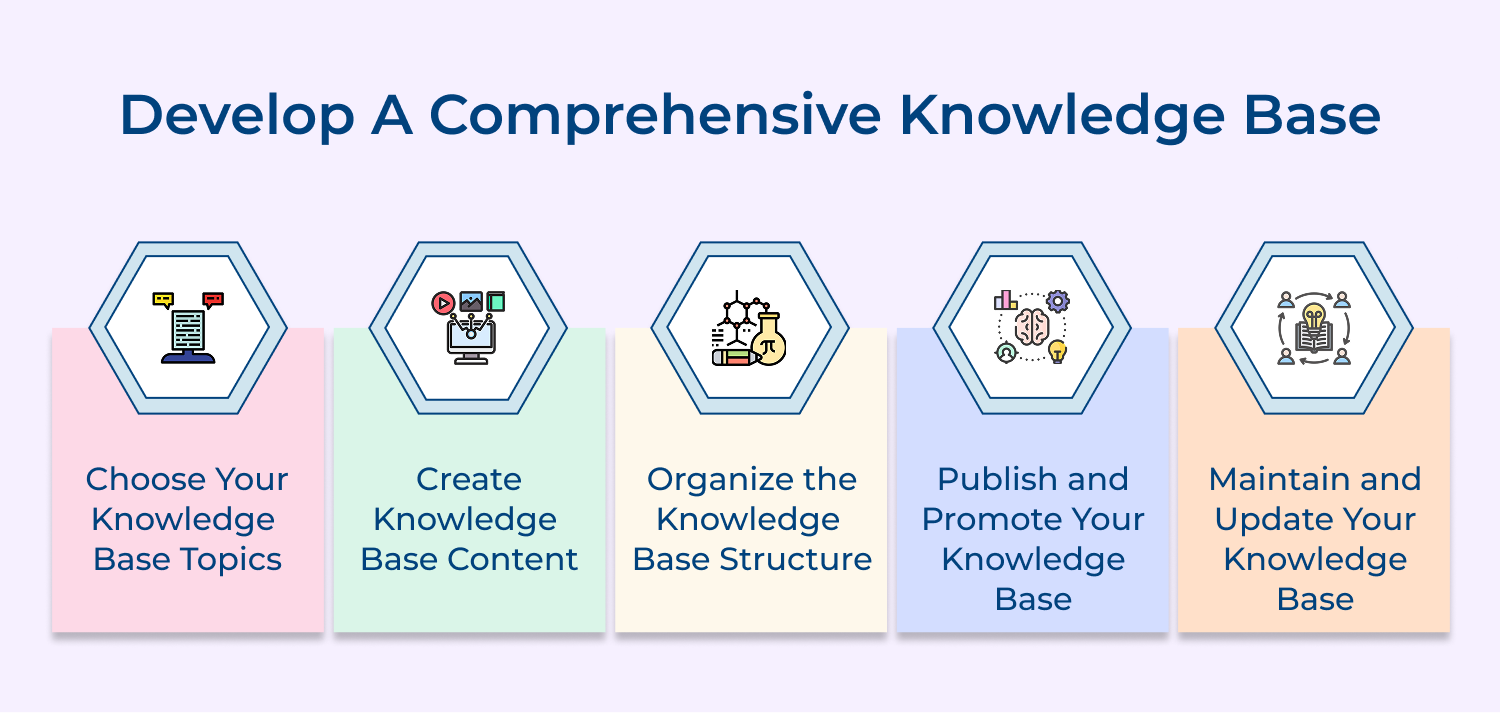
A well-organized knowledge base provides immediate answers to common questions, reducing support tickets and empowering customers to find solutions independently. It serves as the foundation of effective self-service.
Pro tips:
Advanced search capabilities that understand natural language queries, handle misspellings, and provide relevant results quickly using AI and machine learning technologies.
Effective search is crucial for helping users find relevant information quickly. Poor search functionality can frustrate users and drive them to contact support, defeating the purpose of self-service.
Pro tips:
A system for analyzing user behavior, content effectiveness and overall platform performance to measure success & identify areas for improvement.
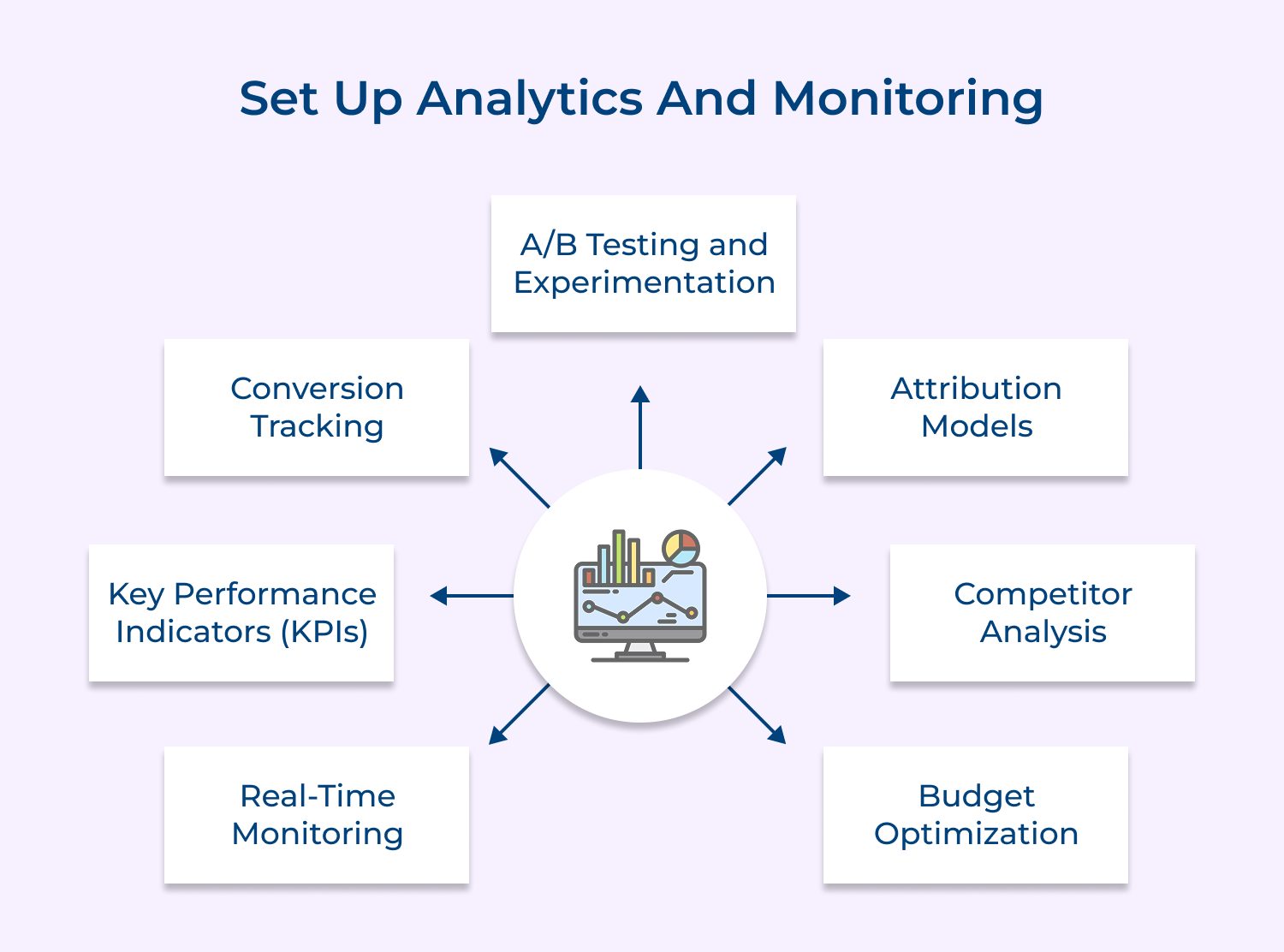
Analytics provide insights into how customers use the self-service platform and where they struggle. This data is essential for continuous improvement and ROI measurement.
Track metrics like popular content, search patterns, resolution rates and user journeys. Use data to optimize content and improve user experience continuously.
Pro tips:
A comprehensive program to educate both support team members as well as customers on effectively using the new self-service platform and its features.
Proper training ensures smooth adoption of the self-service platform. Without adequate training, users may struggle with the new system and revert to traditional support channels.
Develop training materials, conduct workshops and create user guides. Implement a phased rollout approach to manage change effectively and gather feedback.
Pro tips:
Multiple channels or methods for collecting user feedback about the self-service experience, content quality and system functionality.
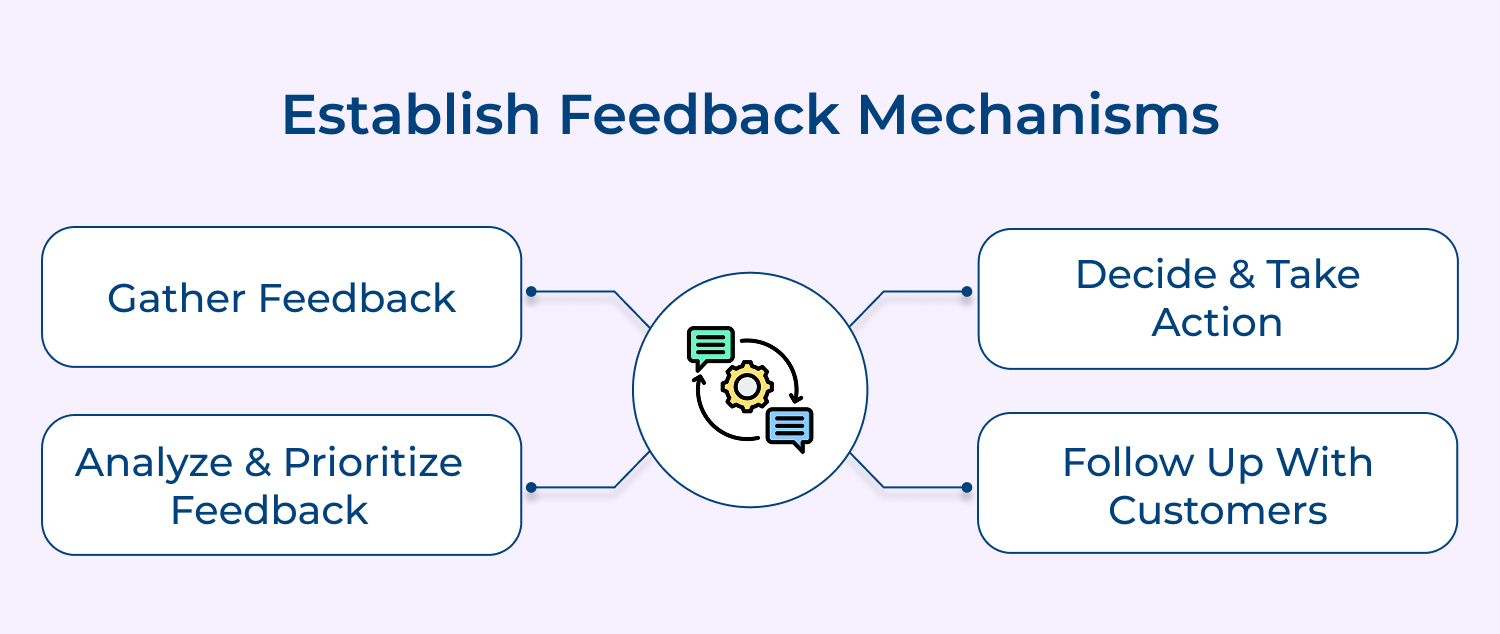
Regular feedback helps identify issues early and ensures the platform continues to meet user needs. It also helps build user trust by showing that their input is valued.
Implement ratings systems, feedback forms and surveys. Monitor social media and support channels for indirect feedback about the self-service experience.
Pro tips:
An ongoing process of monitoring the self-service platform based on user feedback, technological advances and changing business needs. Customer needs and technology evolve constantly.
Regular updates and improvements ensure the platform remains relevant over time. Similar content updates, system improvements and feature additions based on user feedback and analytics. Stay current with technology trends and user expectations.
Pro tips:
Effective web self-service systems are built to deliver quick, intuitive support to users. The right features ensure seamless navigation, accurate information and effortless issue resolution.
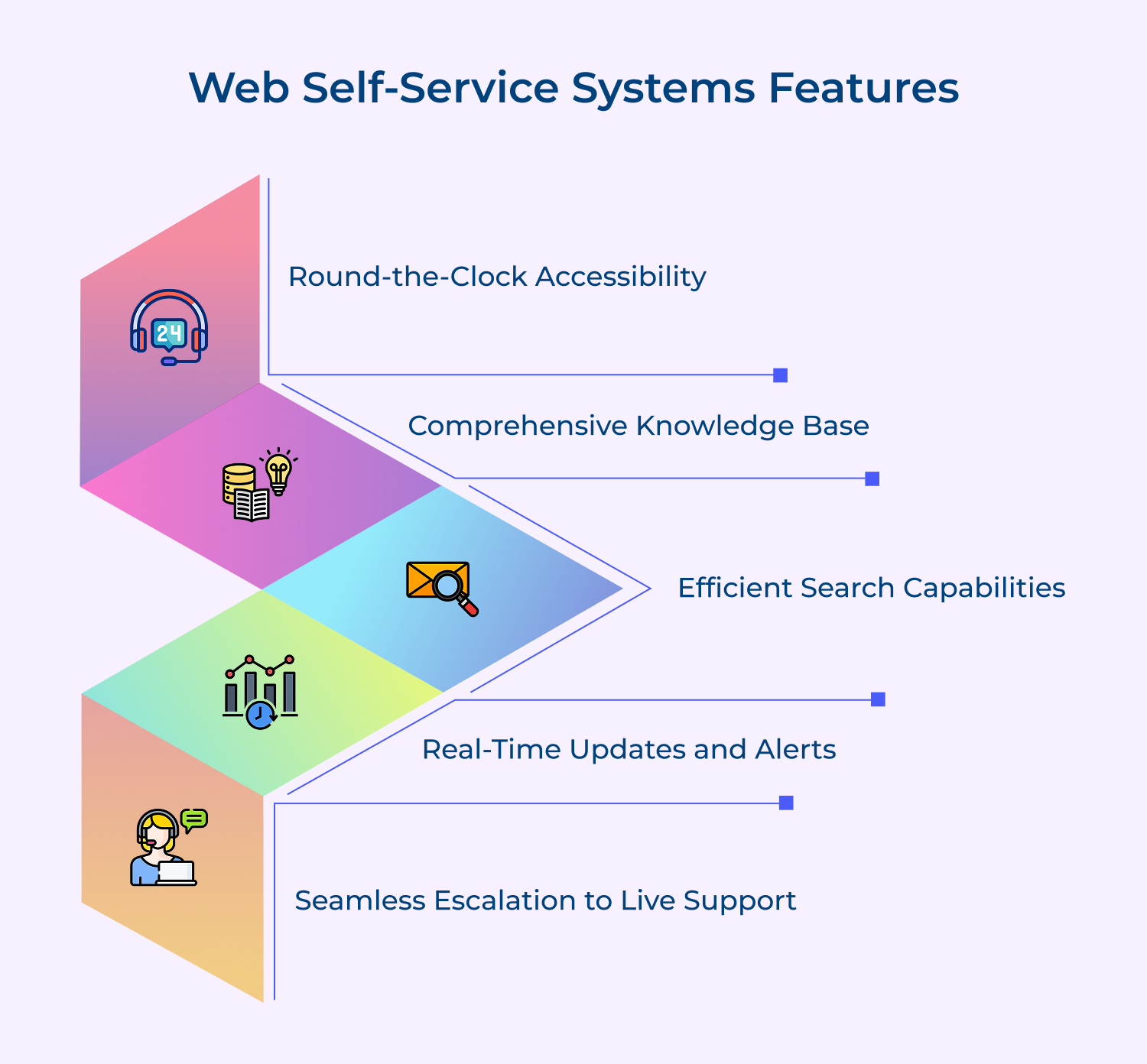
1. Round-the-Clock Accessibility
Providing 24/7 availability ensures that customers can access support whenever they need it, even outside business hours. The constant access improves customer satisfaction by allowing them to resolve issues at their own pace, reducing dependency on limited service hours.
2. Efficient Search Capabilities
A powerful and accurate search function helps users quickly locate the information or answers they need. With advanced filtering options, customers can find FAQs, troubleshooting guides, or how-to tutorials with ease and streamlining the self-service experience.
3. Comprehensive Knowledge Base
A well-maintained knowledge base is vital for empowering users to solve issues independently. It should feature a wide array of resources, from detailed articles and how-to guides to video tutorials, ensuring customers can find comprehensive answers to their questions.
4. Real-Time Updates and Alerts
Providing real-time status updates on transactions, service requests, or account changes keeps customers informed. Notifications about order progress, technical issues, or system downtime help customers stay in the loop, improving transparency and building trust.
5. Seamless Escalation to Live Support
Sometimes, issues can’t be fully resolved through self-service, which is why a smooth escalation process is essential. When customers need personalized assistance, the self-service system should provide an easy handoff to live support, ensuring that the transition is quick wait times.
Web self-service offers convenience, but it also comes with challenges like poor usability. Understanding these issues is key to delivering a seamless customer experience.
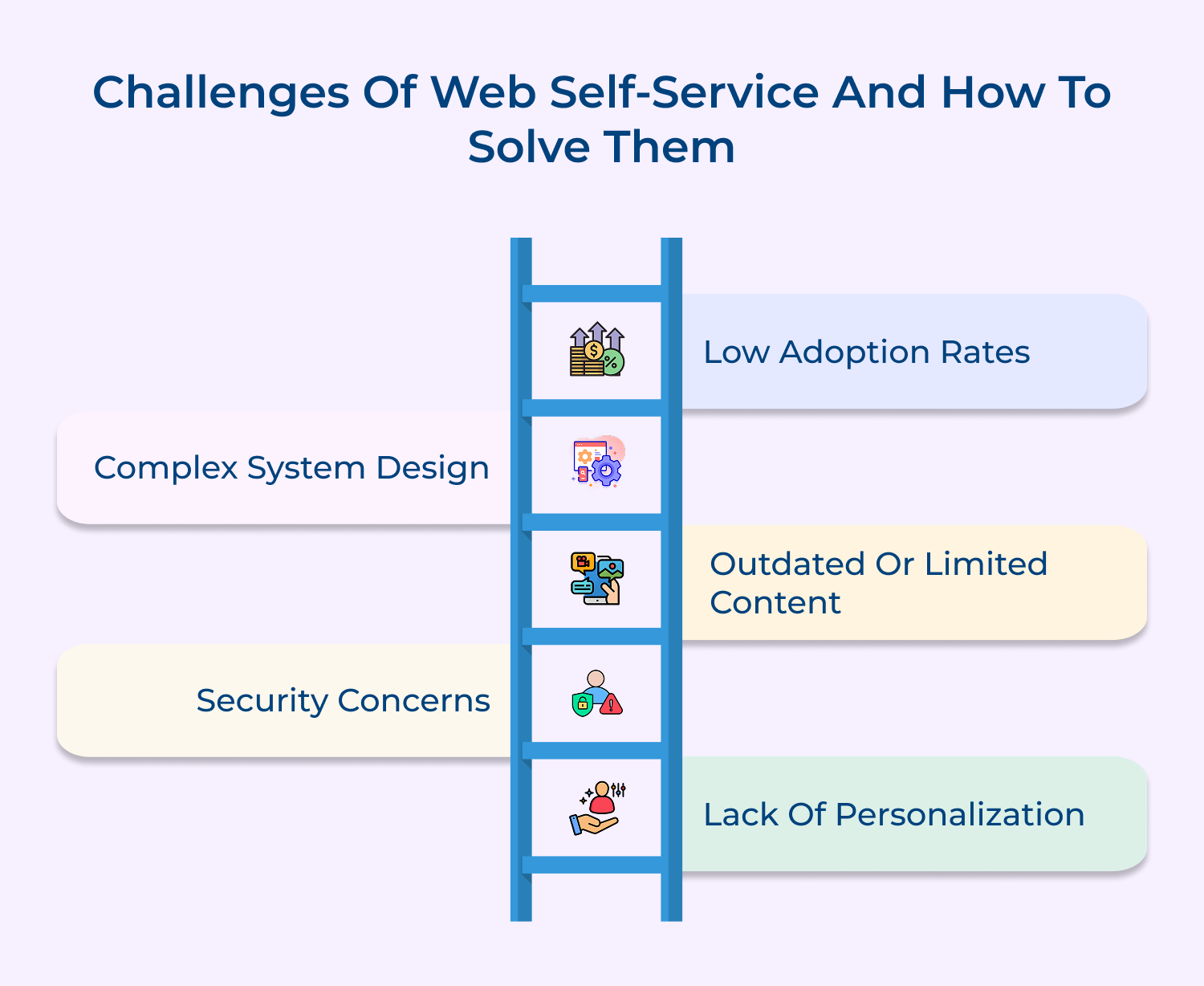
1. Low Adoption Rates
Customers may be hesitant to adopt web self-service due to unfamiliarity or preference for traditional support.
To solve this, businesses should offer clear tutorials, incentives and emphasize the convenience and speed of self-service. Educating users through marketing materials and reminders about the benefits of using the platform can help increase adoption rates.
2. Complex System Design
If the design of the web self-service platform is complicated, users will find it difficult to navigate, leading to frustration.
To solve this, businesses must focus on simplicity and intuitive navigation. Regular user feedback can identify pain points, allowing teams to refine the design and ensure the system is accessible to users of all technical backgrounds.
3. Outdated or Limited Content
An outdated or sparse knowledge base can leave users frustrated when they can’t find what they need.
To solve this, businesses must regularly update their content and expand the knowledge base to cover a wide range of frequently asked questions, troubleshooting guides and instructional articles. Keeping content fresh ensures users can find accurate and relevant information.
4. Security Concerns
Customers may hesitate to use self-service platforms if they are concerned about security.
To solve this, businesses should implement strong security protocols, such as data encryption and multi-factor authentication, ensuring that customer information is secure. Clearly communicate these security measures to customers to build trust and confidence in using the platform for sensitive transactions.
5. Lack of Personalization
Generic, one-size-fits-all self-service options can lead to frustration and inefficiency.
To solve this, businesses should personalize the experience by utilizing customer data, past interactions and preferences to provide more relevant solutions. This tailored approach improves user satisfaction and allows customers to resolve issues faster.
Web self-service creates a balance of convenience, accessibility and cost savings for both businesses & customers. Addressing challenges like integration and personalization makes the platform more effective and seamless.
Self-service continues to influence the evolution of customer service strategies, offering long-term benefits. As more businesses embrace web self-service, it becomes increasingly critical to ensure continuous improvement, respond to customer feedback and incorporate new technologies for ongoing enhancement.

How can businesses measure the effectiveness of web self-service?
Businesses can measure effectiveness through multiple metrics including self-service adoption rate, successful resolution rate, average handling time and customer satisfaction scores. Analytics tools track user behavior, content performance and abandonment rates. Customer feedback, reduced support tickets and cost savings metrics provide additional insights into ROI.
How does web self-service impact customer support operations?
Web self-service significantly reduces the volume of routine support tickets, allowing support teams to focus on complex issues requiring human expertise. It decreases operational costs by automating common inquiries and transactions. Support staff can shift from handling basic questions to providing high-value consultative support, improving both efficiency and job satisfaction.
How can web self-service be personalized for different customers?
Personalization can be achieved through user profiling, behavior tracking and preference settings. The system can customize content based on previous interactions, industry, role and usage patterns. Machine learning algorithms can predict user needs and suggest relevant content. Dynamic interfaces can adapt to user expertise levels and preferred learning styles.
How can businesses ensure security and privacy in web-based self-service?
Security measures include robust authentication systems, encryption of sensitive data and role-based access controls. Regular security audits, compliance with data protection regulations, and secure payment processing are essential. Clear privacy policies, consent management and data retention protocols help protect user information while maintaining transparency.
Why is continuous improvement necessary for web self-service?
Continuous improvement is crucial because customer needs, technology and business requirements evolve constantly. Regular updates ensure content stays relevant, features remain competitive and user experience meets changing expectations. Analysis of usage patterns and feedback helps identify gaps for enhancement, maintaining system effectiveness over time.
 https://omni24.io/wp-content/uploads/2026/09/Social-commerce-scaled.png
1340
2560
Webvision Solution
https://omni24.io/wp-content/uploads/2023/04/Omni-Logo-1.svg
Webvision Solution2026-10-23 12:18:272026-10-23 12:18:27What is Social Commerce and Why Does It Matter?
https://omni24.io/wp-content/uploads/2026/09/Social-commerce-scaled.png
1340
2560
Webvision Solution
https://omni24.io/wp-content/uploads/2023/04/Omni-Logo-1.svg
Webvision Solution2026-10-23 12:18:272026-10-23 12:18:27What is Social Commerce and Why Does It Matter? https://omni24.io/wp-content/uploads/2026/08/AI-Customer-Service-Agents.png
1256
2400
Webvision Solution
https://omni24.io/wp-content/uploads/2023/04/Omni-Logo-1.svg
Webvision Solution2026-09-21 04:48:512026-09-21 04:48:51How to Build an AI Customer Service Agents: 8 Key Steps
https://omni24.io/wp-content/uploads/2026/08/AI-Customer-Service-Agents.png
1256
2400
Webvision Solution
https://omni24.io/wp-content/uploads/2023/04/Omni-Logo-1.svg
Webvision Solution2026-09-21 04:48:512026-09-21 04:48:51How to Build an AI Customer Service Agents: 8 Key Steps https://omni24.io/wp-content/uploads/2026/08/Omnichannel-Conversational-AI.png
1256
2400
Tushar Joshi
https://omni24.io/wp-content/uploads/2023/04/Omni-Logo-1.svg
Tushar Joshi2026-09-16 03:51:072026-09-16 03:51:07How to Build Omnichannel Conversational AI Strategy
https://omni24.io/wp-content/uploads/2026/08/Omnichannel-Conversational-AI.png
1256
2400
Tushar Joshi
https://omni24.io/wp-content/uploads/2023/04/Omni-Logo-1.svg
Tushar Joshi2026-09-16 03:51:072026-09-16 03:51:07How to Build Omnichannel Conversational AI Strategy
Whether it’s about acquire, engage or support – Omni24 covers all your customer engagement needs in one complete platform.

Copyright ©2026 Veemo All rights reserved.
CA, Los Angeles, Hall Ave, 19011