Ultimate Guide to Help Desk with Features & Benefits
Explore how help desk streamlines the process of managing your IT services and supports conversations in a single place.
No Credit Card Needed | Guided Setup
Explore how help desk streamlines the process of managing your IT services and supports conversations in a single place.
No Credit Card Needed | Guided Setup
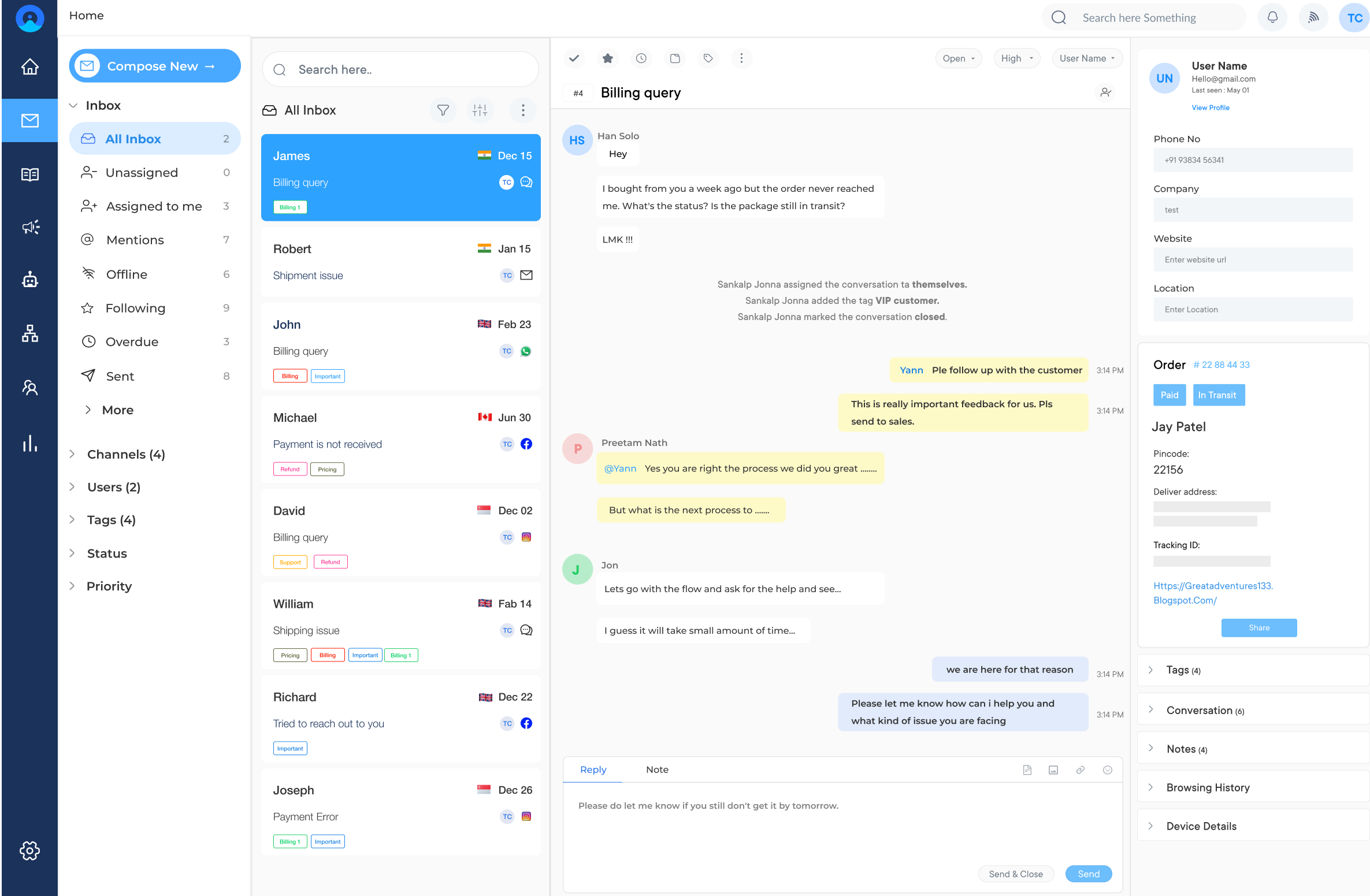
Turn your customer issues into meaningful conversations across all channels with Omni24’s omnichannel help desk.
Unresolved tickets pile up when agents have to manage duplicate queries across channels, causing customer churn, which is a clear sign that many businesses don’t know what a help desk is or how it could fix. Businesses can no longer afford reactive support as customer expectations are rising.
A help desk receives, tracks, prioritizes and resolves customer support requests across multiple channels, replacing inbox chaos with an organized workflow. Explore the definitive guide to different types of help desks, features and the evaluation process for modern support operations.
A help desk is defined as a centralized resource that provides assistance and support to users who have product or service-related queries. It includes desktop computers, mobile devices, software applications, networks, internet connectivity, etc. Businesses usually have an IT help desk or a technical support team to manage user requests and issues.
The core purpose is to minimize operational disruption by resolving issues quickly and consistently. It creates an intake process that captures every request and tracks resolution against measurable timeframes.
Key objectives:
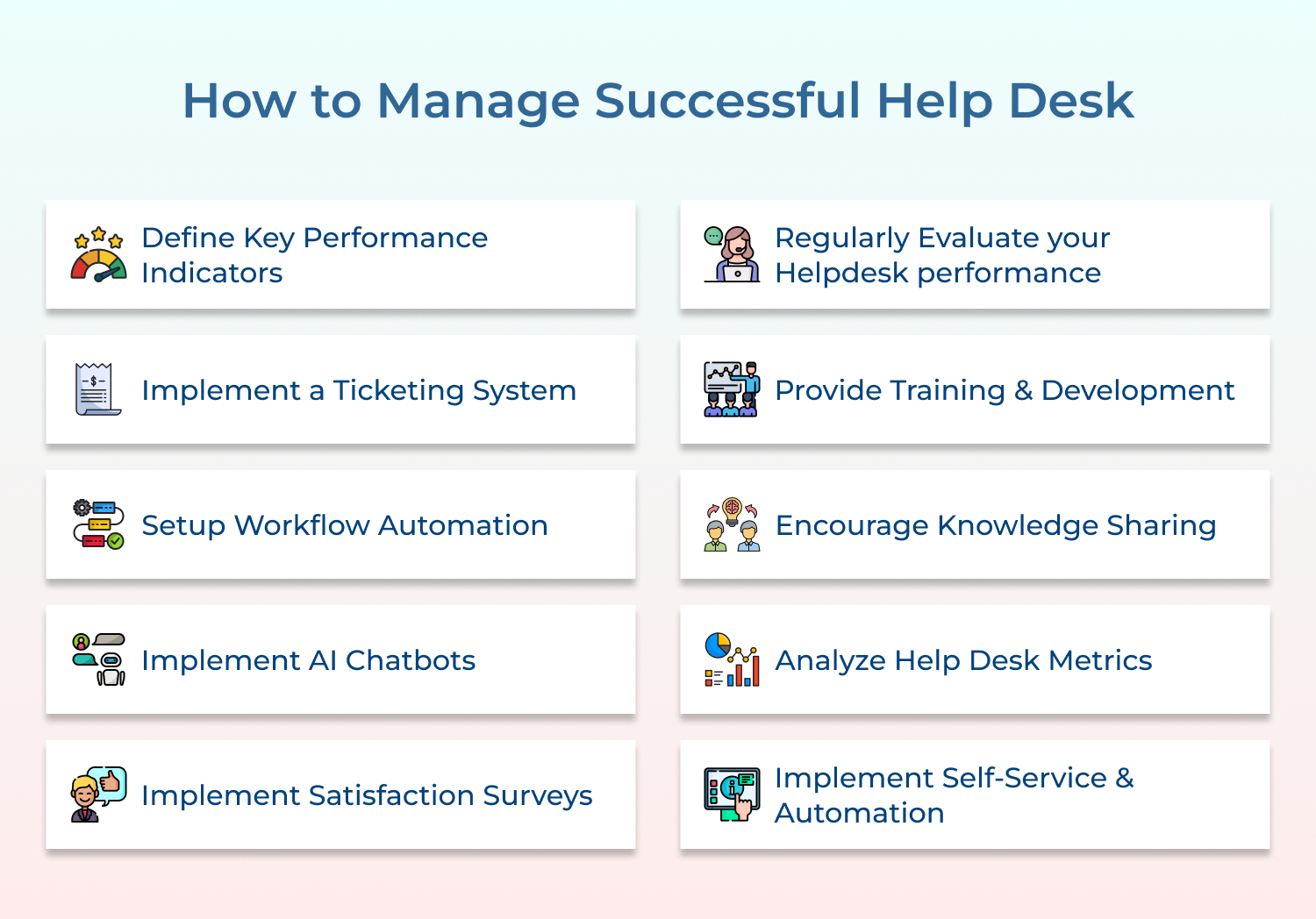
Help desk is often the first line of contact between customers and your business, so it’s important to get it right. Follow these help desk best practices to run a successful customer service.
The first step in measuring and improving help desk performance is to establish clear and measurable KPIs. These KPIs will help evaluate the effectiveness of the help desk and identify areas that need improvement.
Some common help desk KPIs include:
A ticketing system is a critical tool for help desk management. It helps to streamline the customer support process by organizing and tracking customer inquiries.
A well-configured ticketing system enables easy data collection. Performance can be measured against established KPIs without manual effort, giving agents a clear view of team output.
Leveraging a ticketing system can assist the help desk agents in the following ways:
Setting up workflow automation is a great way to manage the help desk effectively. It allows you to automate manual and monotonous tasks that involve time and impact productivity.
Automated response templates and knowledge base updates streamline the support process. Proper integration of help desk software with CRM platforms provides a complete view of customer interactions. It enables agents to deliver personalized solutions faster.
Workflow automation helps in the following ways:
Deploying AI-enabled chatbots help businesses in managing help desk effectively. Bots can be used as the primary point of contact to handle routine inquiries and provide instant responses 24/7. Delivering instant response improves the average response time metric and boosts customer satisfaction.
AI chatbots analyze conversation patterns to identify common issues, enabling proactive problem-solving. Complex queries can be escalated to human agents to make sure seamless transition from automation to human intervention.
Key ways chatbots help in managing the help desk successfully:
Customer satisfaction surveys are an effective way to measure the quality of help desk support and gather feedback from customers. The surveys can be sent after each customer interaction or periodically to evaluate overall satisfaction levels.
Thoroughly analyzing survey results, businesses can identify areas that need improvement and take necessary actions to enhance customer satisfaction.
Customer satisfaction surveys can be used in the following ways:
Continuous training and development are essential for help desk agents to stay updated with the latest technologies and best practices. Through help desk best practices, agents will be upskilled and will be able to contribute their best toward customers.
Here are a few help desk best practices to follow:
Self-service options are a good way to manage the help desk. Businesses can implement self-service options such as FAQs, and knowledge bases to guide customers with the right solution to the problems. Leveraging AI-powered chatbots can significantly reduce the strain on the help desk.
When customers can find solutions to their problems without agent intervention, leading to faster resolution times and improved customer satisfaction.
Follow these best practices:
Help desk performance is not a one-time effort but an ongoing process. It is essential to know whether the system is functioning correctly. Regularly review to ensure alignment with organizational goals and customer expectations.
Follow the help desk best practices for effective help desk management.
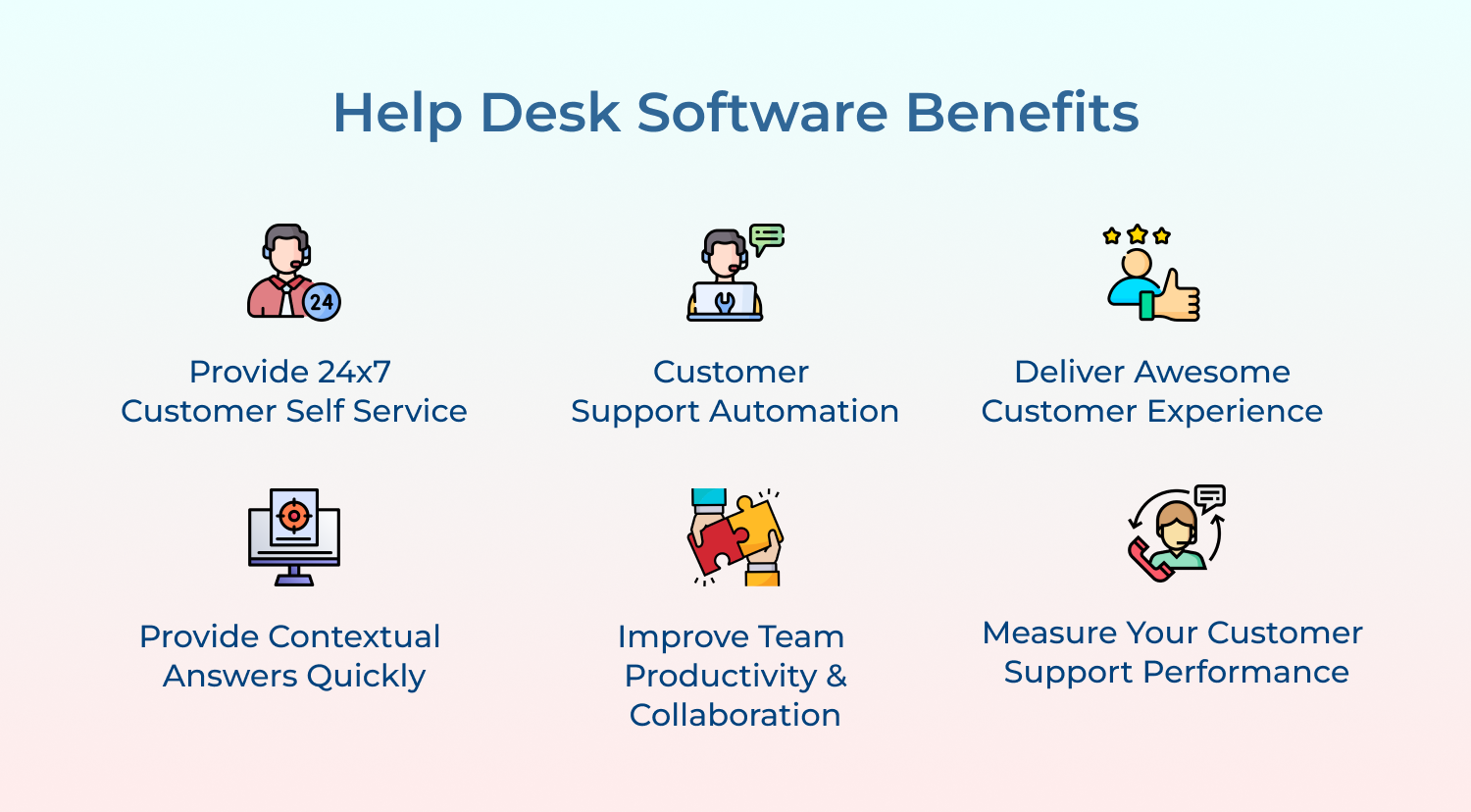
Help desk software is a powerful tool for businesses to provide customer support, collaboration, automation and data analytics. Understanding the benefits of help desk can significantly enhance overall efficiency.
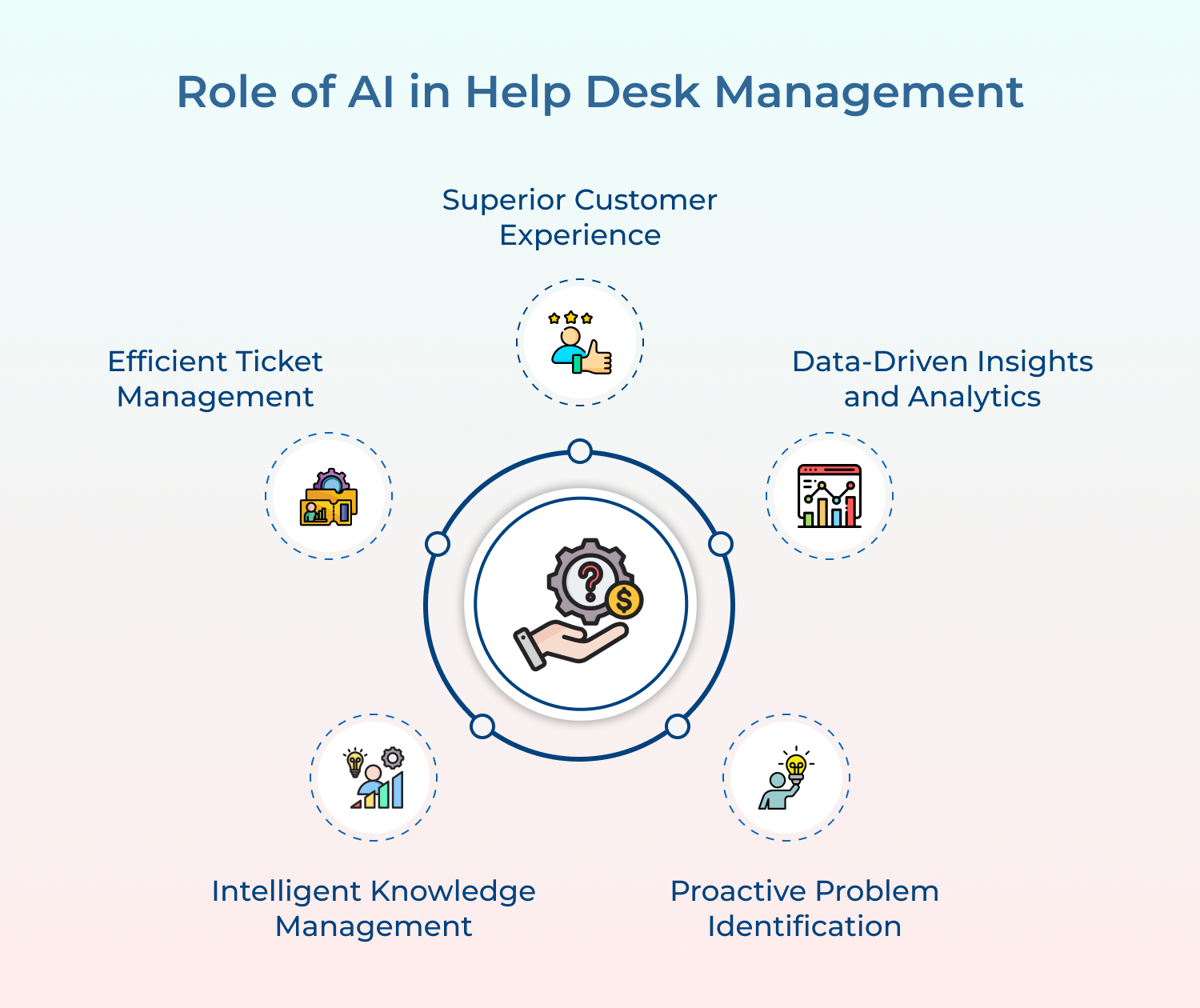
Customer service processes have undergone a significant transformation with the rise of AI tools and automation technologies.
1. Superior customer experience: Leveraging AI-powered chatbots helps businesses provide instant responses 24×7. Bots can be easily scaled based on the volume of service requests. Bots reduce wait time for faster and more efficient support that boosts the overall customer experience.
2. Efficient ticket management: Help desk teams can automate ticket creation, classification, and routing processes. AI algorithms can analyze incoming tickets and route them to the right department/agent based on predefined rules. It saves time leading to faster resolution and higher customer satisfaction.
3. Intelligent knowledge management: AI-driven self-service portals and knowledge bases enable customers to find answers to their questions without human intervention. By empowering customers to find solutions on their own, businesses can significantly reduce the volume of incoming support requests and free up their help desk agents to focus on complex issues.
4. Proactive problem identification: AI has the power to identify potential issues before customers even report them. By analyzing patterns and user behavior, AI systems can detect potential problems. The proactive approach allows the help desk team to address underlying issues, prevent further escalations, and provide a seamless customer experience.
5. Data-driven insights and analytics: Automation of help desk management provides valuable insights to understand customer needs and pain points. By analyzing client interactions and feedback, businesses can identify areas of improvement in their help desk operations. It also helps in making data-driven decision-making that accelerates overall business performance.
A good help desk plays a crucial role in providing effective support to customers. Here’s the list of help desk’s key characteristics that help you improve your efficiency
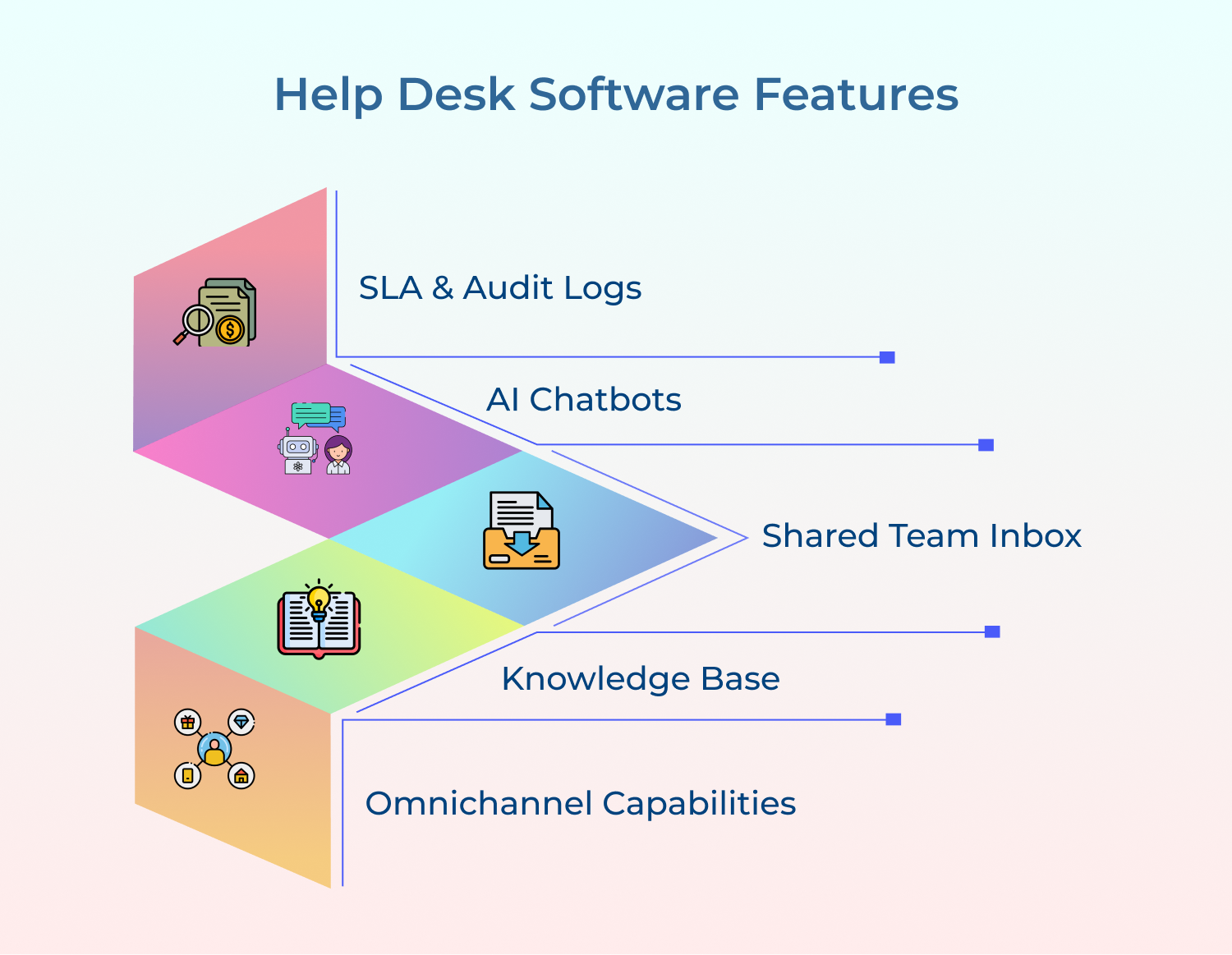
Help Desk software is a great solution for businesses that look forward to supporting their customers efficiently. Let’s explore what it has to offer that benefits your business.
A shared team inbox allows support agents to collaborate, assign tickets, and manage customer conversations from a single platform. The inbox feature is a great way to streamline communication and increase customer response time.
Help desk software generally includes a searchable database of information that customers can access for self-service support. This helps customers quickly find answers to their questions without having to contact your team for assistance.
The omnichannel capabilities help customers make an easy transition between different communication channels like email, chat, and social media, to contact your team. It empowers your support team to unify all client queries in one place and manage them effectively.
Service Level Agreements (SLA) are often included with help desk automation software that allows businesses to track the average time the team takes to respond to customer inquiries. Audit logs also allow you to track changes that were made by various members of your team over time.
AI Chatbots can automate customer service tasks and handle and manage them 24×7. It can provide instant responses to common queries and the complex queries are directed toward the right department/ team to provide the relevant response to the query in real time.
Help desk software provides valuable support to businesses that require customer service and technical assistance. The right service desk tool can make a huge difference in the success or failure of a company’s customer service offering.
Best Help Desk tool for your business
Omni24 is an AI-powered customer engagement platform offering support, sales and marketing suite for better CX. Omni24’ help desk automates workflows and seamless channels to help businesses manage customer queries efficiently while boosting operational efficiency at scale.
Key features:
Top Help desk tool to manage customer support
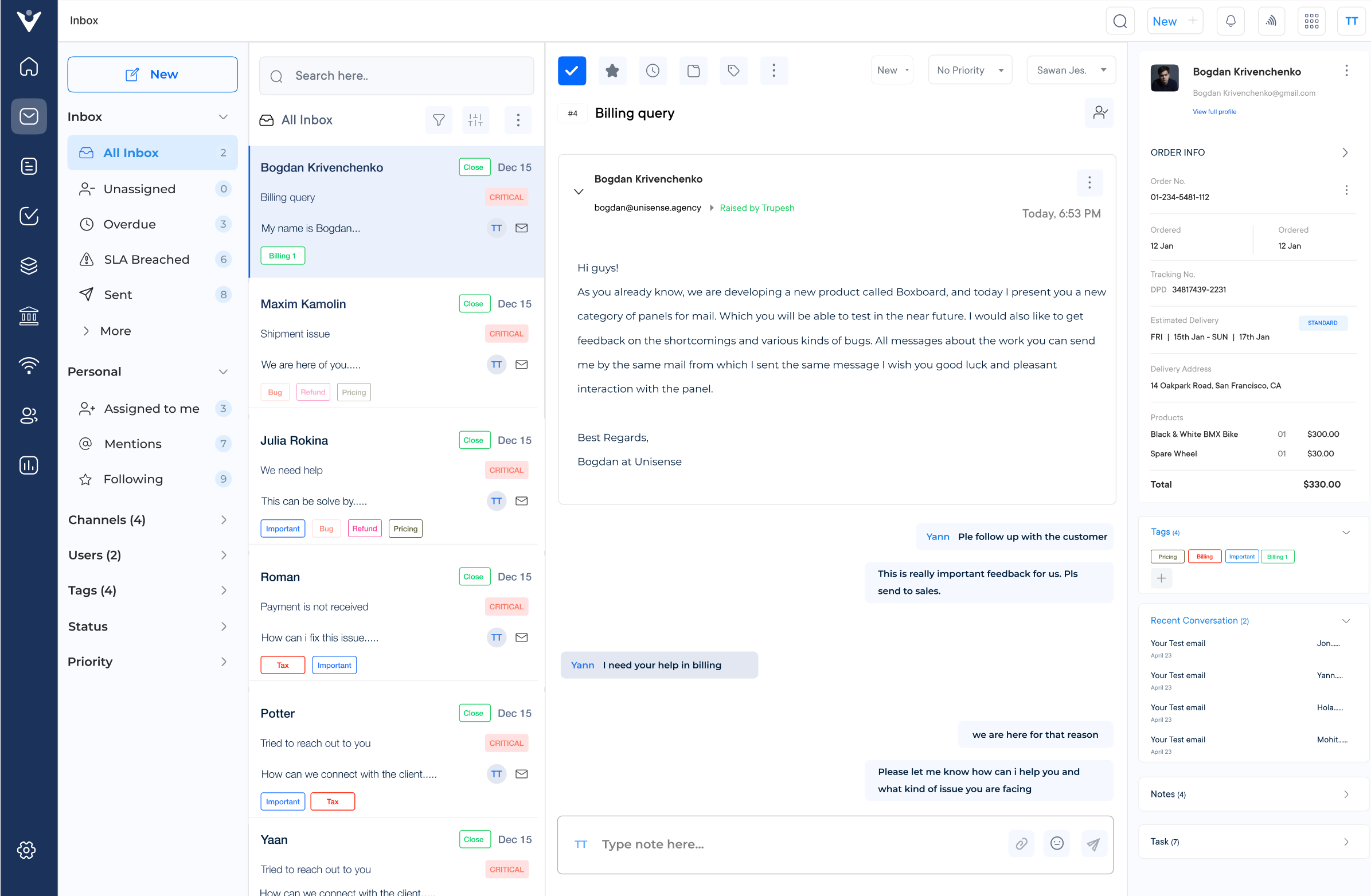
Veemo Support is a customer support and help desk software that streamlines support operations into a centralized interface. The software is designed to streamline and enhance various aspects of business operations. Veemo Support helps to automate workflows, manage tickets efficiently and provide self-service to customers.
Key features:
The Ultimate Help Desk tool to empower your team
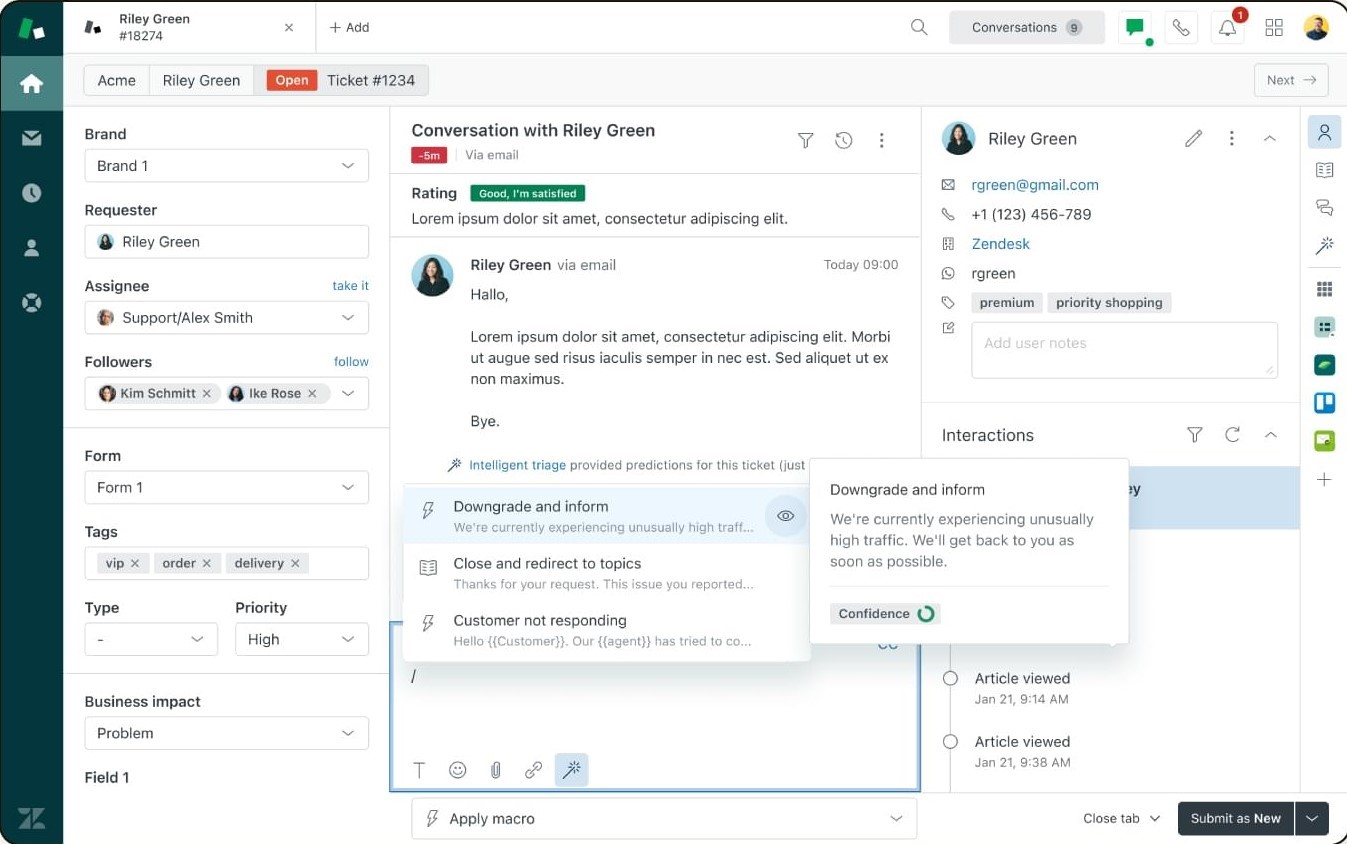
Finally, Zendesk is an all-in-one CRM platform with tools designed to streamline every aspect of customer service operations including incident management, automatic replies, and automated case resolutions powered by data analytics insights that enable better decision making when handling different customer scenarios.
With customizable branding options integrated into their software suite UI/UX features promoting brand consistency are yet another advantage offered by Zendesk while access reports offer complete visibility over agent productivity levels.
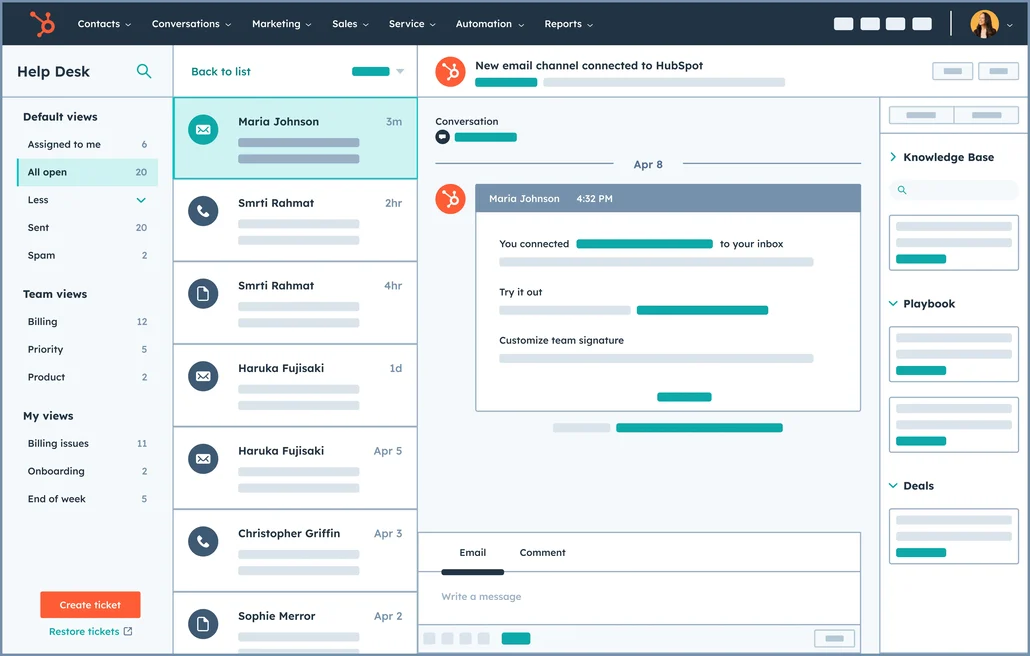
HubSpot Service Hub is a part of the HubSpot CRM platform and offers help desk capabilities along with other customer service tools.
Key Features: Ticketing system, knowledge base, live chat, customer feedback management, and integration with HubSpot’s marketing and sales tools.
Pricing: Starts from $45 per month for the Starter plan.
A help desk system is the backbone of any customer support operation, centralizing inquiries, accelerating resolutions and keeping teams aligned. Businesses that invest in the right solution see stronger customer relationships, lower operational costs and measurable gains in satisfaction scores.
Ready to explore the difference of a modern help desk? Start your 14-day free trial of Omni24 today. The right help desk software converts reactive customer support into a proactive, revenue-driving function that scales your business.
Omni24’s DCX platform harnesses automation and AI to deliver unified customer experiences across digital channels, while keeping human touch.
Yes, most help desk software offers integrations with other business systems like CRM, project management tools or e-commerce platforms. These integrations enhance the overall effectiveness and efficiency of your customer support operations by allowing seamless data transfer and improving collaboration between different teams.
To ensure a successful implementation of help desk software, it’s crucial to involve all relevant stakeholders, including your support team and IT department. Set clear goals and expectations, provide thorough training to your staff, and establish standardized workflows and processes. Regularly review and optimize your system based on customer feedback and emerging trends.
Yes, many help desk software solutions offer customization options to align with your brand and specific requirements. You can often customize the user interface, email notifications, ticket fields and even create custom reports. Ensure that the software you choose offers the level of customization you need to make it a seamless part of your overall customer support strategy.
For urgent support, you can reach out to Help Desk through multiple channels. The website always has a 24/7 live chat available to raise a ticket. Alternatively, many websites also offer email addresses along with customer service contact information for further querying.
Yes, our Help Desk provides remote assistance for software troubleshooting. Our technicians can securely connect to your device using industry-standard remote access tools. It allows us to diagnose and resolve software issues efficiently, without the need for on-site visits. Remote assistance is available during our regular support hours for most software-related problems.