The Definitive Guide to Small Business Customer Service

Explore key features in customer support tools designed for small businesses, helping you deliver efficient, personalized assistance that builds lasting customer relationships.

No Credit Card Needed | Guided Setup

Trusted by Customer Centric Businesses Globally

Learn the Best Practices for Small Business Customer Support

Learn effective strategies and best practices for small businesses to enhance their customer support, creating lasting customer relationships and driving success.

  • Omnichannel Communication

    Enables businesses to manage customer interactions across multiple channels to ensure a seamless and consistent customer experience.

  • Customizable Automation

    Allows businesses to create and customize automated responses to match their unique customer service needs. The flexibility ensures that customer interactions maintain a personal touch while improving efficiency.

  • Automated Workflows

    Automates routine tasks and workflows, allowing businesses to save time as well as provide swift responses to customer queries.

  • Exclusive Live Chat

    Enables real-time engagement with website visitors, providing instant support and guiding them throughout their customer journey.

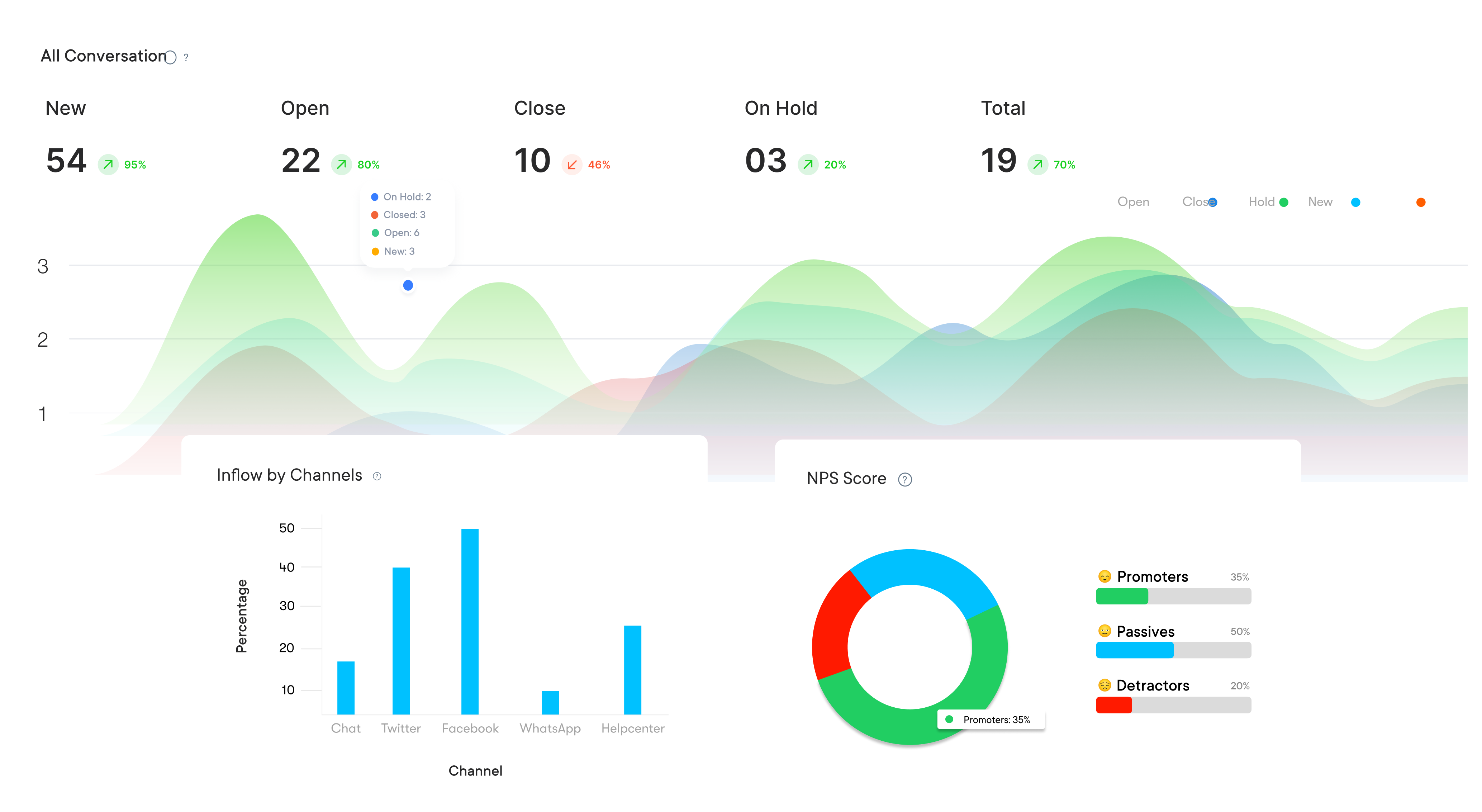
  • Advanced Reporting & Analytics

    Provides in-depth insights into customer interactions, team performance, and channel effectiveness, enabling businesses to refine strategies as well as enhance service delivery.

  • Integrated CRM

    Seamlessly integrates with your CRM system to maintain a complete view of each customer’s history as well as preferences, ensuring personalized service across all touchpoints.

Most SMBs lose because of a broken support experience, out of which dissatisfied ones never complain directly but leave quietly. Businesses with a good small business customer service strategy can handle customer inquiries efficiently to resolve issues and maintain relationships across channels.

Explore the definitive guide to explore top tools, best practices and features to help SMB build a scalable support operation without an enterprise-level budget.

What is Small Business Customer Service (SMBs)?

Small Business Customer Service or SMB customer service is the assistance and support given to small businesses in providing their customers with a positive experience. It is the combination of communication, product/service delivery, and post-sale support, which have the goal of keeping customers satisfied as well as happy with the business.

Here is how small business can create meaningful impact on CX by focussing on good customer service:

  • Responding quickly and efficiently to customer inquiries or complaints can create a positive impression to build a loyal customer base.
  • Personalizing interactions through handwritten notes or personalized emails can show customers that you value their business.
  • Implementing a rewards program or providing exclusive discounts can encourage repeat business and strengthen customer relationships.

Why is Customer Service Important for Small Businesses?

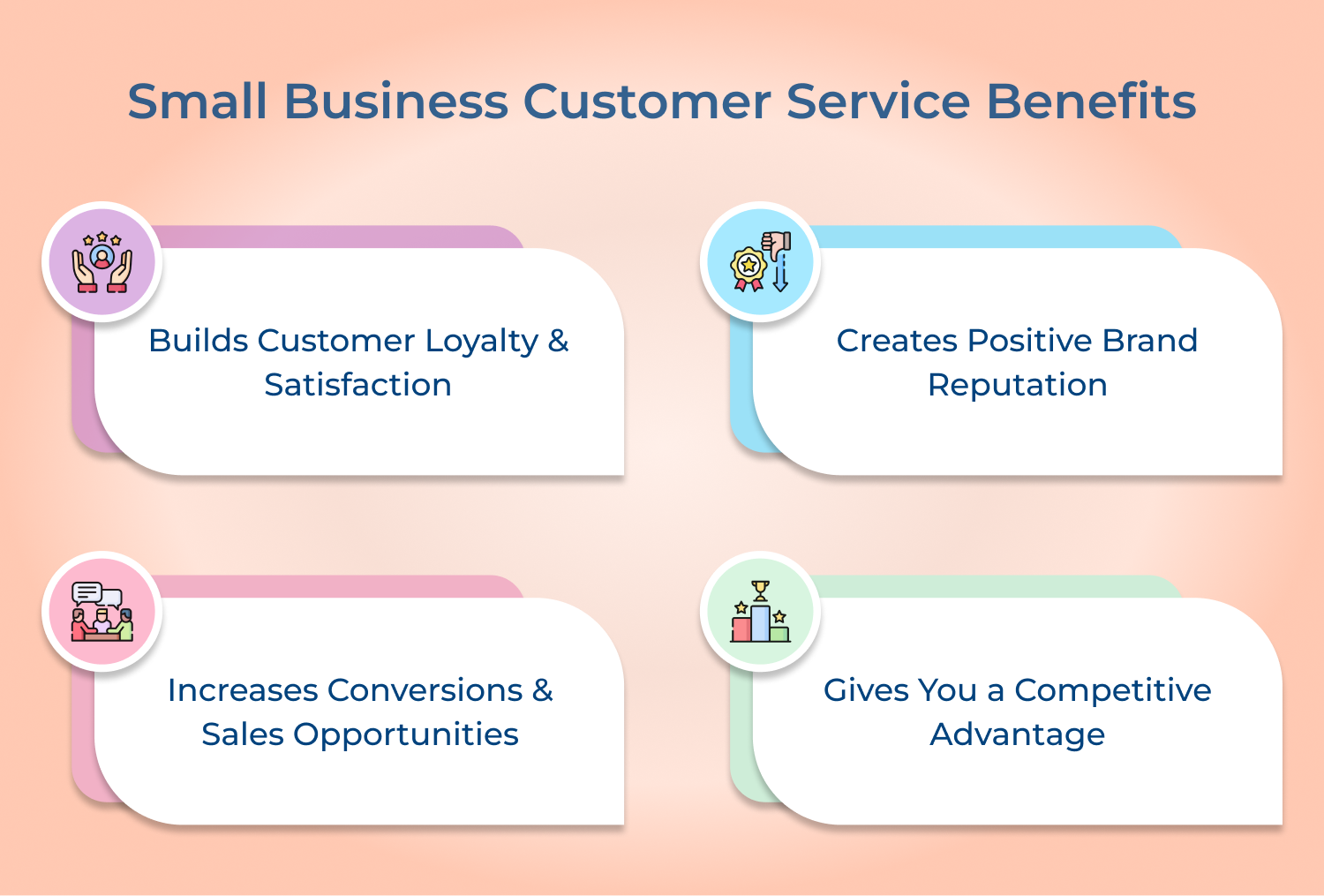
Providing excellent customer service can make a big difference in the success of a small business. Here are four benefits of small business customer service:

Small Business Customer Service Benefits

1. Builds Customer Loyalty & Satisfaction

Providing exceptional customer service can foster loyal customers. Customers are more likely to return to a business that treats them well and meets their needs. Small businesses that consistently provide superior customer service will create devoted customers who will recommend their business to others.

2. Creates Positive Brand Reputation

Word-of-mouth is a powerful marketing tool, especially for small businesses. Customers will recommend businesses that provide excellent customer service to their friends, family, and colleagues. It helps to create a positive reputation for the business, which can lead to increased sales and success.

3. Increases Conversions & Sales Opportunities

Excellent customer service leads to increased sales. Positive interactions with customers creates upsell opportunities as well as repeat business. Customers who have a positive experience are more likely to buy more products or services from the business and recommend it to others.

4. Gives You a Competitive Advantage

Small businesses often struggle to compete with larger companies, but customer service is one area where they can shine. Providing personalized, attentive customer service differentiates a small business from its competitors. Focusing on customer satisfaction enables small businesses to create a loyal customer base and stand out in the market.

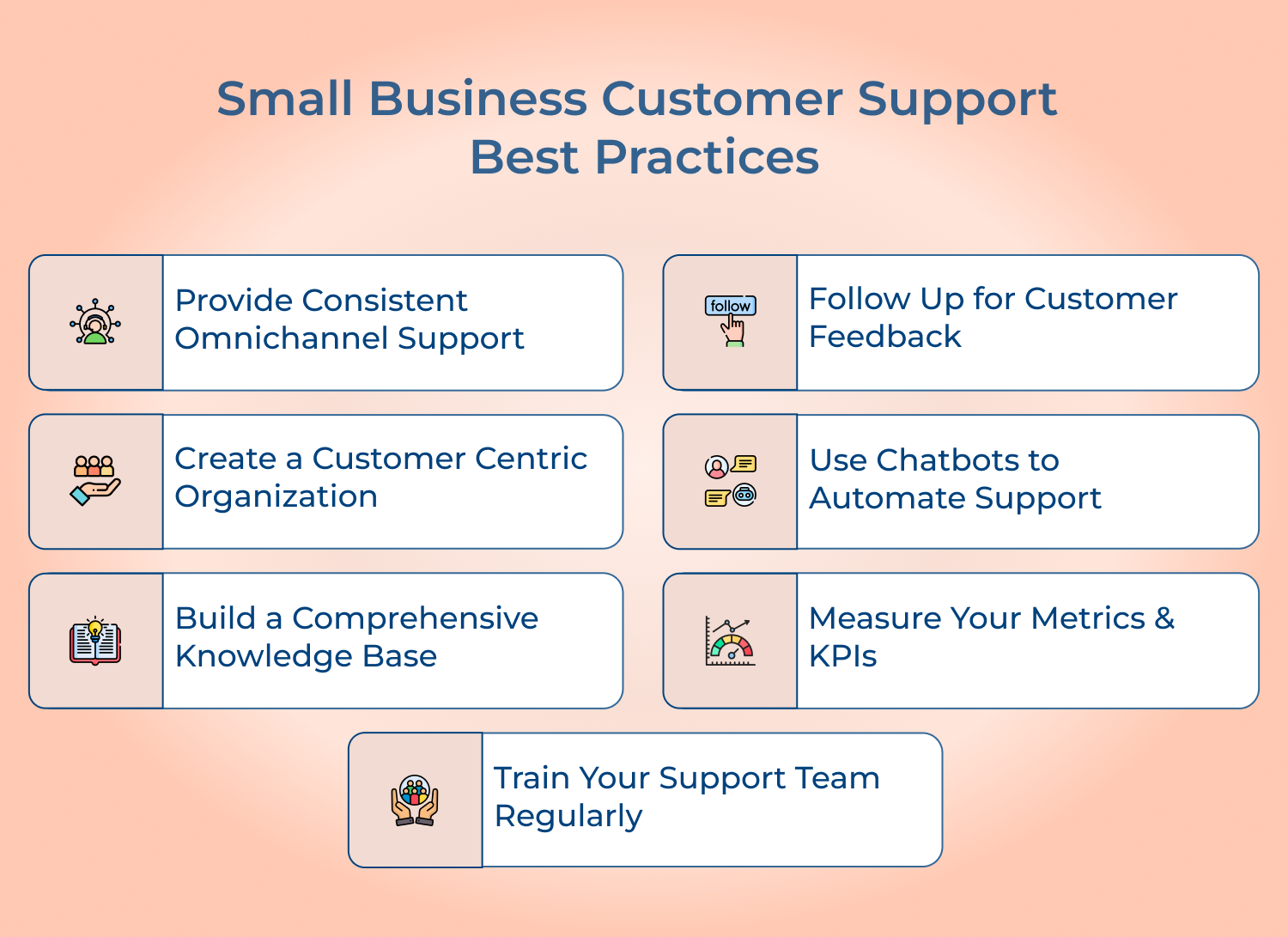
How to Provide Excellent Small Business Customer Service: 7 Best Practices

Small businesses often don’t have dedicated customer support teams or the resources to invest in expensive customer service software. Hence, best practices will help them up their game.

Small Business Customer Support Best Practices

Provide Consistent Omnichannel Support

Customers expect to communicate with businesses using their preferred channels, including phone, email, live chat, social media, and more. However, it can be challenging for small businesses to keep up with all of these channels while still providing consistent support.

One solution is to implement omnichannel support, which means providing a seamless customer experience across all channels.

Below are few operational details required to build genuine channel consistency:

  • Unified Response Templates: Use consistent messaging and tone regardless of the channel customers prefer.
  • Cross-Channel Handoffs: Make sure agents can pick up conversations without customers repeating themselves.
  • Staff Cross-Training: Team members should be able to handle inquiries confidently across every supported channel.

The business requires investing in customer support software that integrates all communication channels into a single platform, allowing businesses to easily manage and track all customer inquiries.

Follow Up for Customer Feedback

Small businesses often rely heavily on word-of-mouth referrals, and one of the best ways to ensure happy customers is to follow up for feedback regularly. Collect the feedback through surveys, reviews, or even social media comments.

Following up promptly after a customer inquiry or purchase can also provide an opportunity to gather feedback and address any concerns before they escalate into bigger issues. Your business won’t just improve the overall customer service quality but it also shows potential customers that you value feedback and suggestions.

Getting genuine, actionable feedback depends on:

  • Timing: Send follow-ups shortly after resolution when the customer experience is fresh.
  • Keep Surveys Short: Limit questions to maximize response rates and completion likelihood.
  • Close the Loop: Notify customers when their feedback led to a real change.

Create a Customer-Centric Organization

To improve customer service, small businesses should understand the importance of putting the customer at the center of their business operations. It translates to putting the right policies and procedures in place, providing training for employees to deliver excellent service as well as creating a culture that values customers.

Here are some ways a small business can put the customer first:

  • Provide a personalized experience: Customers appreciate personalized attention, so offer tailored service based on their individual needs.
  • Be responsive: A prompt response when they reach out to your business is always appreciated. Respond to inquiries or complaints in a timely manner.
  • Go above and beyond: Small gestures can mean a lot to customers. Consider offering small perks, like handwritten thank you notes or free samples.

Use Chatbots to Automate Support

Chatbots are becoming increasingly popular for small businesses to automate customer support. Chatbots are automated systems that use artificial intelligence (AI) to engage with customers and answer their questions promptly.

Here are some benefits of using chatbots:

  • 24/7 availability: Chatbots are able to answer customer queries round-the-clock, which helps small businesses to provide fast responses and reduce wait times.
  • Cost-effective: It can handle a high volume of customer inquiries without the need for additional staff.
  • Faster response times: Chatbots provide quick responses to customer inquiries.

Build a Comprehensive Knowledge Base

Building a robust and comprehensive knowledge base is a smart move for small businesses. Not only does it provide accurate solutions for your customers, but it also reduces the amount of time your support team needs to spend answering repetitive queries.

To build a comprehensive knowledge base, start by identifying the most common questions or issues your customers face. Then, organize the information into categories and create detailed articles that answer each question in-depth.

A genuinely useful knowledge base depends on:

  • Searchable Organization: Implement strong search functionality for customers find answers promptly.
  • Visual Aids: Include screenshots or short videos for complex or multi-step instructions.

Don’t forget to update the knowledge base regularly to reflect changes in your products or services. With a well-organized and up-to-date knowledge base, your customers can quickly find the information they need, providing a smooth as well as seamless customer experience.

Measure Your Metrics & KPIs

Metrics and Key Performance Indicators (KPIs) are used to measure the effectiveness of your customer support team. For small businesses, this can be achieved by tracking customer feedback and response times.

Measuring these metrics as well as KPIs will help small businesses to identify areas that need improvement and make changes accordingly. Regular evaluation of metrics can also help to identify recurring issues and to develop strategies to address them.

Two metrics that small businesses can track are:

  • Customer Satisfaction (CSAT) score: It measures the level of satisfaction that customers have with your product or service. You can gather data through surveys or feedback forms.
  • First Response Time (FRT): It is the amount of time it takes for your customer support team to respond to a customer inquiry. FRT can be an important indicator of the quality of your customer support team.

Train Your Support Team Regularly

Your support team is the face of your business to your customers, so it’s crucial to invest in their training regularly. Training should be ongoing and cover all aspects of customer service, from communication skills to technical troubleshooting.

Regular training not only keeps your support team at the top of their game, but it also ensures that they are delivering consistent and high-quality customer service.

Pro tips:

  • Real Scenario Practice: Use role-playing exercises based on past customer interactions.
  • Peer Mentorship: Pair newer team members with experienced staff for proper guidance.

As a small business owner, you might not have the resources to conduct training sessions regularly. Don’t worry; there are plenty of online resources and training programs available to help you develop your team’s skills. Look for training programs that cover a wide range of topics, such as customer communication, product knowledge, and conflict resolution.
Key Features for Effective Small Business Customer Support

When you have a team that possesses qualities that stands out from the rest, your clients will experience impeccable customer service.

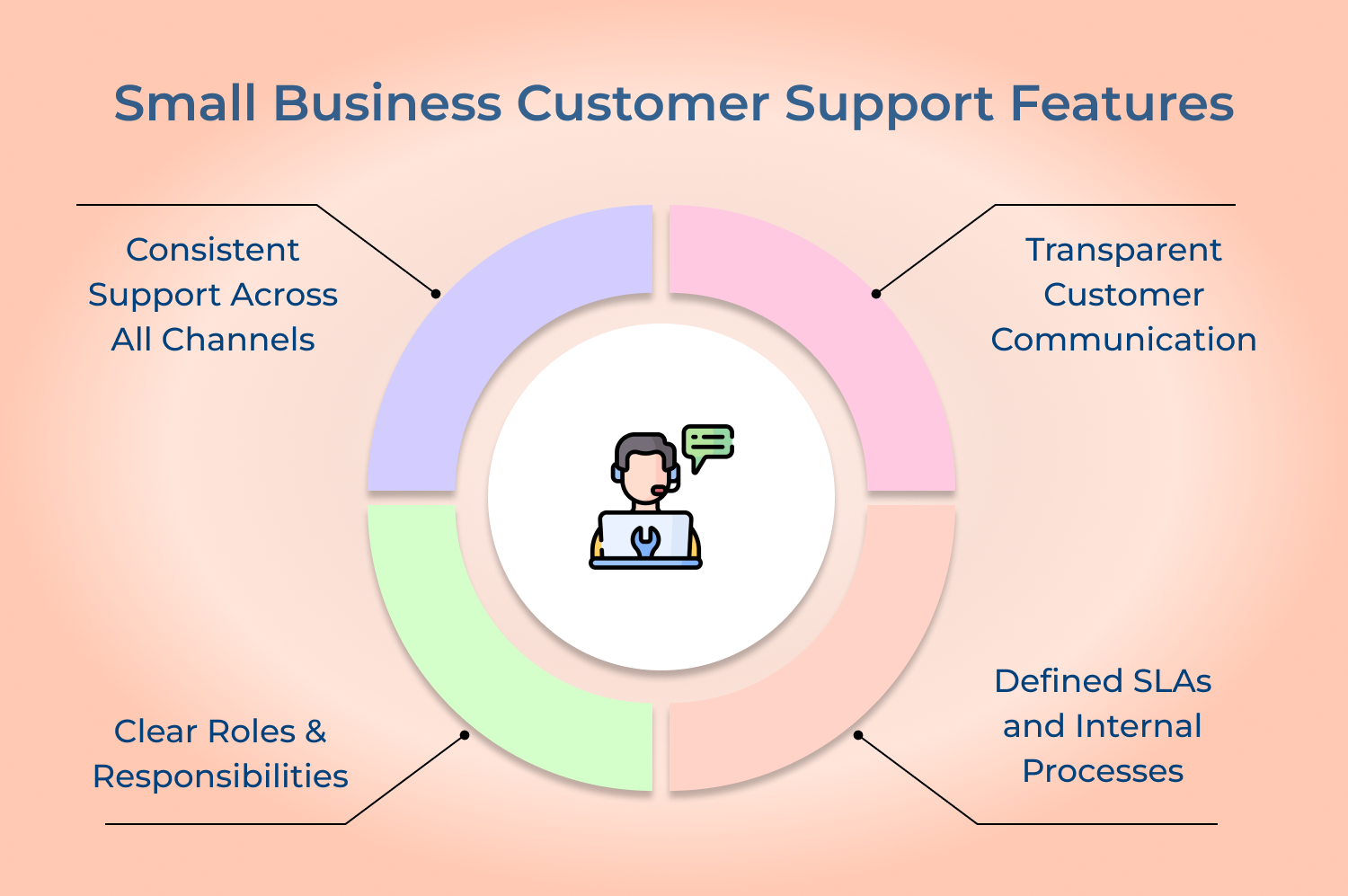
Small Business Customer Support Features

Consistent Support Across All Channels

A great customer service team ensures that support is provided to customers through all available channels. The customers get the same level of service whether they contact the team through email, phone calls, a live chat session, or in-person. Consistency in handling customer queries across all channels creates a unified customer experience and helps to build trust with clients.

Transparent Customer Communication

A resilient customer service operations knows that transparency is key when dealing with customers. The business needs to put in efforts to provide clear and honest information to customers even if it’s a less than ideal response. The right customer service processes ensure that the client is informed of the status of their request, indicating what steps are being taken and when they can expect resolution. A quality level of operational execution makes the customers feel valued and heard.

Clear Roles & Responsibilities

A business with apt customer service strategies operates like a well-oiled machine, with each team member understanding his or her role within the team. The team members should know what tasks they are responsible to make sure they are performed on time. It is also critical that all team members understand how their roles fit into the overall goal & target of the customer service team.

Defined SLAs and Internal Processes

SLAs clearly define the response as well as resolution time for customer enquiries. Internal processes ensure that customer issues are correctly routed within the team and solved promptly, without delay or confusion.

Top Small Business (SMB) Customer Support Tools

SMBs are turning to a plethora of cutting-edge solutions to ensure no stones are left unturned. We’re here to help you find the best customer service platforms for small businesses that empower businesses.

1. Omni24

Best AI powered tool for small business customer service

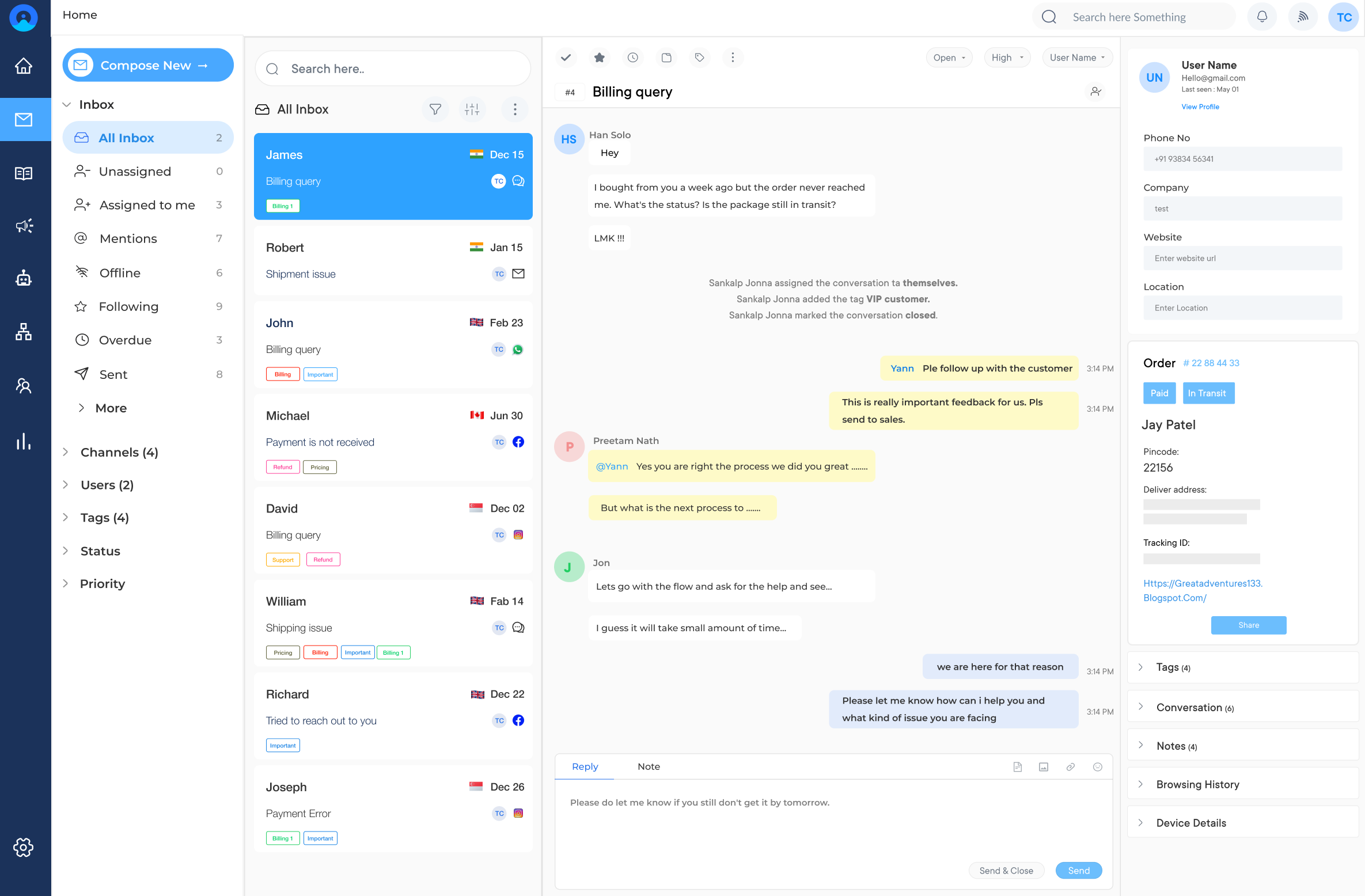
Omni 24 SMB Support Tool

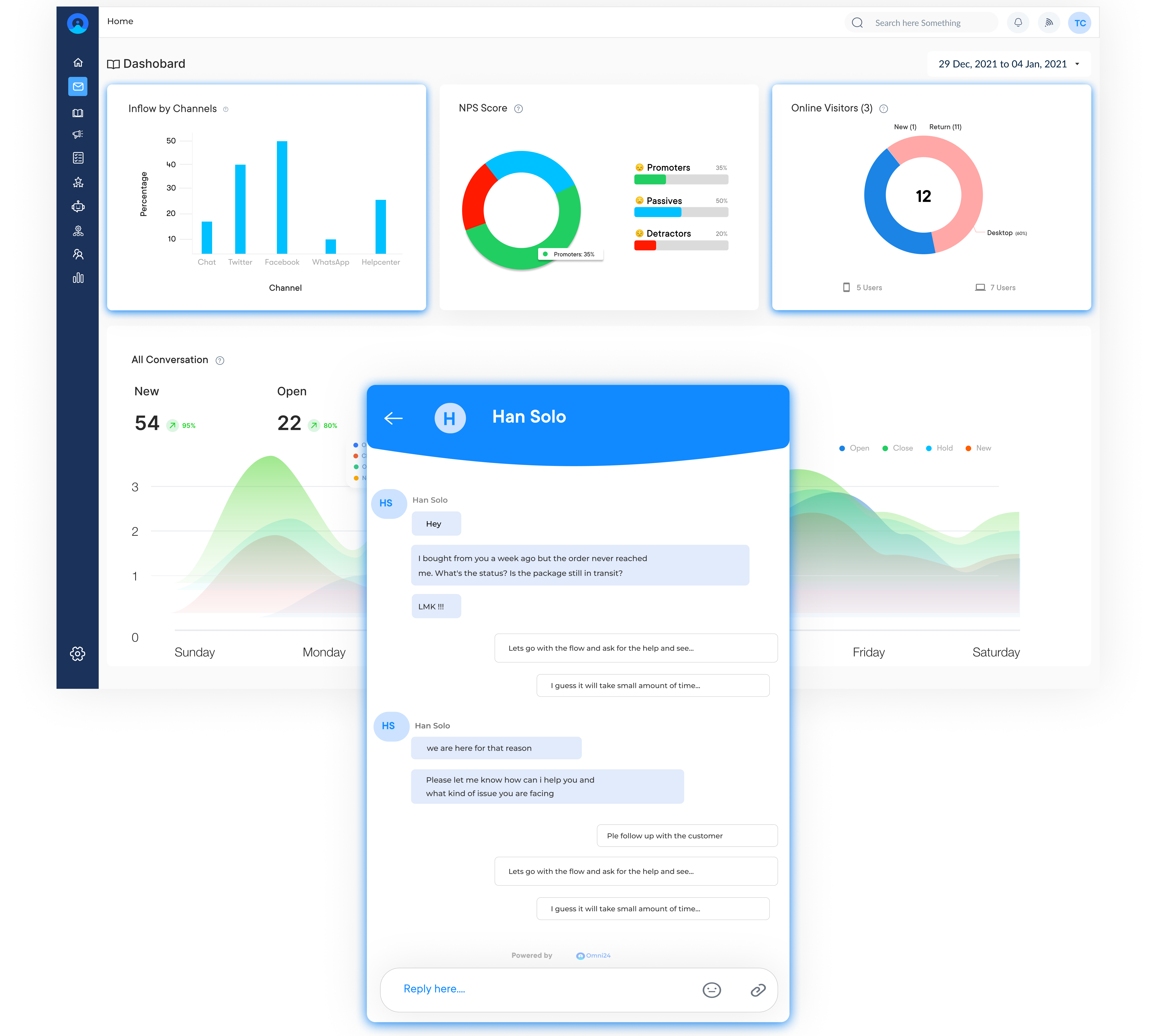
Omni24 is an AI-powered customer engagement platform that combines three suites: support, sales and marketing, to meet the needs of growing small businesses. Small teams can manage customer interactions across multiple channels from one dashboard. Automation, combined with live chat, handles routine tasks to let agents focus on complex interactions.

Key features:

  • Omnichannel Communication: Manage inquiries across email, live chat and social media in one shared inbox, ensuring a seamless experience regardless of channel.
  • Automated Workflows: Automate ticket routing to the right agent based on expertise or priorities to save time and let small teams handle higher volumes.
  • Knowledge Base: Create a self-service help center for customers to find answers independently, reducing repetitive inquiries.
  • Live Chat: Engage website visitors in real time by providing instant support and guidance. This helps SMBs convert visitors into customers more effectively.
  • Reporting and Analytics: Track metrics in real time such as customer satisfaction and response times to make data-driven decisions.

2. Veemo Support

Top contact center management tool for small-business customer support

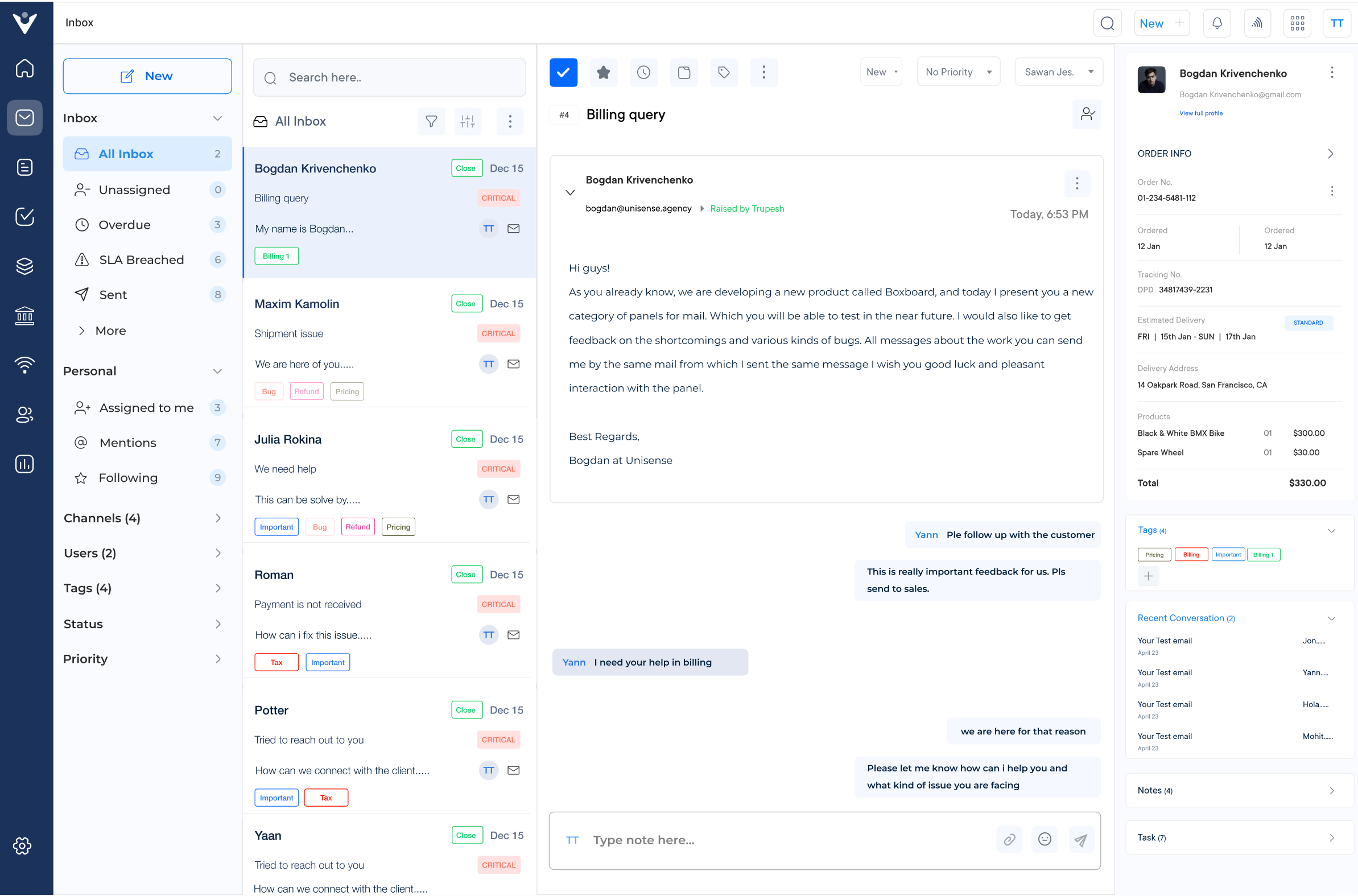
Veemo SMB Support Tool

Veemo Support is one of the best AI-powered customer support software ideal for small and medium-sized businesses. It combines ticketing, automation and omnichannel communication into one dashboard, helping SMBs deliver consistent customer service without the involvement of a large support team.

Key features:

  • Omnichannel support: Seamlessly communicate with customers across multiple channels, including email, chat and social media, ensuring a consistent experience.
  • AI-powered automations: Automate repetitive tasks, such as ticket routing and response suggestions, improving efficiency while enabling agents to focus on complex issues.
  • Self-service options: Create a knowledge base and FAQs, empowering customers to find answers to questions independently, reducing support ticket volume.
  • Reporting and analytics: Advanced reporting provides businesses with insights into customer support performance to make data-driven decisions
  • Integrations and customization: Seamless integrations with popular business tools to streamline customer service workflow process while also providing a personalized customer experience.

3. Tawk.to

Best tool for customer service in small business

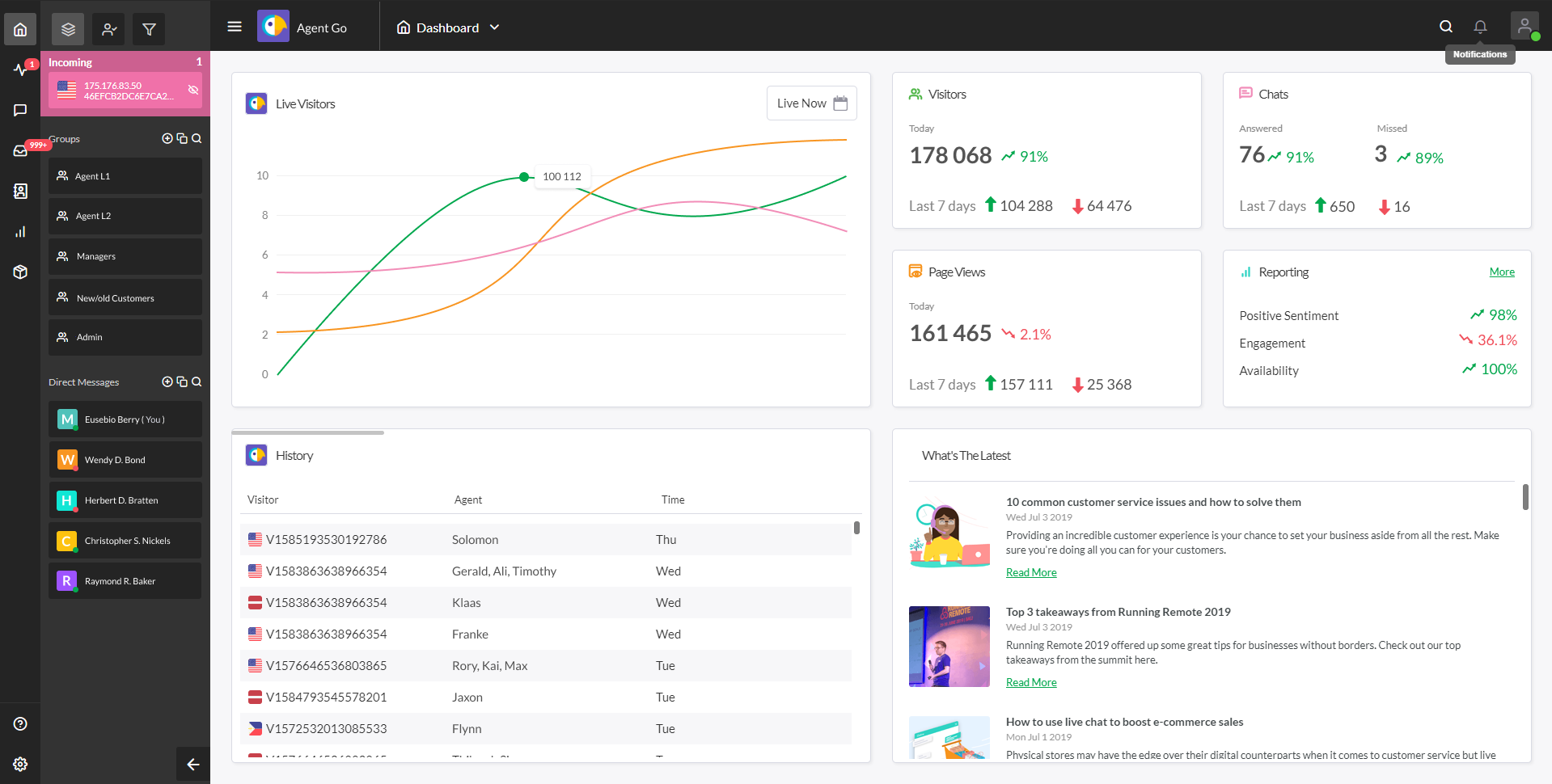
Tawk.to SMB Support Tool

Tawk.to is a free live chat and messaging app that helps businesses communicate with their customers in real-time, monitor website activity, as well as improve customer engagement.

Key features : Create customized prompts for visitors to begin a chat or send a message. Send important announcements or promotions to all customers in real-time. Access the app on any device with internet connectivity

4. Cloudtalk

Cloudtalk SMB Support Tool

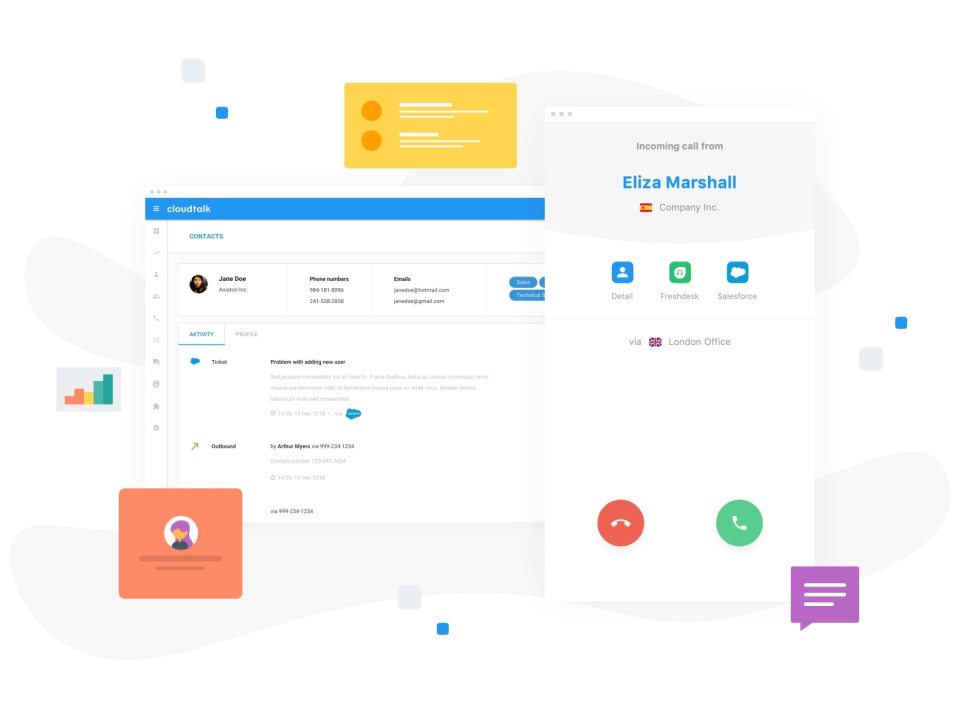
Cloudtalk is a top small business customer service software that empowers businesses to enhance customer experience and communication. It provides a centralized platform that seamlessly unites customer support calls, live chat, SMS and social media in one place.

Key features: Built-in call center functionality for power dialing and call recordings. Smart dialing with local numbers from different regions and countries. Advanced reporting and analytics

5. WotNot

WotNot SMB Support Tool

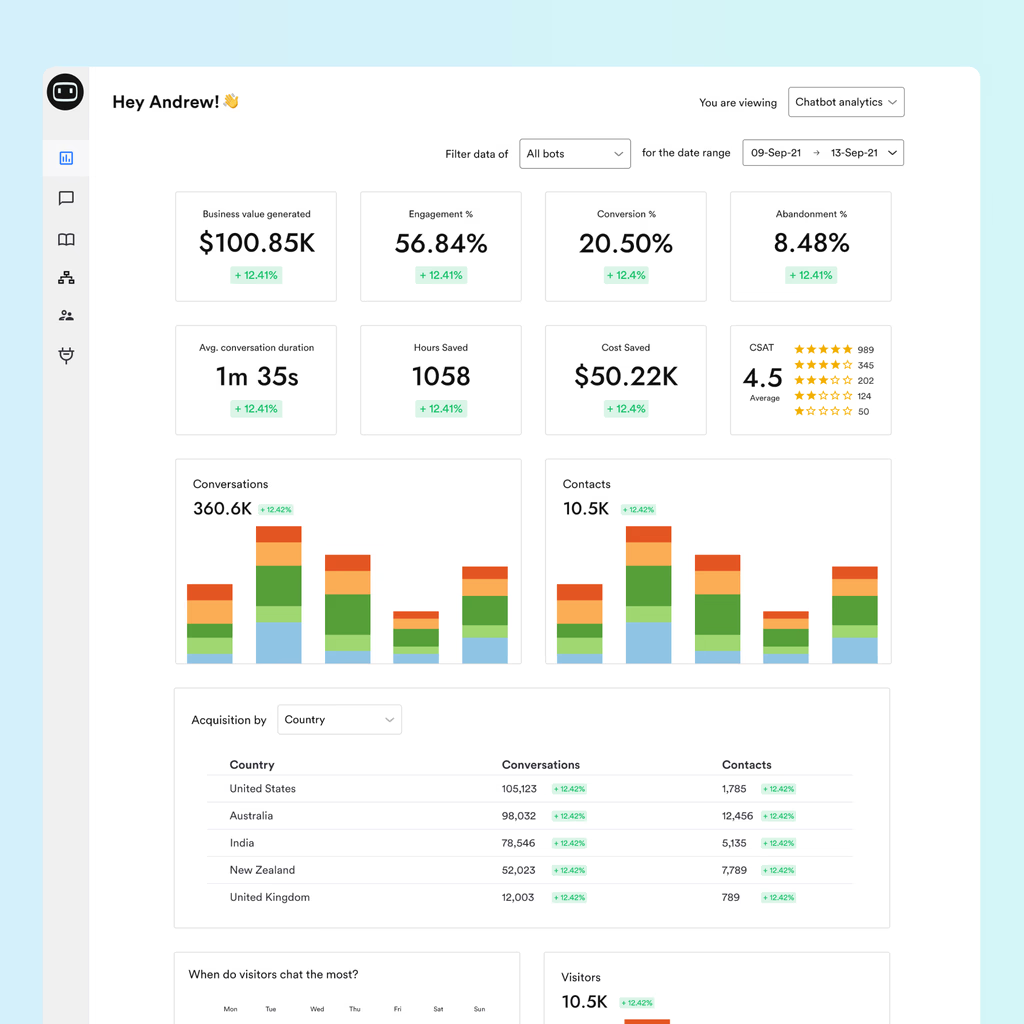
WotNot is an AI-powered chatbot that offers 24/7 customer support and automated responses to frequently asked questions. It integrates with different platforms, including websites, social media, as well as messaging apps like Facebook Messenger and WhatsApp.

Key features: Chatbot with personalized messaging to handle complex customer queries. Provides real-time analytics on visitor behavior and engagement. Support for multiple languages.

6. Zendesk

Zendesk SMB Support Tool

Ultimate small business customer service tool to improve team performance
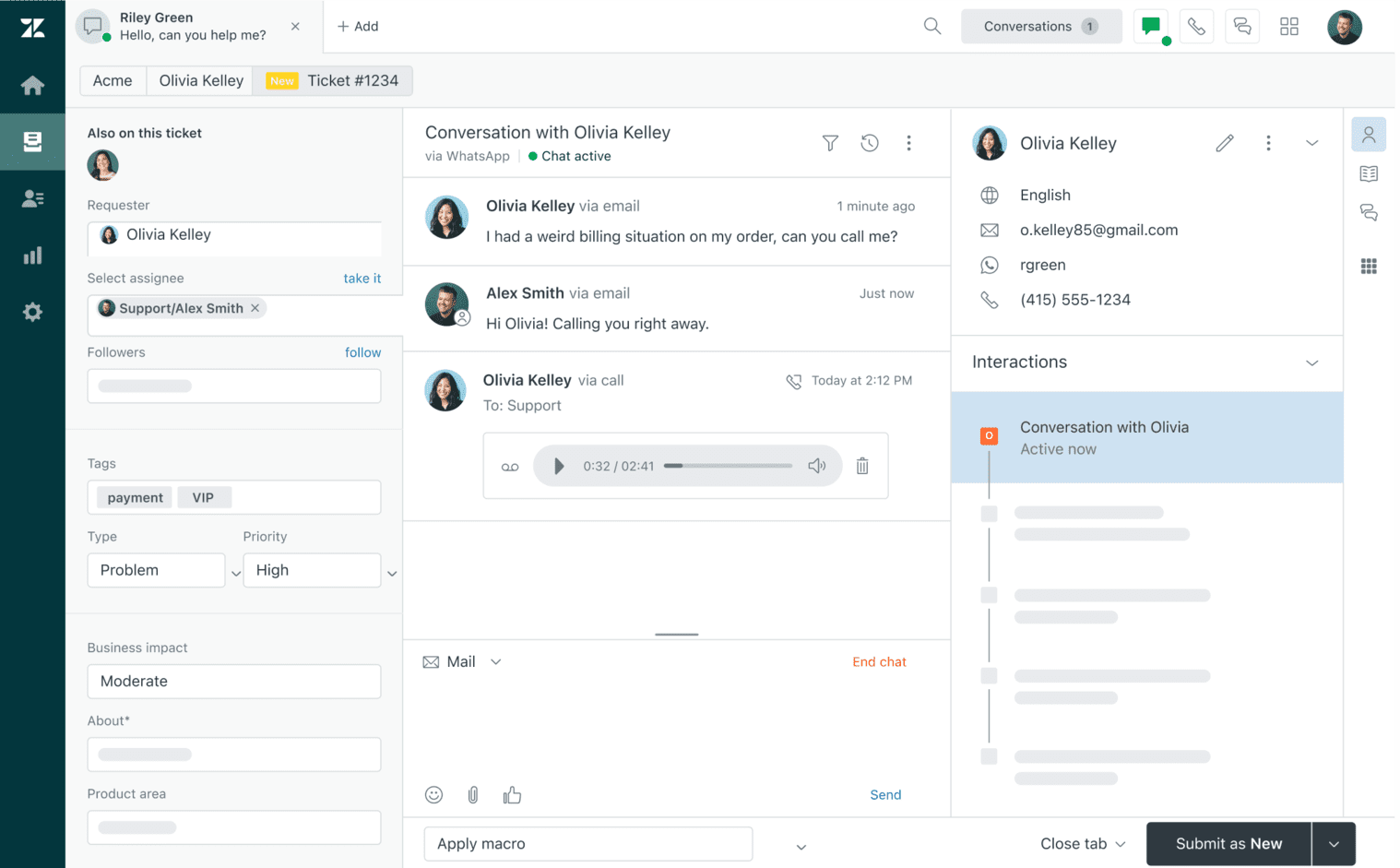
Zendesk is a cloud-based customer service software that allows teams to manage customer interactions across various channels, including email, social media, and phone calls. It offers a range of features to help businesses improve their customer support to streamline operations.

Key features: Allows teams to manage customer inquiries across various channels. Easy tracking and organization of customer requests with options to prioritize. Data-driven insights to help improve team performance.

7. Buffer

Buffer SMB Support Tool

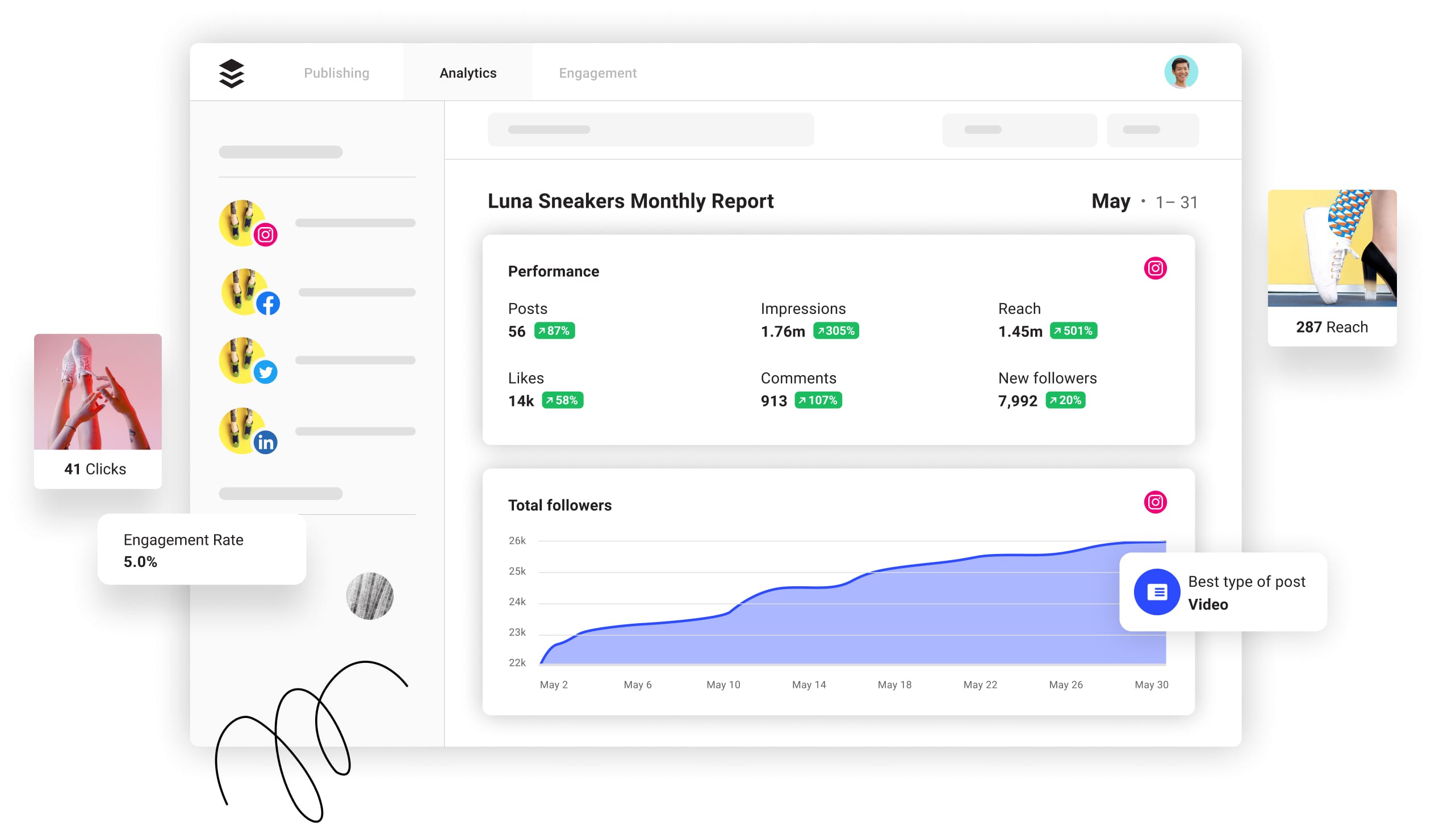
Buffer is a social media marketing tool that enables businesses to manage and analyze their social media accounts in an efficient manner. Its key features include a user-friendly interface, automatic post scheduling, social media analytics, as well as integration with popular platforms like Instagram and Facebook.

Key features: Schedule social media posts and analyze performance as well as engagement metrics. Collaborate with team members to manage social media accounts together. Access to a library of ready-to-publish content.

How to Select the Right SMB Customer Support Tool?

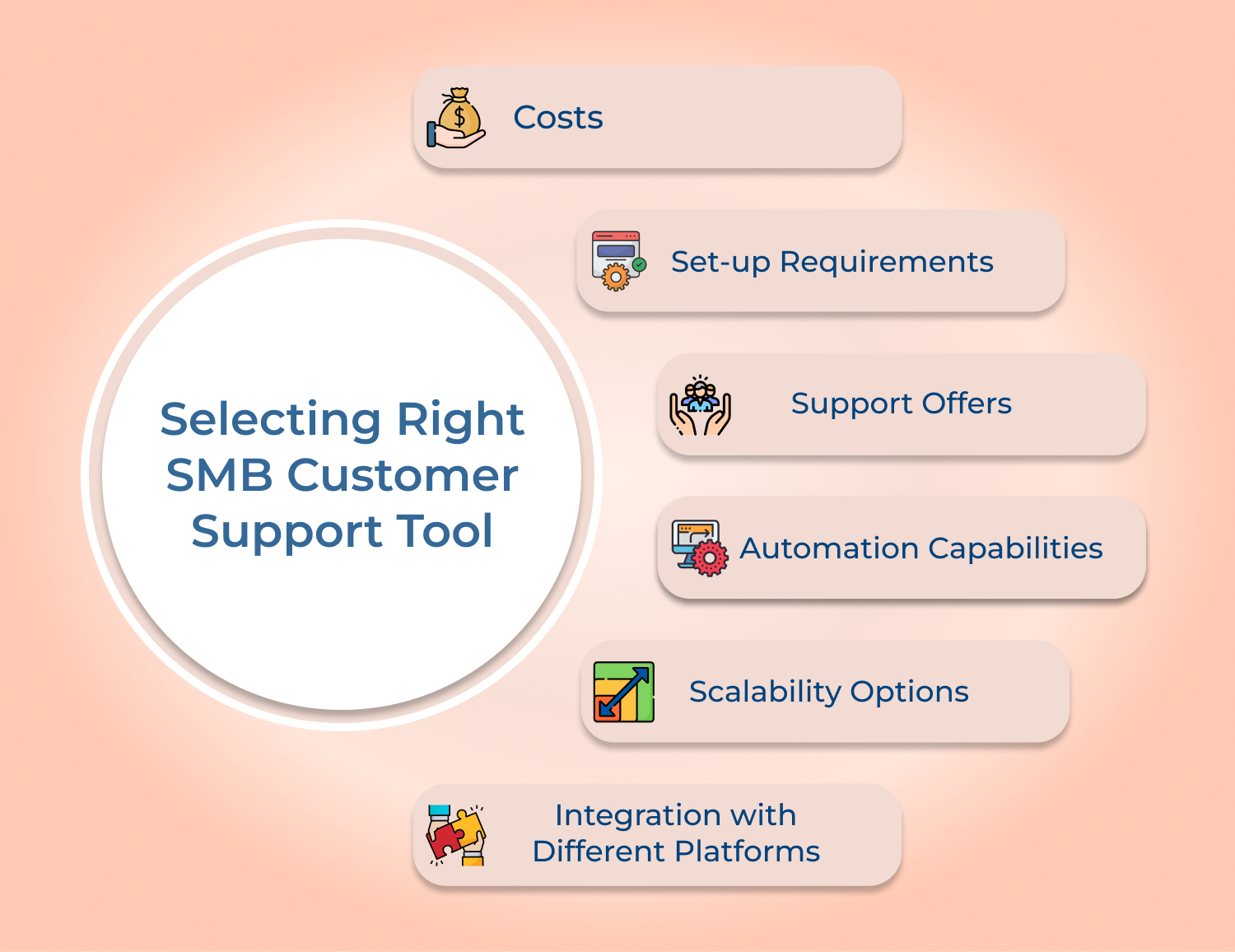
For any small business, customer service software can be a game changer. But when it comes to choosing the right software, there are many criteria to consider.

Selecting Right SMB Customer
Support Tool

1. Costs

One of the first things to take into consideration is the cost associated with implementing a customer service software system. Make sure you understand all upfront and related costs as well as any additional charges or fees associated with continued use of the software.

2. Set-up Requirements

When shopping for a customer service platform, your choice will largely depend on how tech-savvy you are. If you have no technical skills, then opting for a cloud-based system might be the best choice. This type of system does not require much set-up beyond creating an account online and activating the subscription plan.

3. Support Offers

Most companies providing customer support software today offer good after-sales support through toll-free phone numbers, chatbots and email services, among others. Check the level of after-sales services they provide to ensure business needs are met in critical situation.

4. Automation Capabilities

Long gone are the days when customer service reps spent hours manually entering data into databases. Nowadays, it’s possible to automate just about every common task thanks to powerful automation tools available in most great customer service systems out there today.

5. Scalability Options

Choosing a scalable platform can also save you from costly upgrades down the road if your business gets its big break and experiences sudden growth. Fortunately, there are plenty of small business support solutions that allow scaling easily up or down depending on current requirements.

6. Integration with Different Platforms

Last but not least – one of the essential criteria is how easy it is for the user’s chosen system to integrate with different platforms such as website design scripts, eCommerce stores, or CRM systems. Being able to seamlessly integrate other necessary components into an already existing setup can save users time and frustration.

Great Customer Service Experience is Critical for Small Businesses

Small businesses that invest in the right tools, training and customer-first mindset consistently outperform to build lasting loyalty. Effective SMB customer service is a growth driver.

  • Omnichannel support ensures customers reach you on their preferred channel, every time.
  • Regular team training and defined SLAs maintain consistent, high-quality service delivery.
  • Automation and a knowledge base reduce workload while improving response speed.

Ready to elevate your support? Start Omni24’s 14-day free trial today. Small businesses that prioritize small business customer service don’t just retain customers. They turn them into advocates.

Scale Your Customer Engagement with Omni24

Omni24’s customer engagement platform harnesses automation and AI to deliver unified customer experiences across digital channels, while keeping human touch.

FAQs about Small Business Customer Service

Small business customer service improvement starts with training employees to prioritize customer satisfaction genuinely across every interaction they have with customers. Build the right habits early makes a lasting difference over time. Key strategies to do it are:

  • Encourage active listening, empathy and problem-solving skills
  • Focus on building a customer-centric culture across the organization
  • Integrate CRM systems to track and manage all customer interactions
  • Analyze feedback consistently to identify improvement areas

Both speed and quality matter in SMB customer service, and finding the right balance is crucial for long-term success as well as growth. Customers expect timely responses, but also value personalized as well as accurate assistance across every interaction.

Setting up realistic response-time expectations while training staff to work efficiently helps achieve both goals consistently. The balance makes sure customers feel heard without wainitng long during busy periods.

Technology plays a significant role in enhancing small business customer service. Implementing customer relationship management (CRM) software allows you to track customer interactions, store customer data, and streamline communication.

Utilize live chat or chatbot features on your website to provide immediate assistance to customers. Embrace social media platforms to engage with customers, address inquiries, and manage feedback. Automation tools can also be employed to simplify processes as well as improve efficiency.

SMBs often face financial constraints, making it crucial to find cost-effective customer support solutions. The right combination of tools makes limited budgets stretch. Here are a few strategies to provide quality support within a limited budget:

  • Utilize free or low-cost customer support software and tools.
  • Leverage self-service options such as FAQs, knowledge bases, and chatbots.
  • Prioritize personalized interactions to showcase the value of your customer support.

Personalized customer support helps SMBs build strong relationships with their customers. Understanding and addressing individual customer needs enhances customer satisfaction. Personalization can be achieved through various means, such as personalized email responses, tailored recommendations, and proactive communication.

During peak seasons or high-demand periods, SMBs may experience an influx of customer inquiries. To effectively handle the increased workload, consider the following strategies of:
Implementing a ticketing system to organize and prioritize customer inquiries. Hiring temporary customer support staff or outsource customer support tasks to a third-party service provider. Optimizing self-service options to allow customers to find answers to common questions independently.