How to Set up a Help Desk Knowledge Base?
A help desk knowledge base speeds issue resolution, reduces support dependency, boosts consistency, efficiency and customer experience.

A help desk knowledge base speeds issue resolution, reduces support dependency, boosts consistency, efficiency and customer experience.
Support teams everywhere face an endless cycle of repetitive questions and scattered solutions. Agents waste precious hours hunting through disorganized documentation, while customers grow increasingly frustrated with long wait times and inconsistent answers.
Effective help desk knowledge bases reduce ticket volumes by 20-40% and boost first-contact resolution by 30-50%.
A well-structured knowledge base revolutionizes help desk operations. Consolidated support wisdom in one accessible hub empowers agents to deliver faster, accurate solutions while maintaining quality across every interaction.
Organizations can finally break free from the chaos and transform their support into a streamlined powerhouse of efficiency.
A help desk knowledge base is a centralized digital platform that systematically collects as well as manages an organization’s technical support information, documentation and problem-solving resources for efficient knowledge sharing.
A help desk knowledge base serves as a critical infrastructure for modern support teams, enabling faster problem resolution, reducing support workload, empowering end-users with self-service tools and creating a standardized approach to addressing technical challenges across the organization.
Key objectives:
A help desk knowledge base empowers users with instant solutions and enhances customer satisfaction through accessible self-service resources.
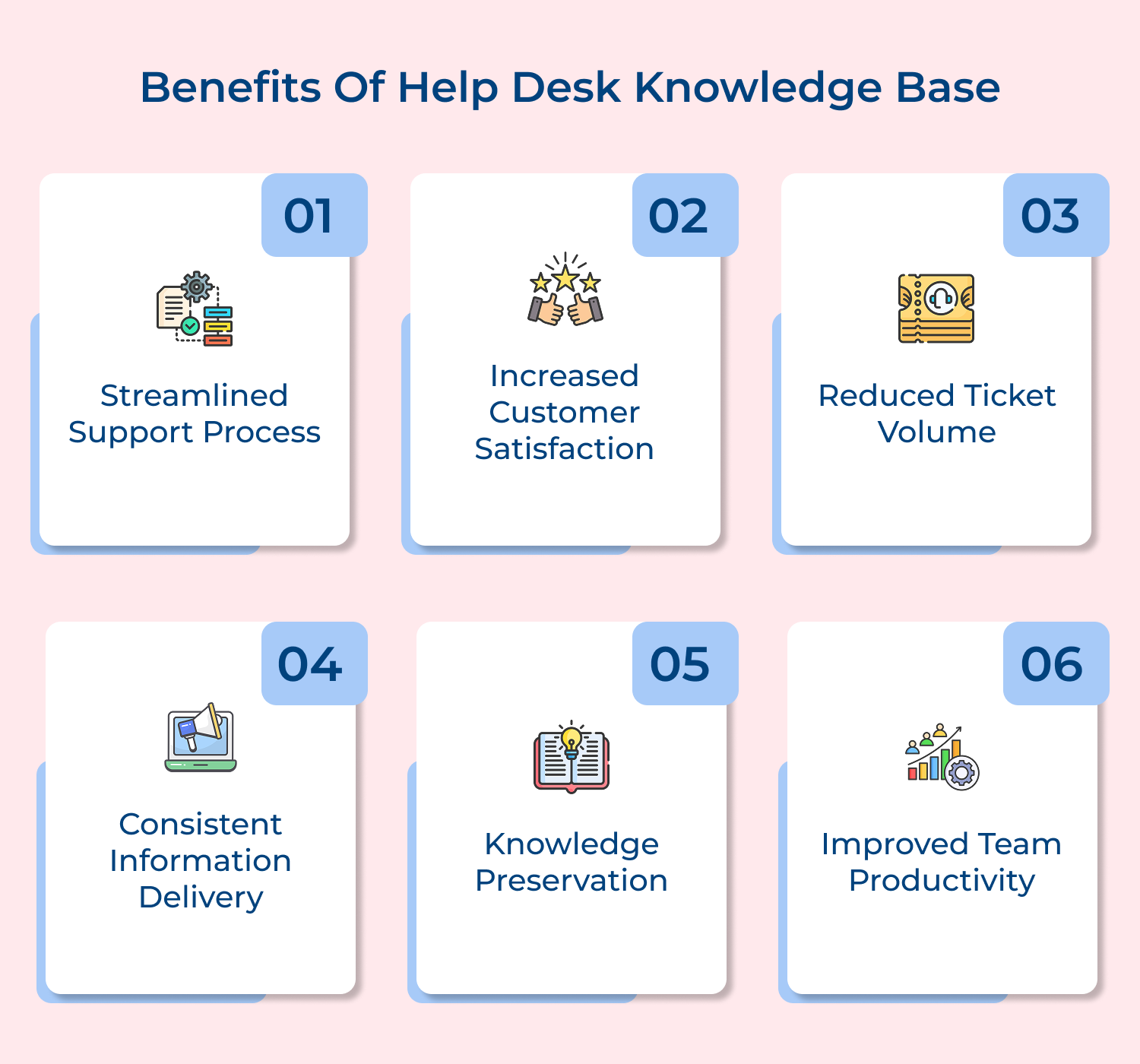
1. Streamlined Support Process
Centralized information transforms support operations through a systematic approach to problem-solving. Support teams access standardized solutions rapidly, reducing time spent searching for information and enabling more efficient resolution of technical challenges.
2. Increased Customer Satisfaction
Self-service resources dramatically improve user support experiences. Customers find immediate answers to their questions, reducing wait times and frustration while gaining 24/7 access to comprehensive troubleshooting guides, solutions.
3. Reduced Ticket Volume
Easily accessible comprehensive documentation allows organizations to significantly decrease incoming support tickets. Users resolve many common issues independently, enabling support teams to focus on more complex technical challenges.
4. Consistent Information Delivery
Centralized knowledge bases ensure support team members provide uniform, accurate information. Uniform guidance eliminates conflicting approaches, maintaining high support standards across different teams and communication channels.
5. Knowledge Preservation
Organizational expertise gets captured and preserved, preventing information loss when key team members leave. Accumulated technical wisdom becomes a living repository that can be continuously updated and refined.
Setting up a help desk knowledge base requires strategic planning and systematic implementation to create an effective self-service platform that benefits both users & organizations.
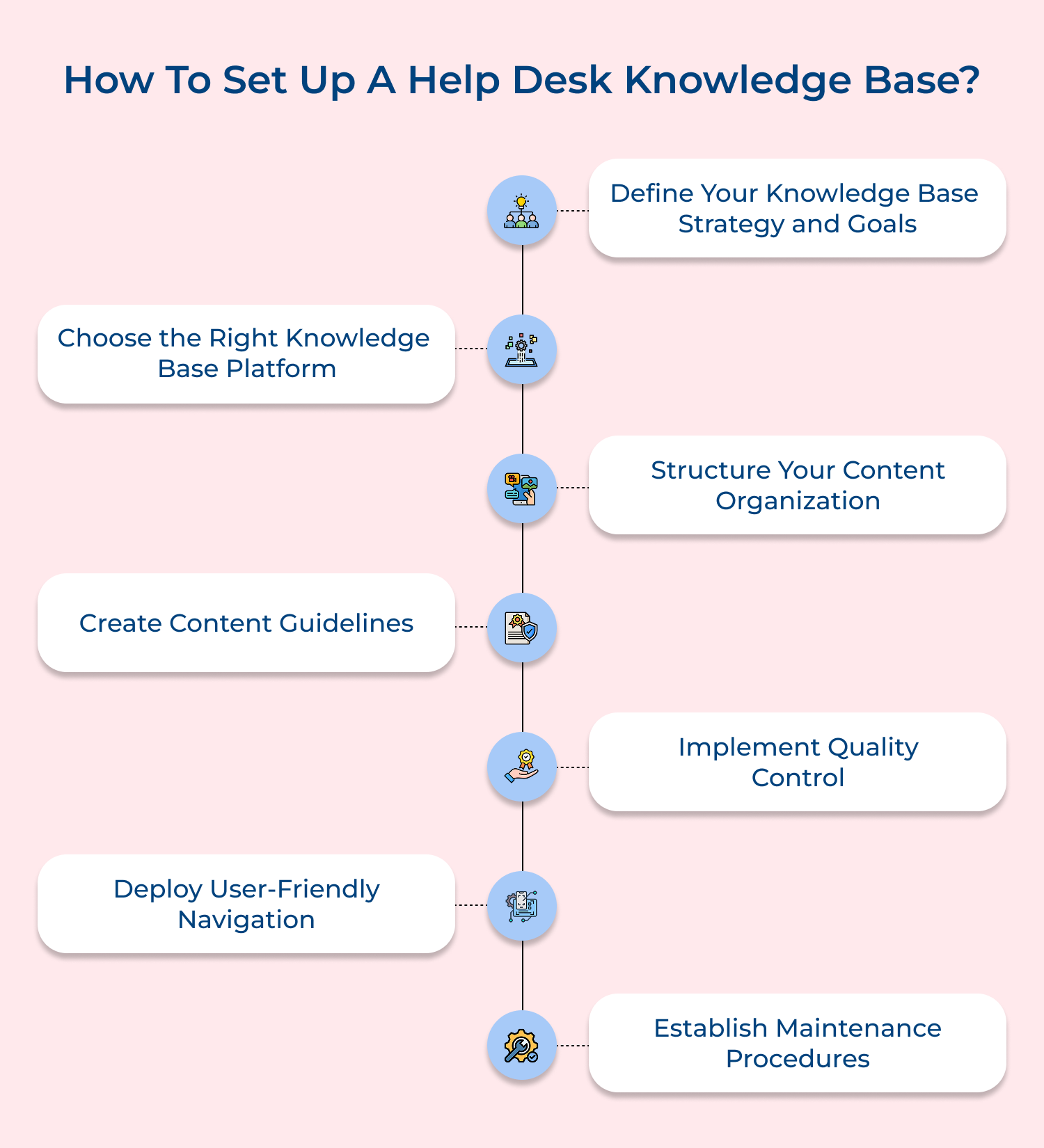
A clear knowledge base strategy ensures that its purpose is served effectively. Strategic planning helps create relevant content that addresses user needs. It provides direction for content creation plus maintenance activities.
Start by identifying core user problems through support ticket analysis. Create specific goals based on user needs. Develop action plans to achieve measurable targets within defined timeframes.
Best Practices:
A knowledge base platform provides the critical infrastructure for organizing, storing and distributing support information. It serves as the central repository for customer solutions, enabling efficient content management and user access.
Leverage the platform to create, publish and manage support content across multiple channels. Utilize its features for content creation and analytics. Integrate with existing support systems to provide a seamless, comprehensive solution for customer information needs.
Best Practices:
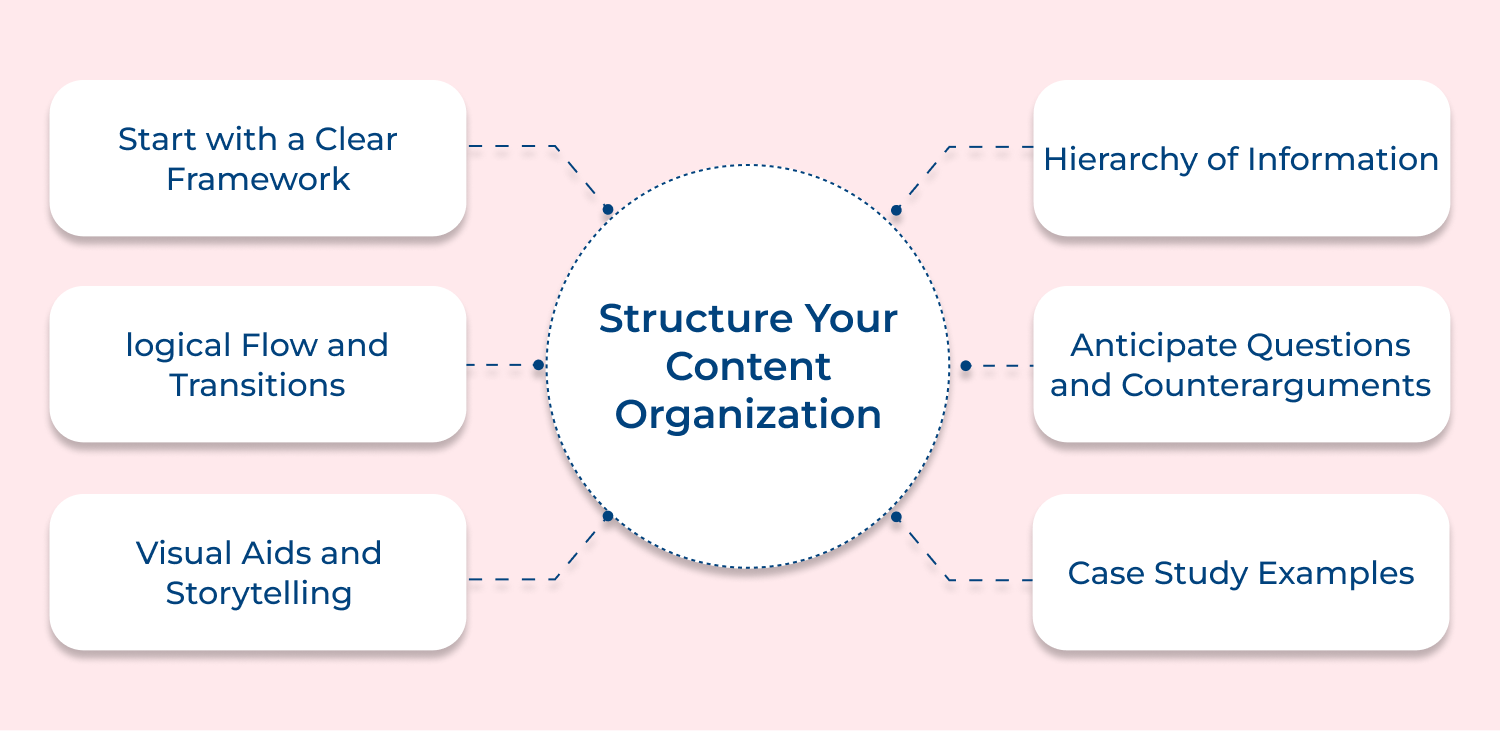
A well-structured content organization ensures users can quickly and easily find the information they need. It reduces frustration, improves user experience and increases the effectiveness of self-service support. Proper structure helps users navigate complex information logically and intuitively, reducing the support team workload.
Create a hierarchical content structure with clear categories and subcategories. Use intuitive navigation, consistent labeling and cross-referencing to help users find relevant information quickly. Implement a logical flow that mirrors user thinking and supports processes.
Tips:
Content guidelines ensure consistency, clarity and quality across all support documentation. They provide a unified approach to creating, writing and presenting information, reducing confusion, improving user comprehension. Guidelines help maintain a professional, coherent voice that reflects the organization’s brand and support philosophy.
Develop a comprehensive style guide that outlines writing standards, formatting rules and communication expectations. Train content creators to follow these guidelines, ensuring uniform quality and clarity across all knowledge base articles.
Actionable Tips:
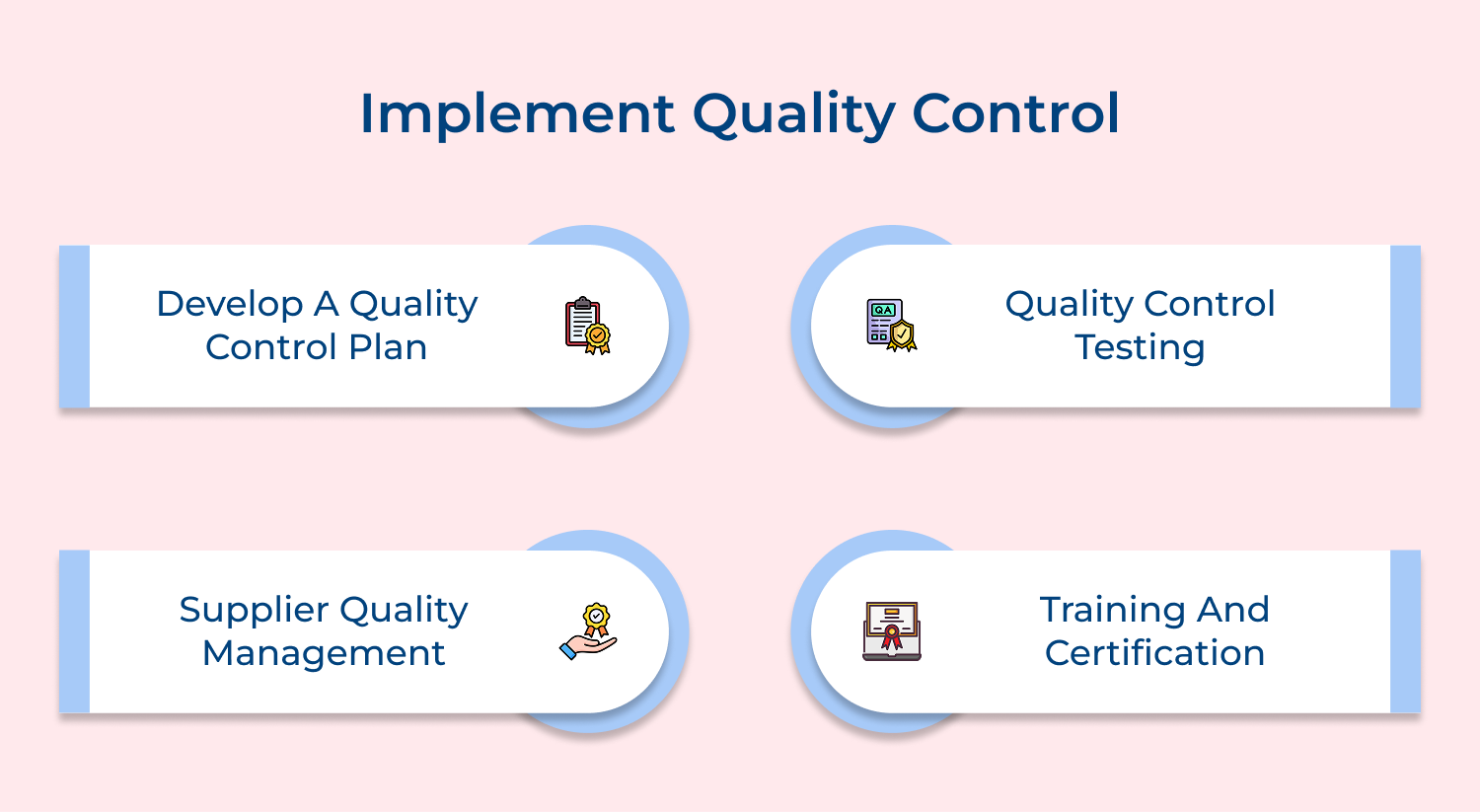
Quality control ensures the accuracy, relevance and reliability of support content. It prevents misinformation and reduces potential support issues caused by outdated or incorrect information. Systematic review processes help maintain high standards and continuously improve the knowledge base’s effectiveness.
Establish a multi-stage review process involving subject matter experts. Conduct regular content audits, use analytics to identify and address content gaps, inaccuracies, improvement opportunities.
Best Practices:
User-friendly navigation ensures that users can quickly and easily find the information they need. It reduces frustration, improves self-service effectiveness and enhances overall user experience. Intuitive navigation helps users locate solutions efficiently, reducing support ticket volumes and improving customer satisfaction.
Implement intelligent search functionality, clear menu structures and responsive design. Use autocomplete, suggested results, related content recommendations to help users find relevant information across different devices and platforms.
Best Practices:
Maintenance procedures ensure the knowledge base remains current, accurate and valuable over time.
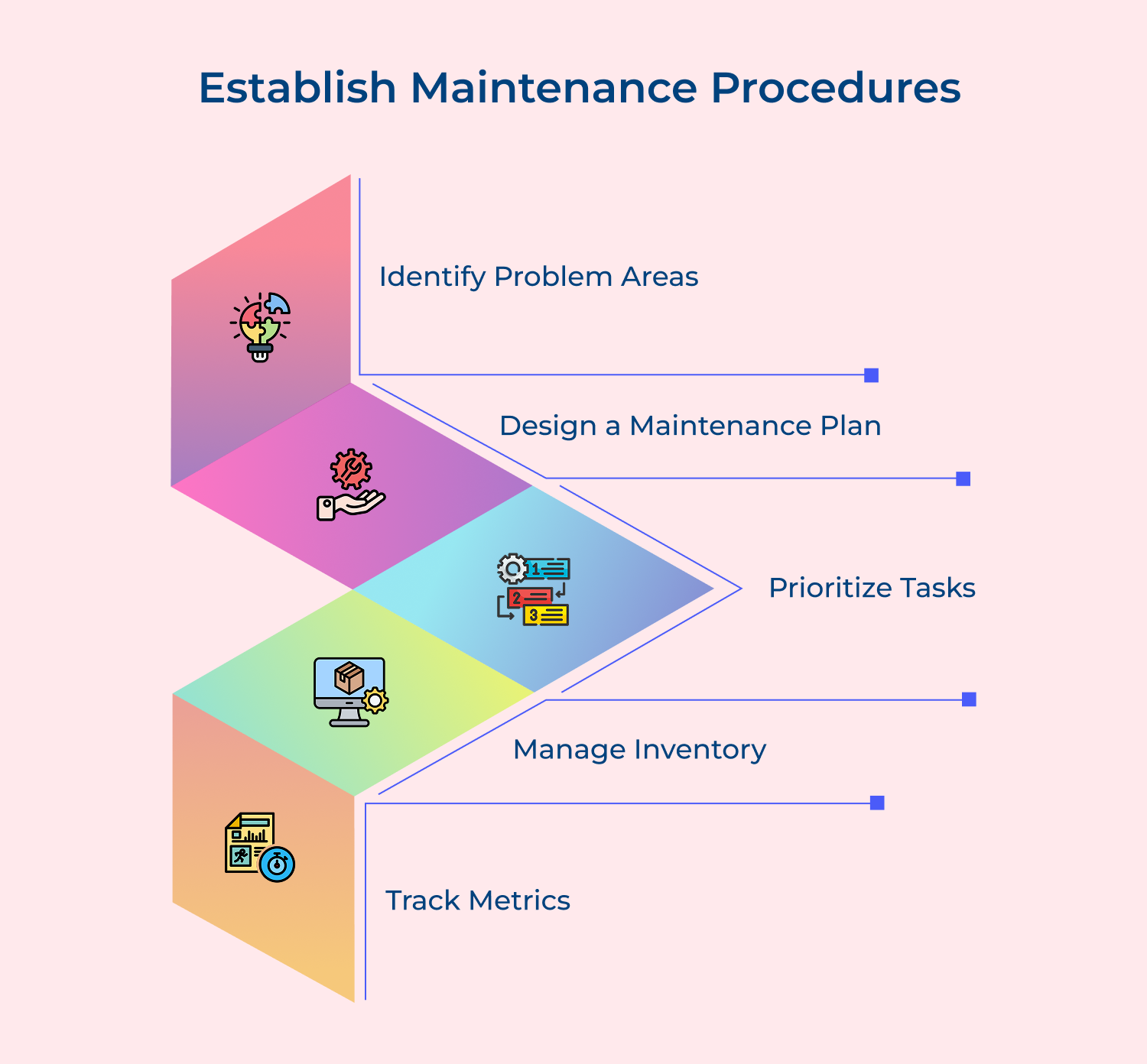
They provide a systematic approach to updating content, addressing emerging support needs, and continuously improving the resource. Regular maintenance prevents information decay and keeps the knowledge base relevant.
Create a content update calendar, assign dedicated content management roles and develop workflows for regular reviews. Monitor support trends, analyze user feedback, systematically update and improve knowledge base content.
Best Practices:
Knowledge base software helps organizations centralize information, streamline support and empower users to find answers efficiently.
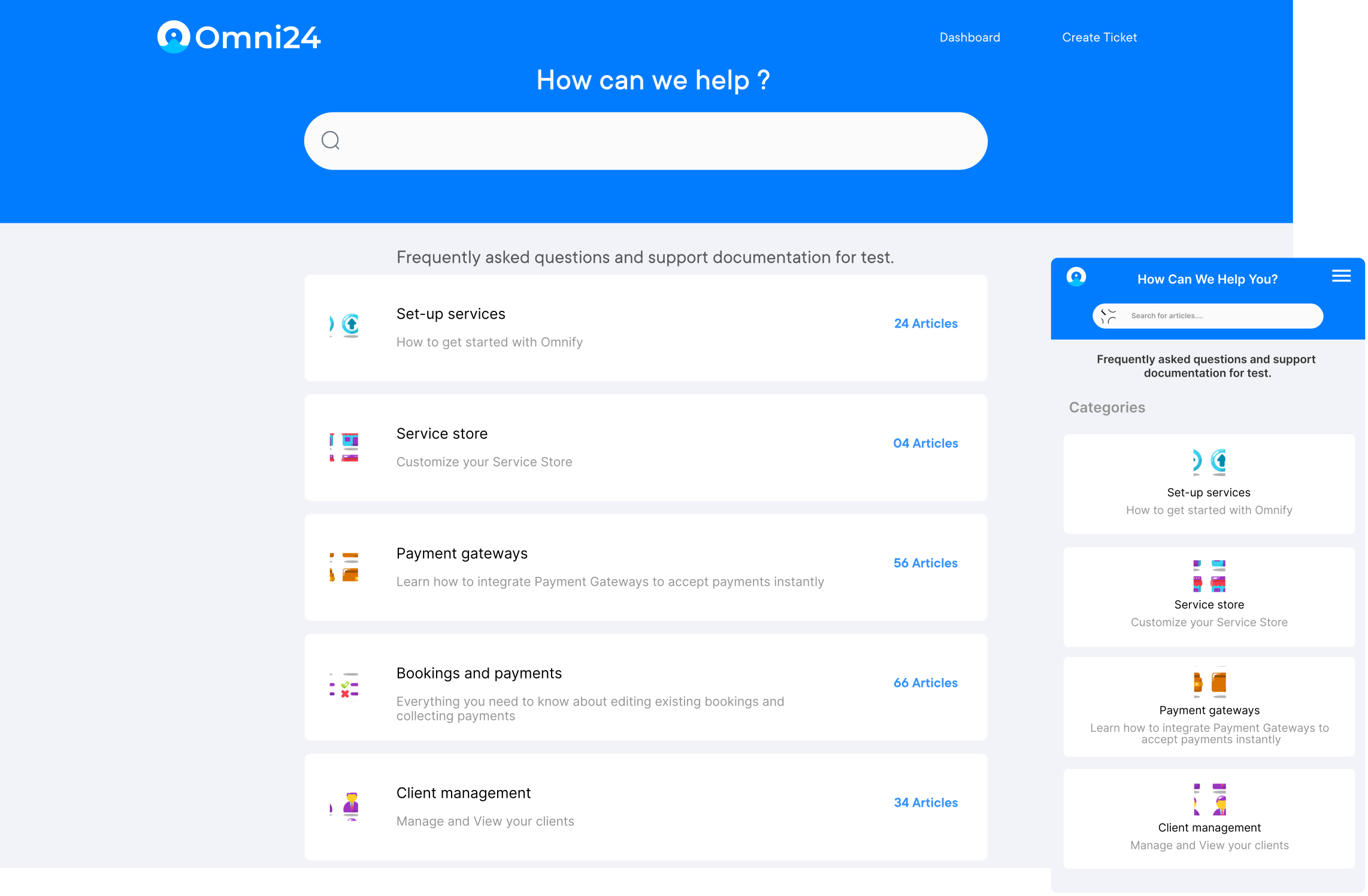
Omni24 stands out for its AI-powered capabilities, offering intelligent search and content recommendations. The platform excels at automatically organizing and categorizing knowledge base articles, making information retrieval seamless for both customers and support teams. Its machine learning algorithms continuously improve search accuracy based on user behavior.
Key Features:
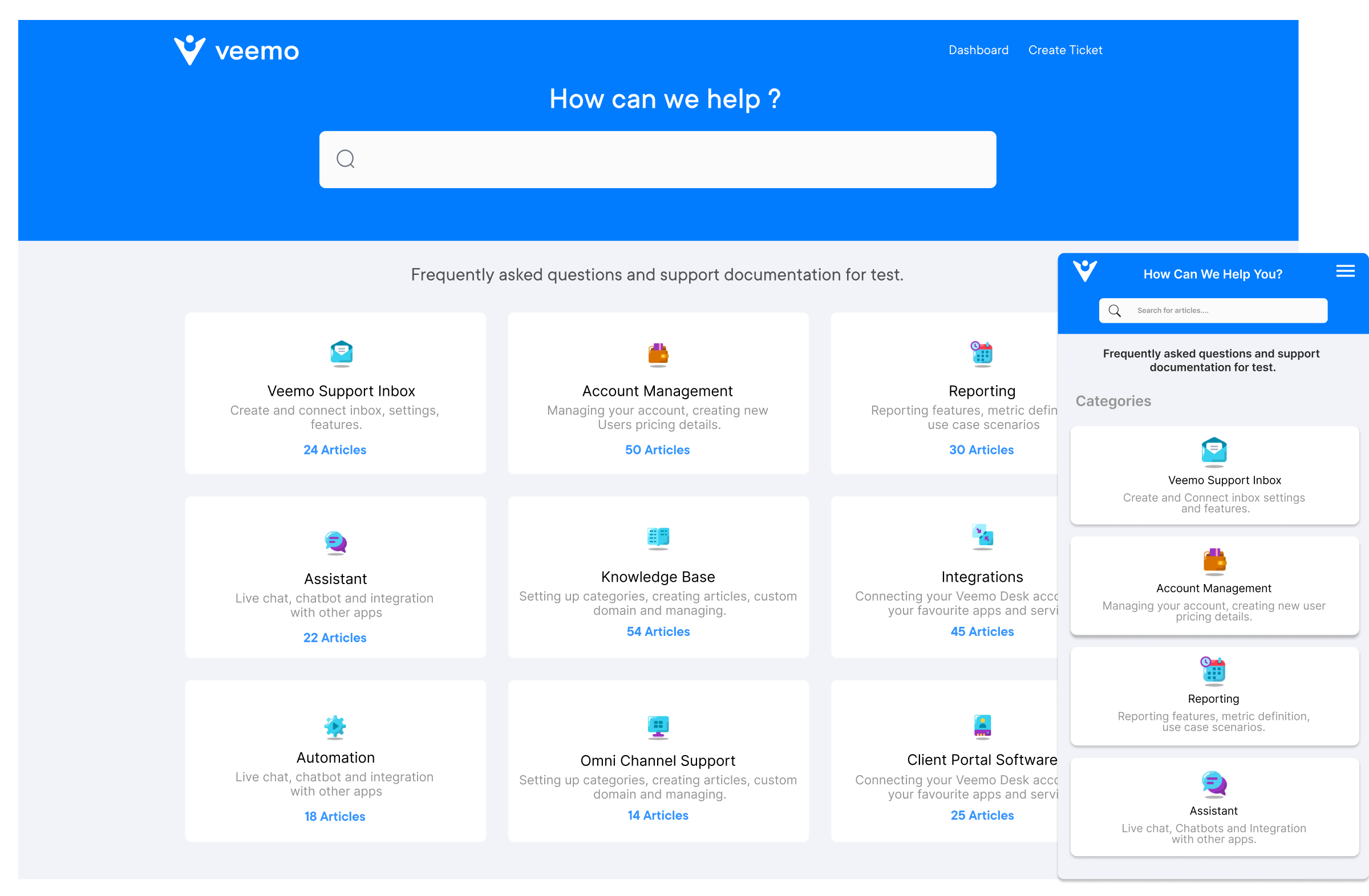
Veemo Support combines simplicity with powerful collaboration features, making it ideal for growing teams. Its intuitive interface streamlines content creation and management while offering robust version control and workflow tools that ensure content accuracy and team productivity.
Key Features:
Helpjuice delivers a sophisticated yet user-friendly platform for comprehensive knowledge management. The software excels in content organization and accessibility, featuring powerful search capabilities and detailed analytics that help organizations optimize their knowledge base performance.
Key Features: Helpjuice delivers AI-powered knowledge management with robust search and real-time collaboration. Track content performance and user engagement through comprehensive analytics, customization tools.
Zendesk’s knowledge base solution integrates seamlessly with its broader customer service platform. It offers robust content organization, powerful search functionality, and detailed analytics to measure article performance. The platform’s Guide Answer Bot uses machine learning to provide instant answers to customer queries.
Key Features: Zendesk’s knowledge base integrates seamlessly with customer service tools, offering AI-powered article suggestions, customizable templates, and detailed analytics to optimize content performance.
Freshdesk provides a comprehensive knowledge base tool with smart suggestions and contextual help features. Its AI-powered bot can automatically recommend relevant articles during customer interactions. The solution offers extensive customization options and supports multiple brands within a single platform.
Key Features: Create and manage comprehensive knowledge bases with AI-powered article suggestions and smart contextual help. Customize multiple portals while maintaining centralized control over content and support workflows.
Help Scout combines simplicity with functionality, offering a clean interface and powerful documentation tools. It excels in creating visually appealing knowledge bases with minimal technical expertise required. The platform includes built-in feedback collection and reporting tools.
Key Features: Build professional knowledge bases with an intuitive interface and powerful documentation tools. Features real-time collaboration, SEO optimization, and detailed analytics for continuous content improvement.
Zoho Desk’s knowledge base features advanced customization options and multilingual support. Its strength lies in its integration capabilities with other Zoho products and third-party applications. The platform offers extensive reporting and analytics tools to measure content effectiveness.
Key Features: Deliver multilingual knowledge management with extensive customization options and powerful analytics. Seamlessly integrate with Zoho ecosystem and third-party tools while automating content workflows.
LiveAgent integrates its knowledge base seamlessly with its help desk software, offering features like ticket deflection and automated article suggestions. Its strength lies in its comprehensive customer support capabilities and detailed performance analytics.
Key Features: Streamline customer support by combining knowledge base and help desk capabilities. Offer automated article suggestions, track detailed performance metrics and reduce ticket volume through self-service.
A well-structured helpdesk knowledge base requires systematic measurement of performance metrics to ensure effective self-service support and continuous user satisfaction.
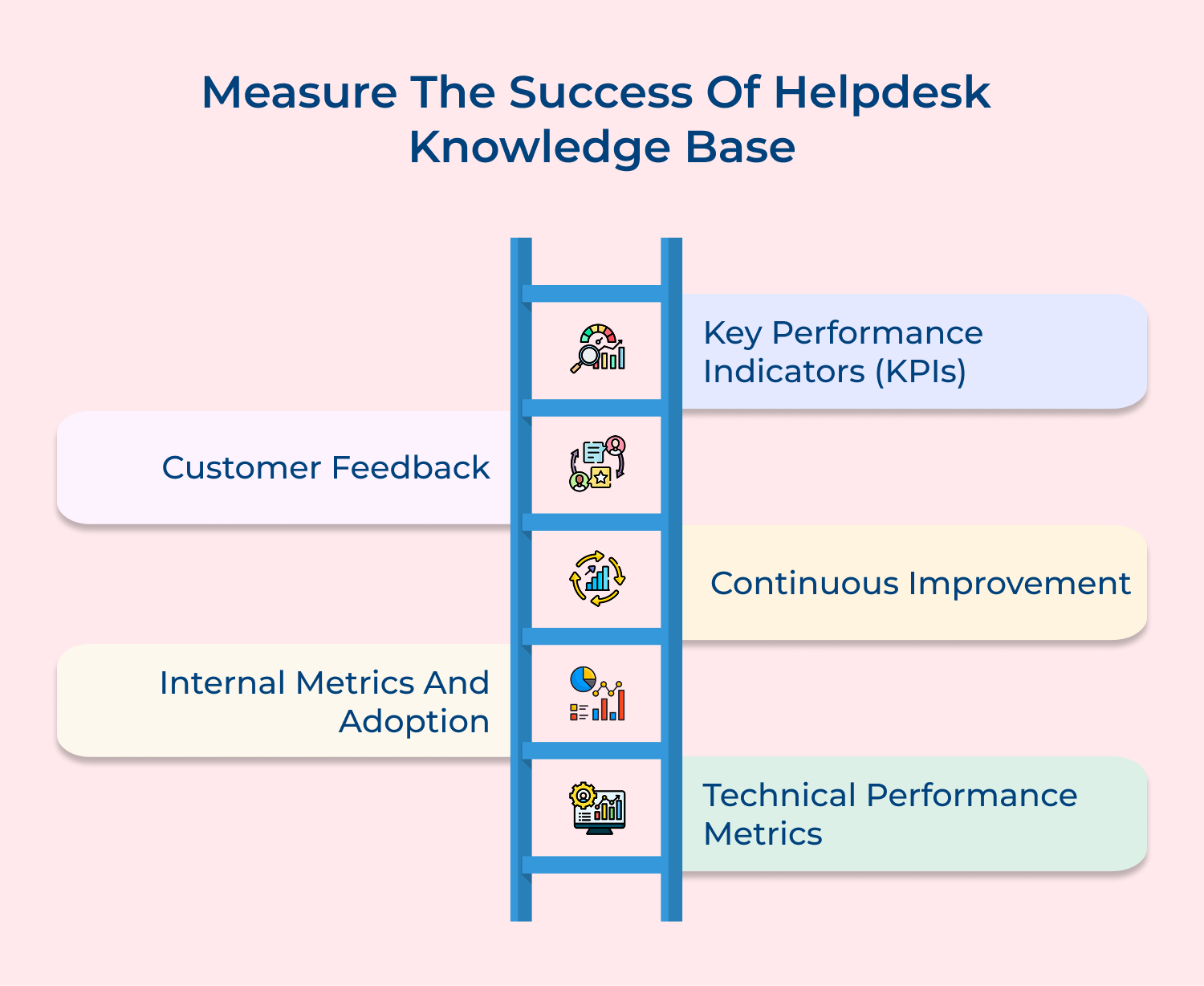
A well-maintained help desk knowledge base is crucial for efficient customer support, yet organizations face several challenges that can hinder its effectiveness and user adoption.
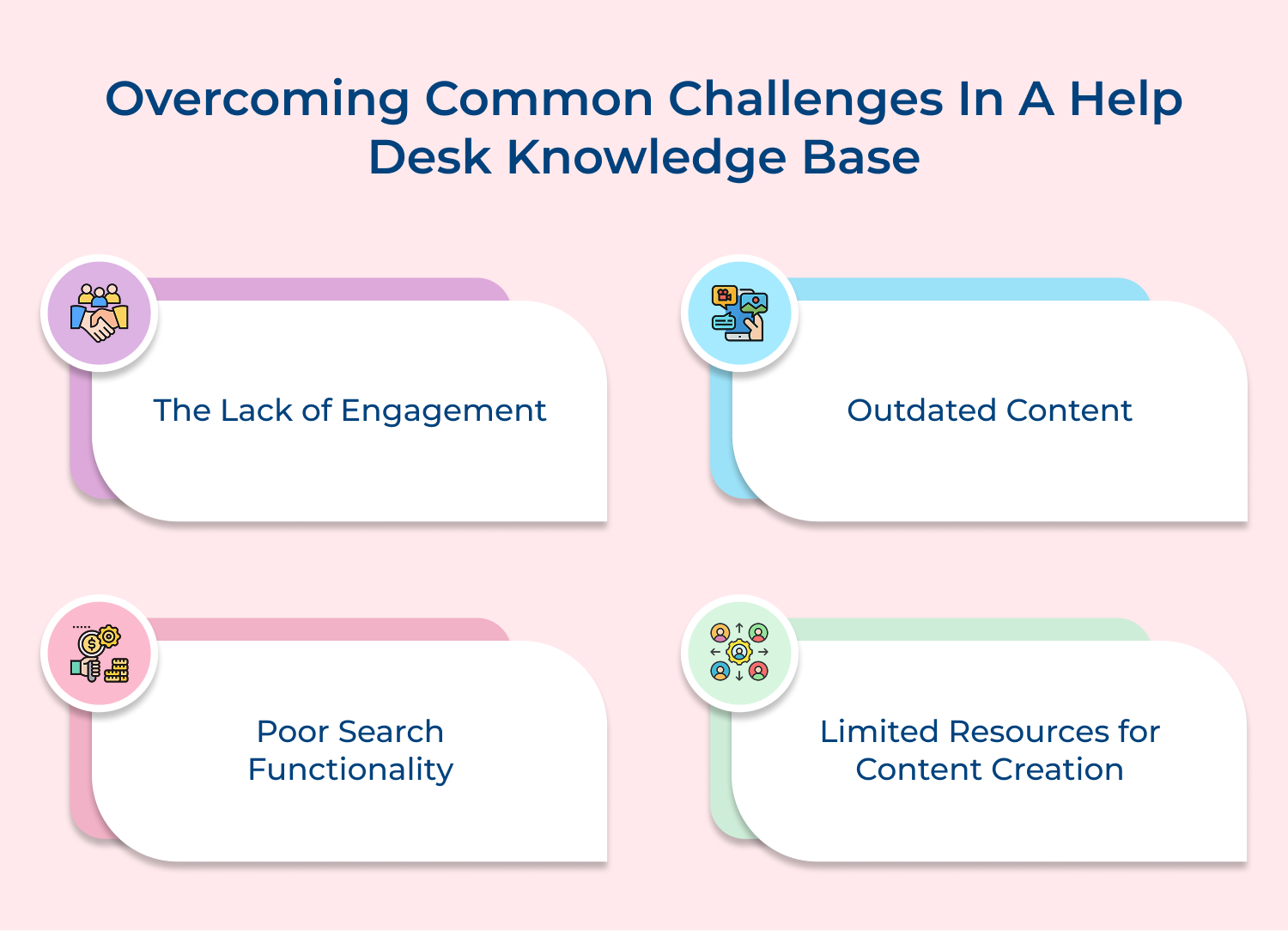
Knowledge bases often experience low user engagement due to poor content presentation and accessibility. Here are key strategies to address this issue:
Organizations often face challenges in maintaining current information in their knowledge bases as products, policies and procedures evolve rapidly. Outdated content can lead to customer confusion and an increase in support tickets. Strategies to address this issue include:
Users frequently abandon self-service efforts when they are unable to quickly find relevant information. The issue often arises from basic search engines that fail to understand context or natural language queries. Key improvements to enhance search functionality include:
Support teams often find it challenging to balance daily ticket resolution with maintaining the knowledge base. To overcome this, consider the following strategies:
A knowledge base is a centralized repository where organizations store information to assist employees and customers in troubleshooting as well as resolving issues. Below are five examples of companies with exceptional service desk knowledge bases:
1. Spotify
Spotify maintains a comprehensive knowledge base to assist users with common issues, such as account management, streaming quality and playlist creation. It includes step-by-step guides, FAQs, and troubleshooting resources. Spotify’s knowledge base prioritizes intuitive navigation, allowing users to search by topic or keyword to quickly find relevant solutions.
2. Nordstrom
Renowned for its customer service, Nordstrom’s knowledge base supports both customers and internal teams. It features detailed documentation on order tracking, returns and size guides. The knowledge base integrates real-time updates and links to chat or call support for complex inquiries, ensuring a seamless service experience.
3. Canva
Canva’s knowledge base caters to its vast user base by offering tutorials, video guides, video guides, articles on design tools, templates and collaboration features. Its visually engaging content aligns with Canva’s brand identity, enhancing user engagement. The knowledge base also includes a community forum for peer-to-peer assistance and idea sharing.
4. Dropbox
Dropbox provides an extensive knowledge base to address file-sharing, syncing and account management challenges. Its content includes articles, troubleshooting steps and video tutorials tailored to different user expertise levels. Dropbox emphasizes accessibility by offering multilingual support, categorized content for personal and business users.
5. NAVBLUE
NAVBLUE, an aviation solutions provider, offers a specialized knowledge base for its software and tools. It features technical documentation, operational manuals and FAQs for aviation professionals. NAVBLUE ensures that its customer service knowledge base is updated with the latest regulatory changes and system enhancements, making it a vital resource for its niche audience.
Modern organizations require robust knowledge management systems to streamline technical support and enhance operational efficiency. A well-designed help desk knowledge base tackles the escalating complexity of technical challenges by reducing support team workload and dramatically improving overall user experience across digital ecosystems.
Developing an effective knowledge base requires meticulous strategic planning and a laser-focused approach to creating comprehensive, user-friendly documentation. Successful implementation demands significant investment in advanced technology and cultivating an organizational culture that prioritizes knowledge sharing.

How can a knowledge base directly enhance customer satisfaction and support experience?
A knowledge base revolutionizes customer support through instant, 24/7 self-service solutions. Customers gain the power to find answers quickly, dramatically reducing wait times and frustration. With comprehensive, easily accessible information, the platform creates a seamless support experience that increases customer confidence and demonstrates the organization’s commitment to user empowerment, efficient problem resolution.
How does implementing a knowledge base improve support team productivity and operational workflows?
A robust knowledge base significantly streamlines support operations through centralized information and creating a single source of truth. Support agents can concentrate on complex issues instead of addressing routine queries.The platform standardizes response quality, accelerates training for new team members, establishes a systematic approach to capturing and sharing institutional knowledge.
How can a knowledge base contribute to business growth and operational cost savings?
A strategic knowledge base propels business growth through reduced support costs, improved customer retention and enhanced scalability. Minimizing support ticket volumes allows teams to reallocate resources toward strategic initiatives. The self-service model dramatically improves customer satisfaction, potentially increasing loyalty and generating positive word-of-mouth marketing while providing valuable insights into customer needs.
What are the best practices for maintaining and updating a knowledge base?
Regular maintenance is crucial for knowledge base effectiveness. Implement a quarterly review process continuously monitor support ticket trends and update content based on user feedback. Establish a dedicated content management team, create a systematic update workflow and use technological tools to identify knowledge gaps. Regularly validate content accuracy and relevance.
What key technological capabilities should organizations look for in a knowledge base platform?
An effective knowledge base requires advanced search functionality, AI-powered recommendations and seamless integration capabilities. Organizations should prioritize platforms with intelligent search algorithms, machine learning content suggestions, multi-channel accessibility and robust analytics. Critical features include version control, collaborative editing tools, responsive design, the ability to track user engagement and content effectiveness.
How often should a knowledge base be updated?
Regular updates are crucial for maintaining knowledge base relevance. Implement quarterly comprehensive reviews, continuously monitor support ticket trends and update content based on user feedback, product changes, emerging customer needs. Establish a dedicated content management process to ensure accuracy and timeliness.
 https://omni24.io/wp-content/uploads/2026/08/AI-Customer-Service-Agents.png
1256
2400
Webvision Solution
https://omni24.io/wp-content/uploads/2023/04/Omni-Logo-1.svg
Webvision Solution2026-09-21 04:48:512026-09-21 04:48:51How to Build an AI Customer Service Agents: 8 Key Steps
https://omni24.io/wp-content/uploads/2026/08/AI-Customer-Service-Agents.png
1256
2400
Webvision Solution
https://omni24.io/wp-content/uploads/2023/04/Omni-Logo-1.svg
Webvision Solution2026-09-21 04:48:512026-09-21 04:48:51How to Build an AI Customer Service Agents: 8 Key Steps https://omni24.io/wp-content/uploads/2026/08/Omnichannel-Conversational-AI.png
1256
2400
Tushar Joshi
https://omni24.io/wp-content/uploads/2023/04/Omni-Logo-1.svg
Tushar Joshi2026-09-16 03:51:072026-09-16 03:51:07How to Build Omnichannel Conversational AI Strategy
https://omni24.io/wp-content/uploads/2026/08/Omnichannel-Conversational-AI.png
1256
2400
Tushar Joshi
https://omni24.io/wp-content/uploads/2023/04/Omni-Logo-1.svg
Tushar Joshi2026-09-16 03:51:072026-09-16 03:51:07How to Build Omnichannel Conversational AI Strategy https://omni24.io/wp-content/uploads/2026/08/Customer-Service-Teams.png
1256
2400
Tushar Joshi
https://omni24.io/wp-content/uploads/2023/04/Omni-Logo-1.svg
Tushar Joshi2026-09-15 04:01:522026-09-15 04:02:16How to Build Customer Service Teams: 6 Key Steps
https://omni24.io/wp-content/uploads/2026/08/Customer-Service-Teams.png
1256
2400
Tushar Joshi
https://omni24.io/wp-content/uploads/2023/04/Omni-Logo-1.svg
Tushar Joshi2026-09-15 04:01:522026-09-15 04:02:16How to Build Customer Service Teams: 6 Key Steps
Whether it’s about acquire, engage or support – Omni24 covers all your customer engagement needs in one complete platform.

Copyright ©2026 Veemo All rights reserved.
CA, Los Angeles, Hall Ave, 19011