How to Implement a Visual Chatbot: 8 Key Steps
Visual chatbots make interactions engaging by blending visuals with AI, improving user experience and satisfaction.

Visual chatbots make interactions engaging by blending visuals with AI, improving user experience and satisfaction.
Chatbots have come a long way since their early days of simple text-based interactions. A new breed of chatbots is emerging—visual chatbots, which represent the next generation of conversational AI, offering more engaging, intuitive and efficient user experiences.
95% of customer interactions are expected to be AI-powered, with many including visual and multimedia guidance.
Visual chatbots leverage computer vision or machine learning to analyze images, videos and other rich media shared by users. They can also respond with relevant visuals, creating a more immersive and informative conversation.
Explore visual chatbots, diving into their key features, benefits and use cases. We’ll also share best practices and real-world examples to inspire your own visual chatbot initiatives.
A visual chatbot is an advanced conversational agent that utilizes rich media elements such as images, videos and interactive graphics to enhance user interactions. Unlike traditional text-based chatbots, visual chatbots offer a more engaging and intuitive experience, enabling users to navigate information seamlessly through visuals.
Visual chatbots significantly improve user engagement and satisfaction. Incorporating visual elements allows users to comprehend complex information more easily, leading to quicker decision-making and higher retention rates.
Key objectives:
Visual chatbots offer unique functionalities that enhance user engagement and streamline interactions. Understanding these features can help businesses leverage their full potential.
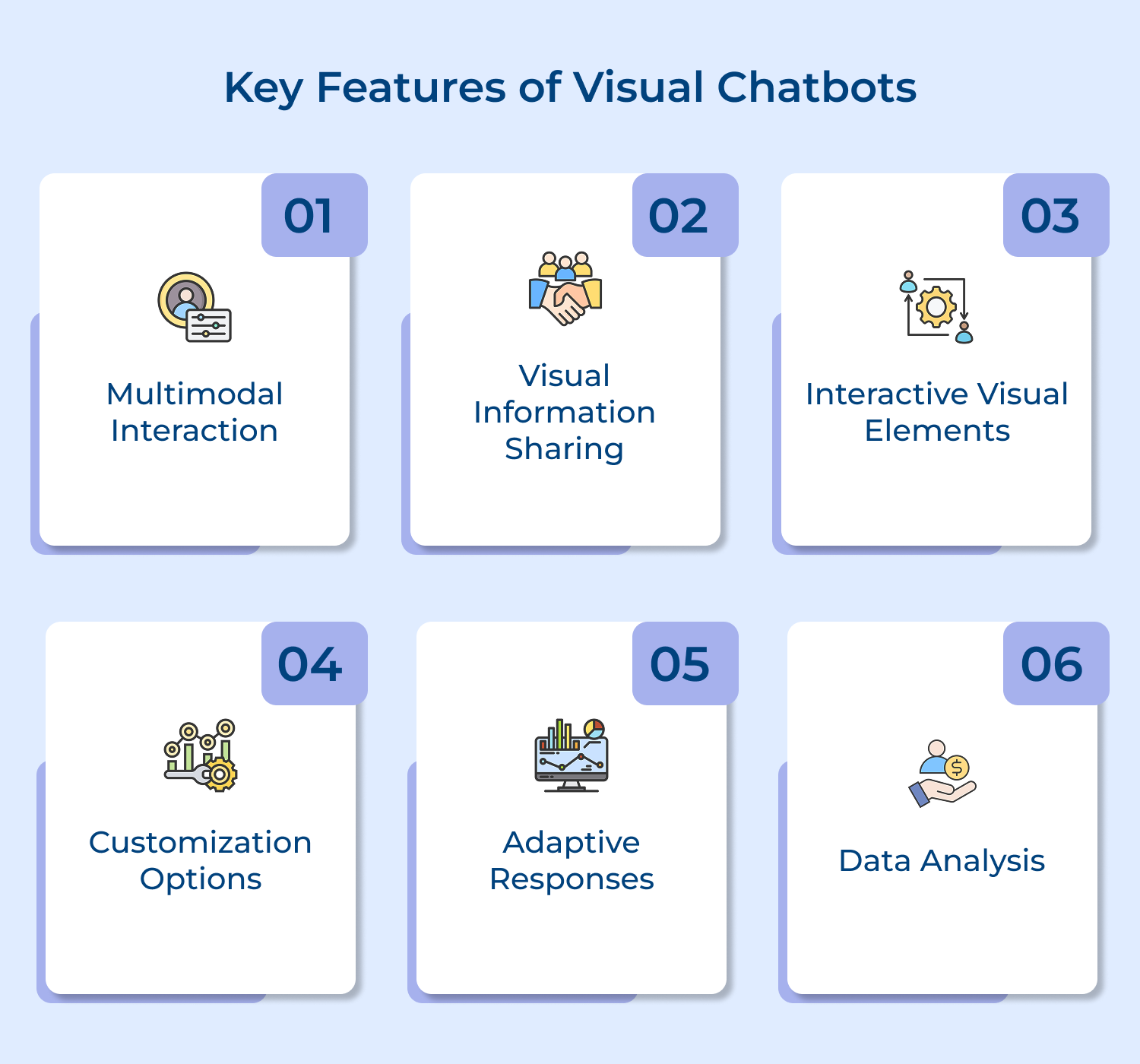
1. Multimodal interaction: Visual chatbots combine text-based conversation with visual communication channels like images, videos, graphs and interactive elements. The multimodal interaction allows natural human-computer dialog, as it enables the bi-directional exchange of both language and visual information.
2. Visual information sharing: A key capability of visual chatbots is the ability to share and discuss visual information with users. The bot can send relevant images or videos based on user needs and can understand to images sent by the user.
3. Interactive visual elements: Beyond just displaying visuals, chatbots can include interactive visual elements. These allow the bot to provide visual response options, guide users through processes and enable completion of tasks directly within the chat interface.
4. Customization options: Businesses can tailor visual chatbots to reflect their branding and personality, ensuring a cohesive experience that resonates with their audience. It includes customizing colors, fonts and logos, as well as adjusting the chatbot’s tone or style to align with brand values.
5. Adaptive responses: Visual chatbots can provide context-aware responses based on user inputs and previous interactions. The adaptability enhances user satisfaction by making conversations feel more relevant and tailored to individual needs
6. Data analysis: Visual chatbots can enable visual exploration of databases and analytics through the conversational interface. Users can ask questions about business data and have the bot respond with relevant data visualizations, making data insights more accessible through the familiar paradigm of chat.
Implementing a visual chatbot requires careful planning and execution. This guide outlines essential steps to ensure successful deployment and user satisfaction. Here are the steps to follow.
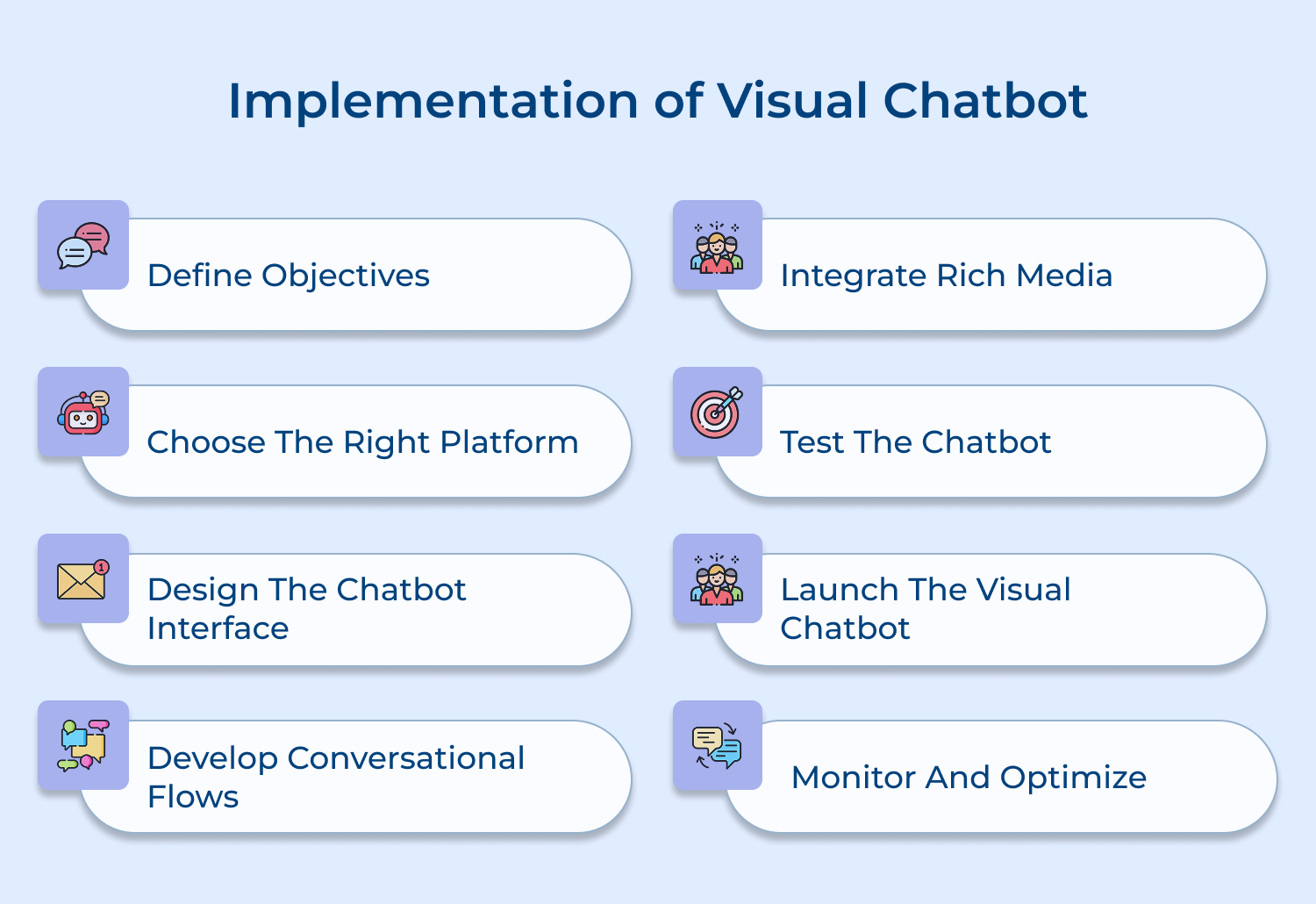
Defining clear objectives ensures the chatbot is designed to meet specific user needs and business goals. Without well-defined objectives, the chatbot may lack focus and fail to deliver value.
Identify the key user needs and pain points the chatbot should address. Align these with business goals like improving customer service, increasing engagement, or driving sales. Prioritize objectives and use them to guide chatbot design decisions.
Pro Tips:
Selecting the right chatbot platform is crucial, as it determines the available features, integrations and scalability. An ill-suited platform can limit chatbot functionality and performance.
Evaluate chatbot platforms based on your objectives, required features, technical capabilities and budget. Look for platforms that support visual elements, offer pre-built integrations and provide tools for creating rich conversational experiences.
Pro Tips:
An intuitive, visually appealing interface is key to engaging users and providing a seamless experience. Poor interface design can frustrate users and lead to chatbot abandonment.
Design the interface to be clean, uncluttered and visually consistent with your brand. Use visual hierarchy to highlight important elements and guide user interactions. Incorporate visual cues and affordances to make interaction options clear.
Pro Tips:
Well-designed conversational flows make chatbot interactions more natural, efficient and effective. Poorly designed flows can lead to confusion, frustration and failure to complete tasks.
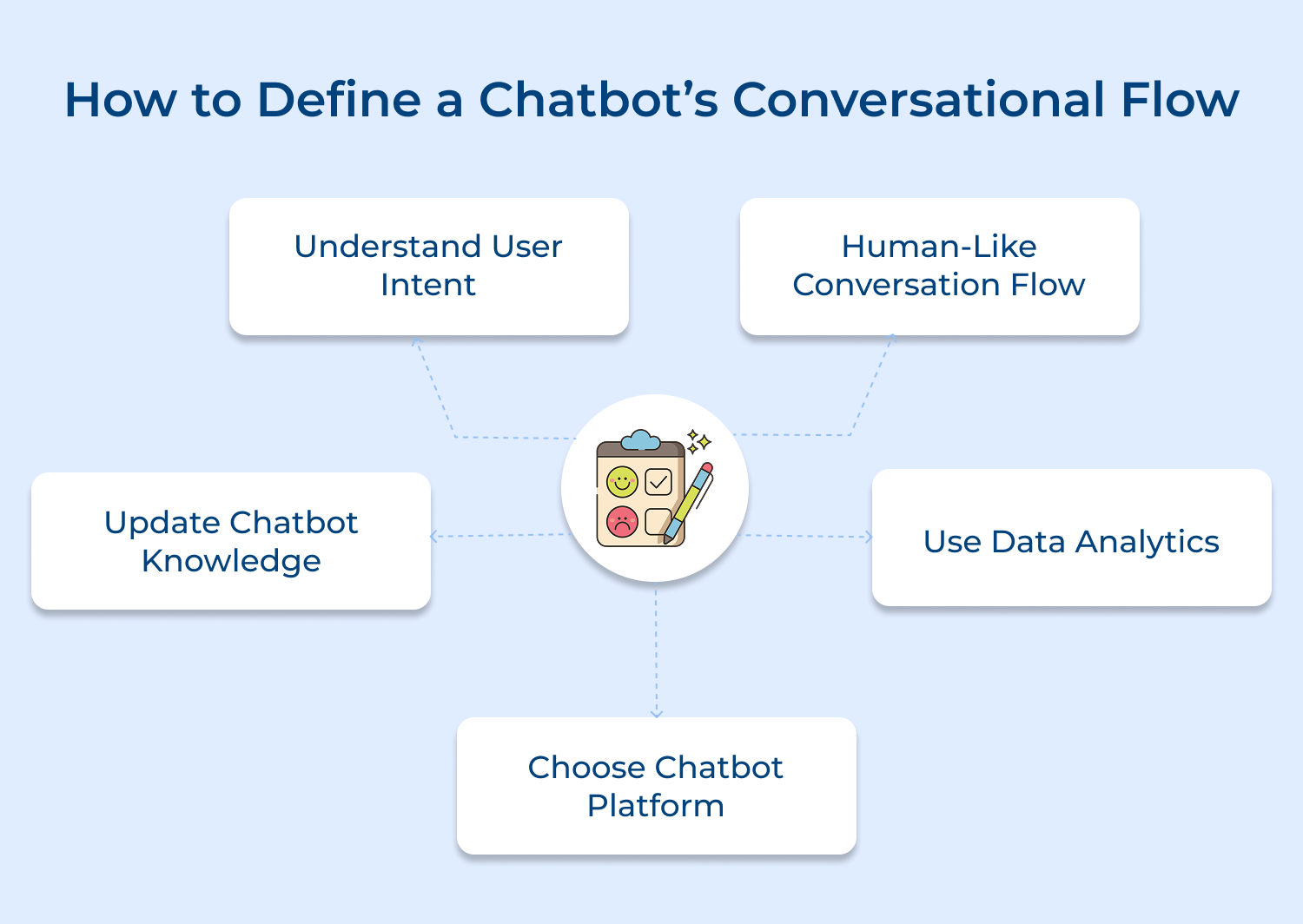
Map out the key user journeys and design flows to guide users through each journey. Use a combination of text, visuals and interactive elements to create engaging, multi-turn conversations. Handle different user intents and edge cases gracefully.
Pro Tips:
Rich media like images, videos or interactive widgets make chatbot conversations more engaging and informative. They can convey complex information more effectively than text alone.
Identify opportunities to enhance conversational flows with relevant media. Use images to showcase products, videos to provide tutorials, data visualizations to communicate insights and interactive widgets to enable self-service tasks.
Pro Tips:
Thorough testing is essential to ensure the chatbot works as intended and provides a good user experience. Untested chatbots can have bugs, broken flows and poor responses that damage user trust.
Test the chatbot for functional correctness, conversational quality and usability. Verify that all flows work properly, the chatbot understands to user intents correctly and the interface is intuitive and easy to use.
Pro Tips:
A well-planned launch is critical to driving chatbot adoption and setting it up for success. A poorly executed launch can result in low awareness, confusion and slow uptake.
Develop a launch plan covering key activities, timelines and responsibilities. Communicate the chatbot’s benefits and use cases to target users. Provide user onboarding and education materials. Monitor the launch closely and be ready to address issues promptly.
Pro Tips:
Continuous monitoring and optimization is necessary to ensure the chatbot delivers increasing value over time. Without it, the chatbot may stagnate and fail to meet evolving user needs.
Track key metrics around chatbot usage, engagement and task completion. Analyze conversation transcripts to identify improvement areas. Gather user feedback and use it to prioritize optimizations. Iteratively refine the chatbot based on data-driven insights.
Pro Tips:
Visual chatbots provide numerous advantages for both businesses and customers. These benefits can significantly enhance customer experience and operational efficiency. Here are the benefits to explore.
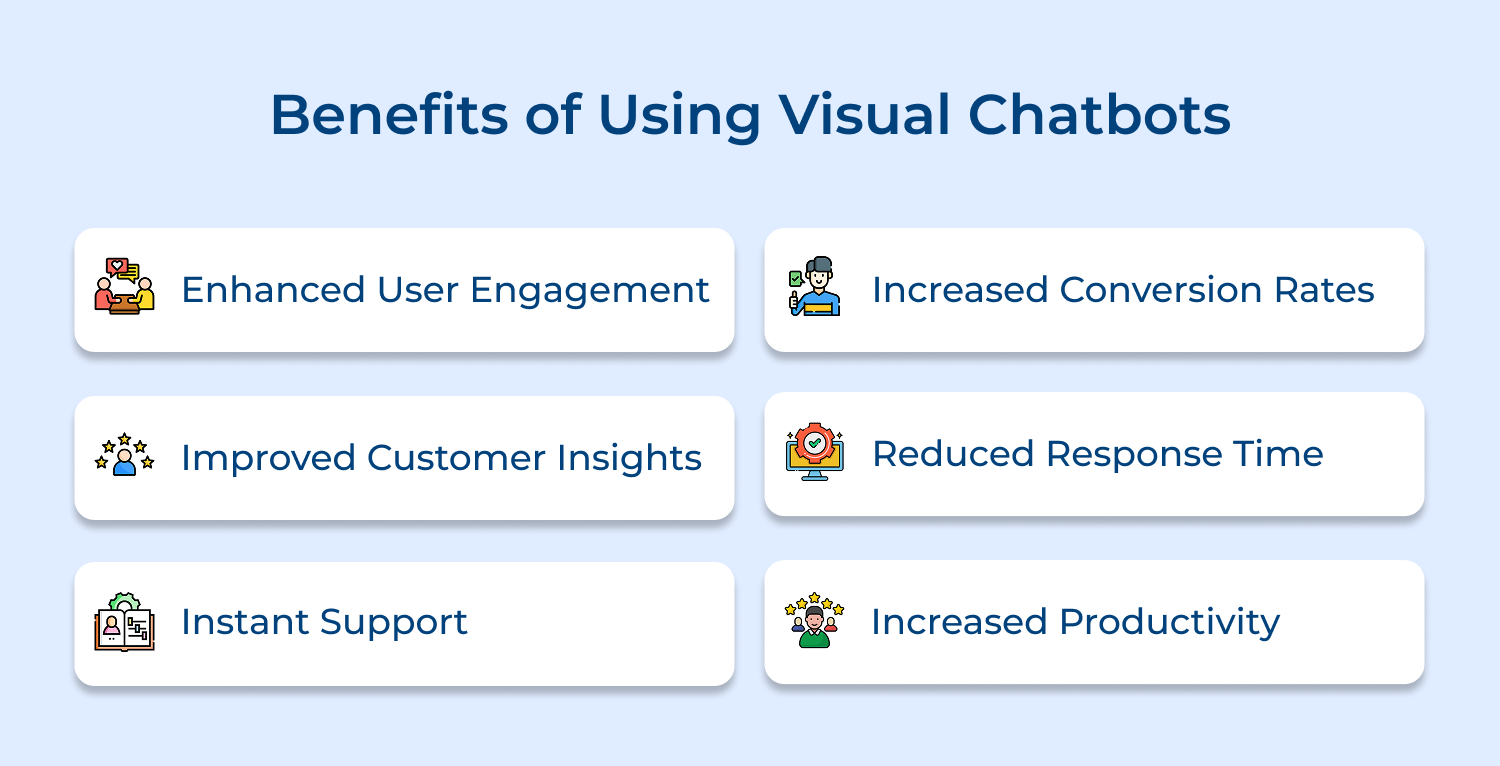
1. Enhanced User Engagement
Visual chatbots offer a more engaging and interactive experience compared to traditional text-based chatbots. The use of images, videos and other rich media elements captures user attention and makes the conversation more lively & memorable, leading to higher engagement rates and longer interaction times.
2. Improved Customer Insights
Visual chatbots can provide valuable insights into customer preferences and behavior. By analyzing the visuals that users interact with most frequently, businesses can gain a deeper understanding of their customers’ interests, pain points and decision-making processes, enabling them to optimize their products, services or marketing strategies.
3. Instant Support
Visual chatbots help customers to get instant support for their queries and issues. The use of images or videos can help explain complex topics more effectively, making it easier for customers to understand and resolve their problems quickly, without the need for human intervention.
4. Increased Conversion Rates
Visual chatbots can be a powerful tool for increasing conversion rates. By providing personalized product recommendations, showcasing products through attractive visuals and guiding users through the purchasing process with interactive elements, visual chatbots can nudge customers towards making a purchase, leading to higher sales.
5. Reduced Response Time
Visual chatbots can help reduce response times by providing instant answers to common customer queries. By using images and videos to convey information quickly, chatbots can handle a large volume of customer interactions simultaneously, freeing up human agents to focus on more complex issues.
6. Increased Productivity
Visual chatbots can significantly increase productivity by automating routine tasks and processes. For example, a visual chatbot can assist employees in accessing information, filling out forms, or completing workflows through interactive visual interfaces, saving time and effort while reducing errors.
Designing an effective visual chatbot involves following specific best practices that improve usability and engagement. These guidelines help create a seamless user experience. Here are the best practices to consider.
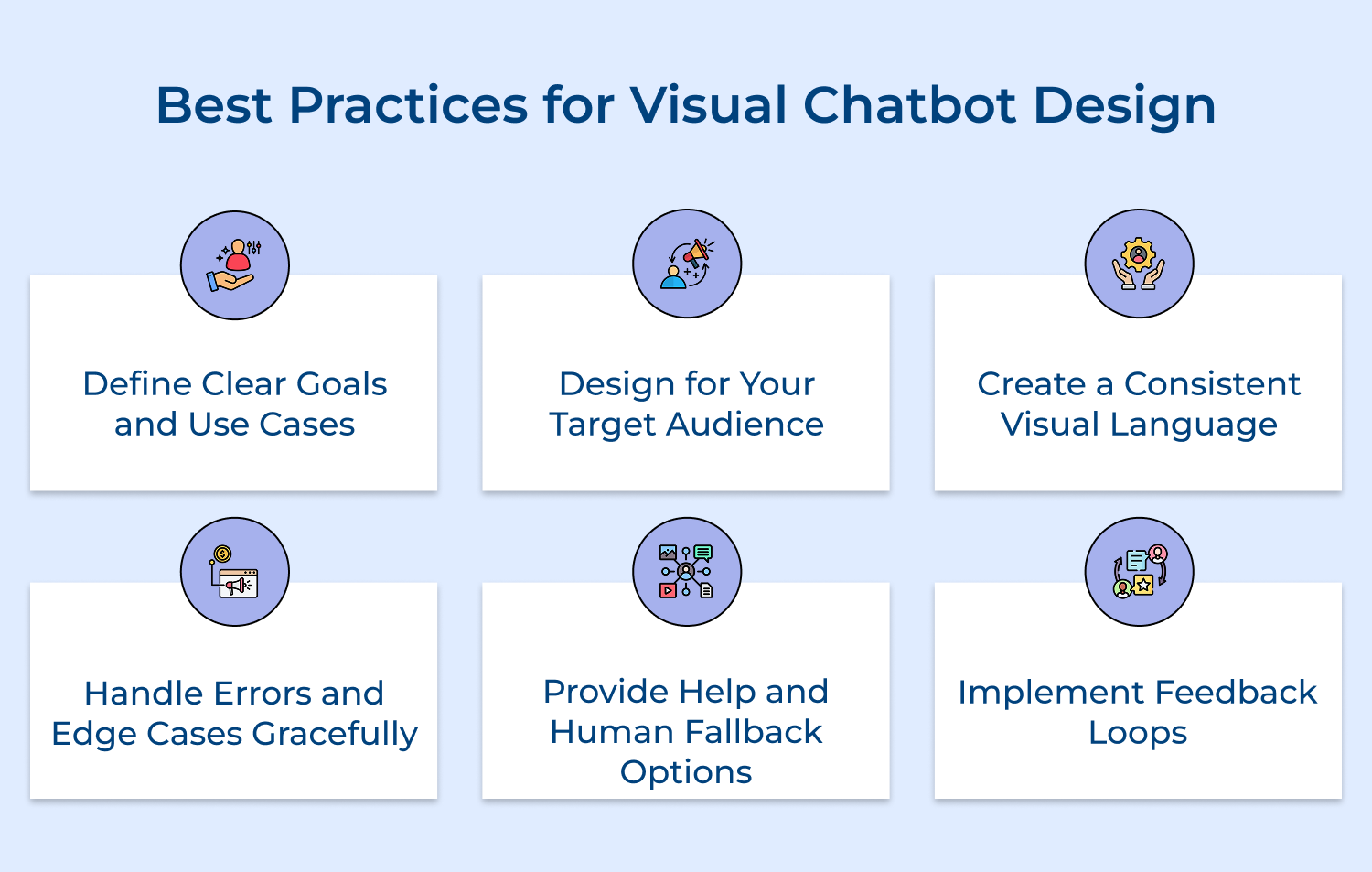
1. Define Clear Goals and Use Cases
Before starting the design process, clearly define the goals and use cases for your visual chatbot. What user needs will it address? What tasks will it help users accomplish? Having clear objectives will guide your design decisions and ensure your chatbot delivers value.
2. Design for Your Target Audience
Understand your target audience and design the chatbot’s personality, tone & visual style to resonate with them. Use language, visuals or interaction patterns that are familiar and appealing to your users. Conduct user research to inform your design choices.
3. Create a Consistent Visual Language
Develop a consistent visual language for your chatbot that aligns with your brand identity. Use a cohesive color palette, typography and visual style across all elements of the chatbot interface. Consistency helps create a smooth, recognizable and trustworthy user experience.
4. Handle Errors and Edge Cases Gracefully
Plan for potential errors and edge cases in the conversation flow. Provide helpful error messages and fallback options when the chatbot doesn’t understand user input or can’t complete a request. Use visual cues to indicate when something goes wrong and guide users back on track.
5. Provide Help and Human Fallback Options
Make it easy for users to access help and support within the chatbot interface. Provide clear options to access FAQs, tutorials, or human support when needed. Ensure smooth transitions between the chatbot and human agents for seamless issue resolution.
6. Implement Feedback Loops
Incorporating feedback loops enables users to share their thoughts about the chatbot experience. Prompt users to rate interactions or provide comments after key exchanges. This valuable input informs future design and functionality adjustments, ensuring the chatbot continues to evolve in response to user needs.
Tracking the performance of visual chatbots is essential for optimizing their impact. This section discusses key metrics to assess their effectiveness. Here are the metrics to evaluate.
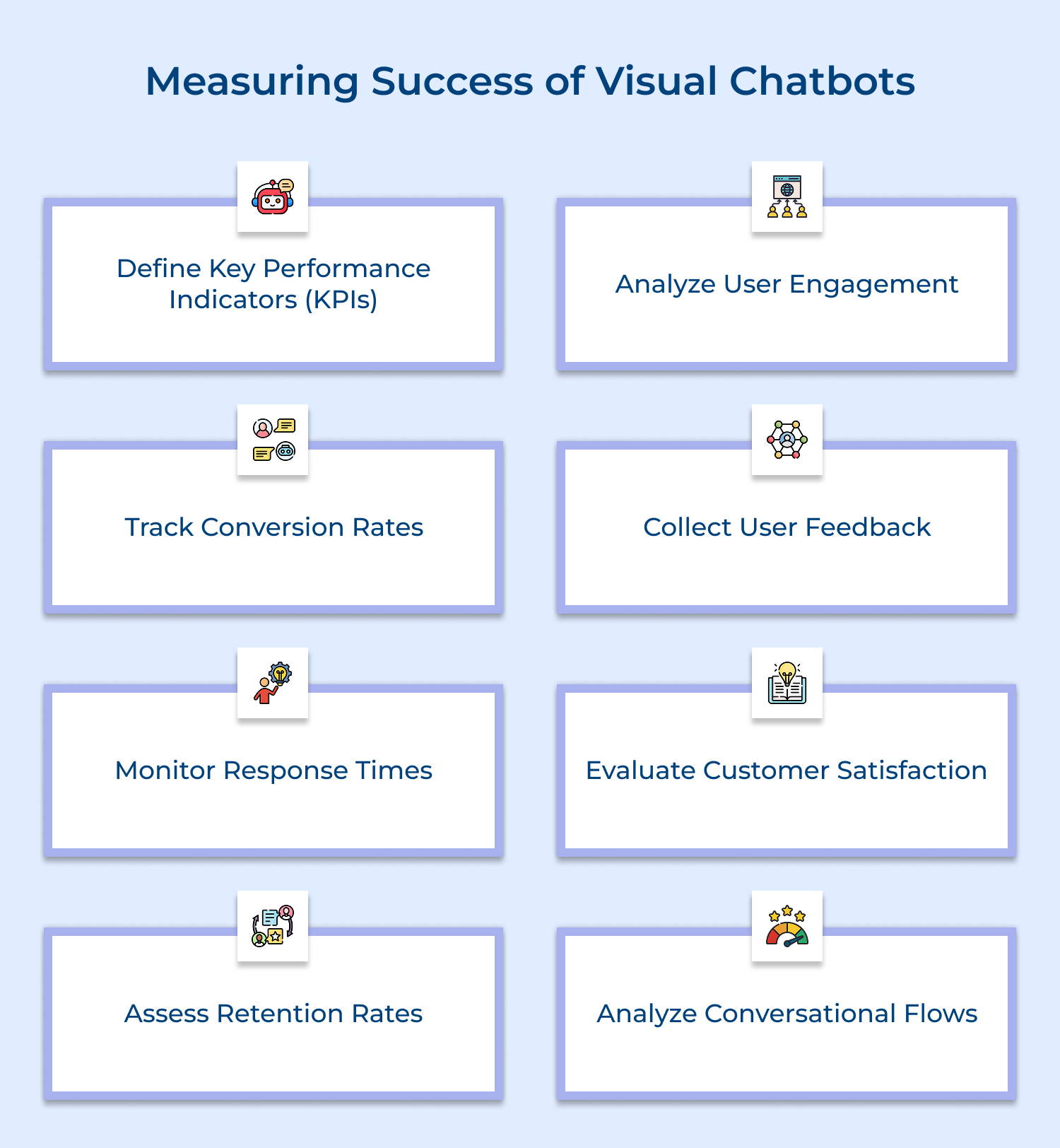
1. Define Key Performance Indicators (KPIs)
Establishing clear KPIs is essential for measuring the success of visual chatbots. Focus on metrics such as user engagement rates, customer satisfaction scores and conversion rates. These indicators provide quantifiable data that help assess the chatbot’s effectiveness in meeting business objectives and enhancing user experience.
2. Analyze User Engagement
Monitoring user engagement metrics, such as session duration, interaction depth and return visits, helps evaluate how well users are interacting with the chatbot. High engagement levels indicate that users find value in the chatbot, while low engagement may signal a need for design improvements or additional features.
3. Track Conversion Rates
Measuring conversion rates is crucial for understanding how effectively the visual chatbot drives sales or other desired actions. Analyze the percentage of users who complete specific goals, such as making a purchase or signing up for a newsletter, to gauge the chatbot’s impact on business growth.
4. Collect User Feedback
Gathering user feedback through surveys, ratings, or direct comments helps assess the chatbot’s performance from the user’s perspective. Implementing feedback loops allows you to identify areas for improvement and understand what users appreciate most, enabling continuous enhancement of the chatbot experience.
5. Monitor Response Times
Tracking average response times provides insights into the chatbot’s efficiency in handling inquiries. Shorter response times generally correlate with higher user satisfaction. If response times are longer than expected, consider optimizing the chatbot’s capabilities or refining its conversational flows to improve performance.
6. Evaluate Customer Satisfaction
Conduct customer satisfaction surveys to gain insights into users’ overall experiences with the visual chatbot. Utilize metrics like Net Promoter Score (NPS) or Customer Satisfaction Score (CSAT) to quantify satisfaction levels. Analyzing this feedback helps identify strengths and weaknesses in the chatbot’s performance.
7. Assess Retention Rates
Monitoring user retention rates reveals how effectively the chatbot encourages repeat interactions. Higher retention rates indicate that users find ongoing value in the chatbot’s assistance. If retention is low, evaluate the chatbot’s content and features to enhance long-term engagement.
8. Analyze Conversational Flows
Reviewing conversational flows helps identify common user paths, pain points and drop-off rates during interactions. Analyzing these patterns enables you to optimize the chatbot’s design and functionality, ensuring a smoother experience that keeps users engaged.
Real-world examples illustrate how businesses successfully utilize visual chatbots to enhance customer interactions. These use cases highlight innovative applications across various industries. Here are the examples to inspire you.
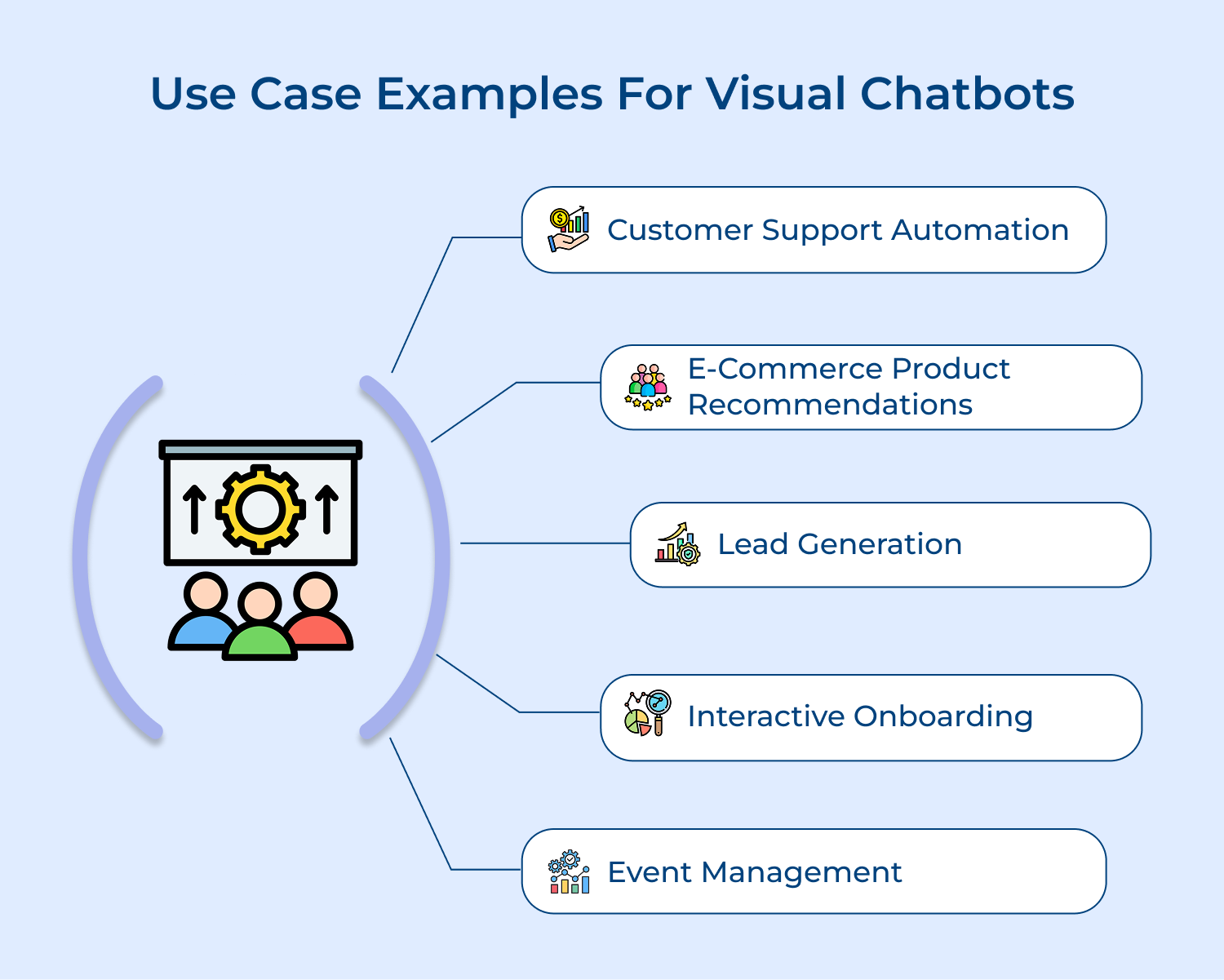
1. Customer Support Automation
Visual chatbots are widely used in customer support to provide instant assistance. For instance, a retail company can deploy a visual chatbot on its website to help users troubleshoot issues, track orders, or find product information. By offering step-by-step guidance through interactive visuals, the chatbot enhances user experience and reduces the workload on human agents.
2. E-commerce Product Recommendations
In the e-commerce sector, visual chatbots can assist users in selecting products based on their preferences. A fashion retailer might use a chatbot that showcases different outfits or accessories, allowing customers to mix and match items visually. This personalized shopping experience can increase conversion rates by helping users find what they want more easily.
3. Lead Generation
Visual chatbots can play a crucial role in lead generation for businesses. For example, a software company could implement a chatbot on its landing page that asks potential customers questions to identify their needs. By visually guiding users through a series of questions, the chatbot can capture valuable information and qualify leads more effectively.
4. Interactive Onboarding
For SaaS companies, visual chatbots can streamline the onboarding process for new users. A chatbot can guide users through initial setup steps, offering visual tutorials and prompts to help them understand the platform’s features. This interactive approach makes the onboarding experience smoother and enhances user retention.
5. Event Management
Visual chatbots also effectively manage events, such as conferences or webinars. They can provide attendees with essential information, such as schedules, speaker bios and venue maps. By offering interactive visuals or real-time updates, these chatbots enhance the overall attendee experience and ensure that participants have easy access to important details.
Implementing visual chatbots can significantly enhance both business operations and customer experience (CX). Providing instant, interactive assistance streamlines customer support, improves engagement and drives conversions. Their ability to deliver personalized recommendations and gather valuable insights fosters deeper connections with users.
As a result, businesses enhance satisfaction while optimizing resources and reducing operational costs. In a competitive digital landscape, leveraging visual chatbots ensures companies remain agile to customer needs, leading to sustained growth and a stronger market presence. Embracing this technology represents a strategic move for future success.

How to create a visual chatbot?
To create a visual chatbot, start by defining the chatbot’s goals and use cases. Design the conversation flows and visual elements, then choose a chatbot platform that supports rich media integration. Develop the chatbot using the platform’s tools, integrating visuals into the conversation flows. Test, refine and launch your visual chatbot.
Why do I need my chatbot to see?
Giving your chatbot visual capabilities allows it to understand using images and videos, not just text. Visual chatbots can provide more engaging, informative and efficient user experiences by leveraging the power of visual media. They can better assist users with tasks that involve visual information, such as product selection or troubleshooting.
How can a visual chatbot understand images and video?
Visual chatbots use computer vision and machine learning techniques to understand images and video. They can be trained on large datasets of visual content to recognize objects, scenes, text and other elements within images. Some platforms provide pre-built visual AI capabilities, while others allow custom model training.
 https://omni24.io/wp-content/uploads/2026/08/Omnichannel-Chatbots.png
1256
2400
Tushar Joshi
https://omni24.io/wp-content/uploads/2023/04/Omni-Logo-1.svg
Tushar Joshi2026-08-13 04:43:302026-08-13 04:43:30How Omnichannel Chatbots Improve Your Customer Experience
https://omni24.io/wp-content/uploads/2026/08/Omnichannel-Chatbots.png
1256
2400
Tushar Joshi
https://omni24.io/wp-content/uploads/2023/04/Omni-Logo-1.svg
Tushar Joshi2026-08-13 04:43:302026-08-13 04:43:30How Omnichannel Chatbots Improve Your Customer Experience https://omni24.io/wp-content/uploads/2026/08/Ecommerce-Chatbots-1.png
1256
2400
Tushar Joshi
https://omni24.io/wp-content/uploads/2023/04/Omni-Logo-1.svg
Tushar Joshi2026-08-12 03:57:552026-08-13 04:37:30Ecommerce Chatbots: What are They and Their Use Cases
https://omni24.io/wp-content/uploads/2026/08/Ecommerce-Chatbots-1.png
1256
2400
Tushar Joshi
https://omni24.io/wp-content/uploads/2023/04/Omni-Logo-1.svg
Tushar Joshi2026-08-12 03:57:552026-08-13 04:37:30Ecommerce Chatbots: What are They and Their Use Cases https://omni24.io/wp-content/uploads/2026/08/Omnichannel-Ecommerce.png
1256
2400
Tushar Joshi
https://omni24.io/wp-content/uploads/2023/04/Omni-Logo-1.svg
Tushar Joshi2026-08-11 04:50:362026-08-11 04:50:36How to Create an Omnichannel Ecommerce Strategy: 7 Best Ways
https://omni24.io/wp-content/uploads/2026/08/Omnichannel-Ecommerce.png
1256
2400
Tushar Joshi
https://omni24.io/wp-content/uploads/2023/04/Omni-Logo-1.svg
Tushar Joshi2026-08-11 04:50:362026-08-11 04:50:36How to Create an Omnichannel Ecommerce Strategy: 7 Best Ways
Whether it’s about acquire, engage or support – Omni24 covers all your customer engagement needs in one complete platform.

Copyright ©2026 Veemo All rights reserved.
CA, Los Angeles, Hall Ave, 19011