Why Contextual Help Is Critical for Smarter Customer Support?
Contextual help delivers in-the-moment guidance tailored to a user’s specific task or context. It simplifies interactions, reduces errors and enhances overall user experience.

Contextual help delivers in-the-moment guidance tailored to a user’s specific task or context. It simplifies interactions, reduces errors and enhances overall user experience.
Customers repeatedly explain their situations to different support agents who lack access to previous conversations. It creates frustrating experiences where simple issues become time-consuming ordeals.
Every interaction starts from zero because agents cannot see customer history or context. Customers abandon support requests halfway through conversations, leading to unresolved problems that increase churn rates.
Contextual help reduces customer support requests and ticket volumes by 20-30%, while improving user activation. Contextual support gives agents instant access to complete customer profiles including interaction history and latest account status before conversations begin.
Explore the comprehensive approach enables personalized assistance that demonstrates genuine understanding of each customer’s unique journey.
Contextual customer support means providing help that’s perfectly tailored to where your customer is in their journey and what they’re trying to accomplish at that moment. Instead of requiring customers to explain their entire situation from scratch, this approach utilizes data about their account history.
The contextual support approach helps the team to take current actions to deliver relevant solutions instantly. Think of it as having a helpful assistant who already knows your story and can jump straight to solving your specific problem.
The context customer support system works by connecting customer data from multiple touchpoints to create a complete picture of each interaction. When someone reaches out for help, agents can instantly see their purchase history and recent website activity, along with previous support conversations.
The magic happens when this information automatically surfaces the most relevant help articles and solutions, letting support teams provide personalized assistance without making customers repeat themselves.
Here are the 5 Golden Rules:
When customers get help that fits their exact situation, both they and your business win in meaningful ways.
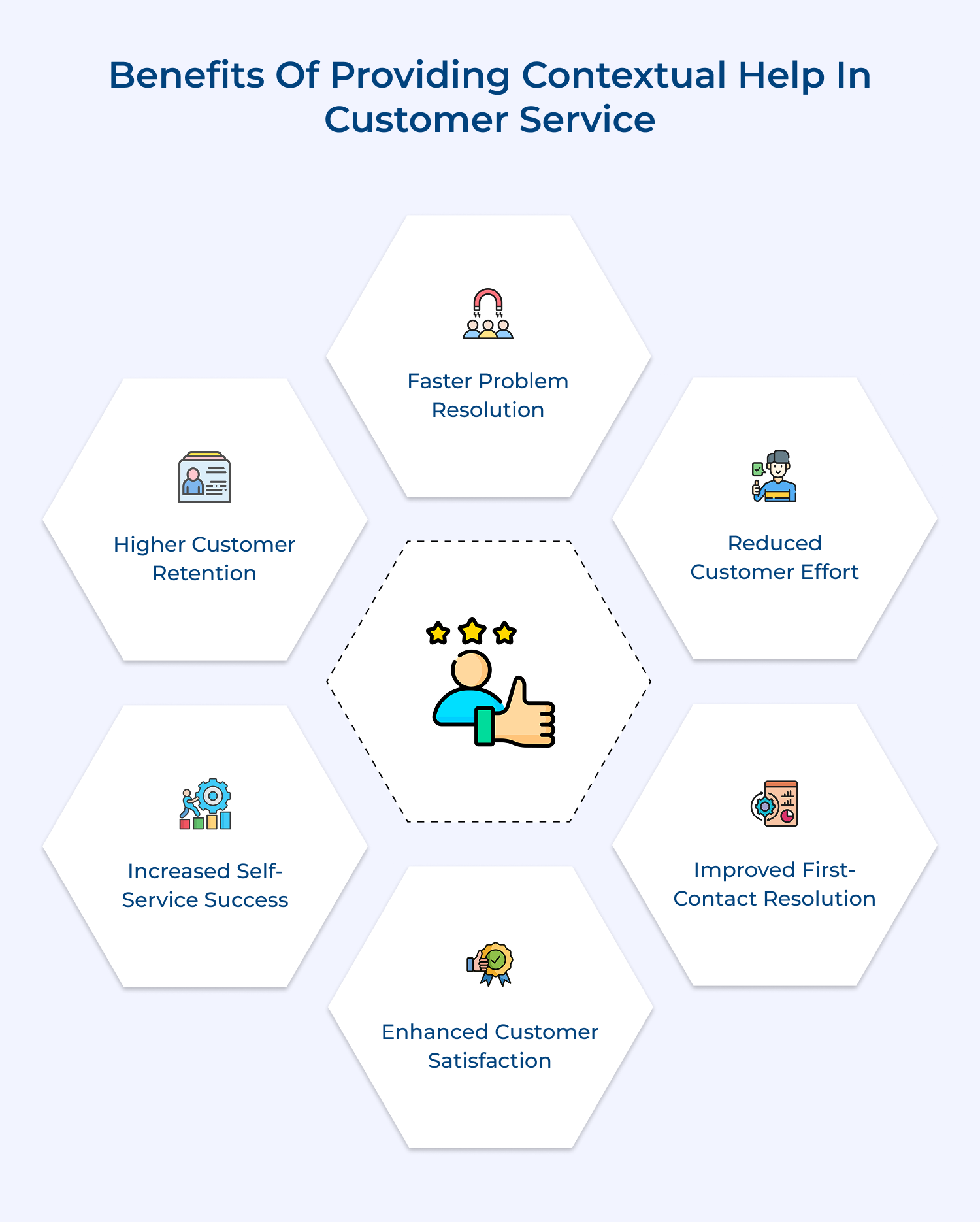
1. Faster Problem Resolution
Customers spend less time explaining their issues because agents already understand their background and current situation. The immediate context means solutions come faster and conversations stay focused on fixing problems rather than gathering basic information that should already be available.
2. Reduced Customer Effort
Nobody wants to repeat their story multiple times or hunt through generic help pages that don’t match their specific needs. Contextual support eliminates this frustration by delivering relevant answers right when and where customers need them most without extra clicks or explanations.
3. Improved First-Contact Resolution
Agents can solve problems on the first try when they have complete visibility into customer history and current context. This eliminates the back-and-forth that happens when support teams lack crucial information about previous interactions or account details.
4. Enhanced Customer Satisfaction
Customers feel genuinely understood when support teams demonstrate knowledge of their unique situation and preferences. The personal touch transforms routine support interactions into positive experiences that build stronger relationships rather than just checking boxes.
5. Increased Self-Service Success
Smart contextual systems surface the most relevant help content based on what customers are actually trying to accomplish right now. It means people find useful answers independently instead of getting lost in generic documentation that doesn’t address their specific scenario.
6. Higher Customer Retention
When customers consistently receive helpful and personalized support experiences, they develop trust in your ability to solve their problems. The confidence makes them far more likely to stick around long-term rather than switching to competitors when challenges arise.
In this article, we will explore effective steps to establish contextual support, helping you build a client-centric strategy that not only meets but exceeds customer expectations.
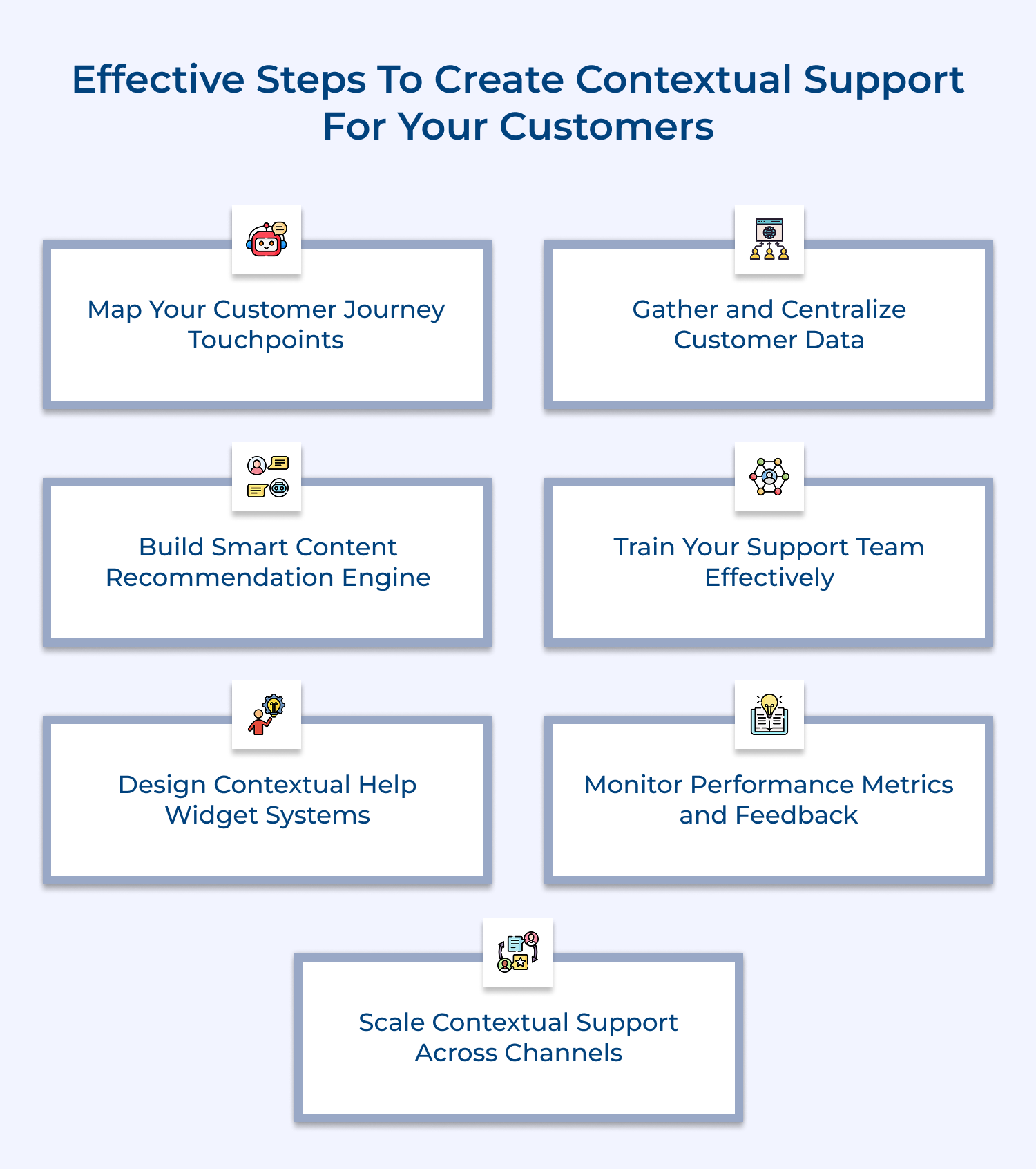
Mapping customer journey touchpoints means identifying every single place where customers interact with your business, from their first website visit to ongoing support conversations.
Here are three effective ways to thoroughly map your customer journey touchpoints:
Gathering and centralizing customer data means collecting all customer information from different sources and storing it in one accessible location so your support team can see the complete customer story instantly.
Before you start gathering and centralizing customer data for contextual support, consider these essential questions:
The assessment helps you build a solid foundation for effective contextual support by ensuring you collect the right information in the right way. The implementation process starts with auditing your existing data sources and then connecting them through APIs or integration platforms that sync information automatically across all systems.
A smart content recommendation engine analyzes customer context and automatically suggests the most relevant help articles and solutions based on their current situation & historical patterns. A well-designed smart content recommendation engine should accomplish these four essential functions:
For example, when a customer who recently upgraded their subscription contacts support about billing questions, the engine automatically surfaces upgrade-specific billing articles and connects them with agents who specialize in subscription management.
Training your support team effectively means teaching agents how to use contextual customer data to provide personalized help rather than following generic scripts for every interaction.
How do you know when your support team needs training for contextual support? Watch for signs like agents asking customers to repeat information that’s already available in their profiles.
Here are five training program names for contextual support:
Effective training transforms your support team from reactive problem-solvers into proactive customer advocates who can anticipate needs and provide solutions.
Contextual help widget systems provide in-app assistance that appears automatically based on where customers are and what they’re trying to accomplish, eliminating the need for them to search through generic help documentation.
Monitoring performance metrics helps you understand whether your contextual support actually improves customer experiences and identifies areas where your system needs refinement.
Focus on metrics that show real customer outcomes. Here are four essential metrics for monitoring contextual support performance: (1) First-Contact Resolution Rate (FRT) (2) Customer Effort Score (CES) (3) Time-to-Resolution (4) Customer Satisfaction Score (CSAT)
Collecting specific feedback about contextual help effectiveness from actual users gives you qualitative insights. The feedback reveals the story and helps you understand how customers feel about their personalized support experiences.
Here are the questions you can ask customers for contextual help feedback:
Scaling contextual support across channels means extending your personalized assistance capabilities from your primary platform to every place customers might seek help, ensuring consistent experiences everywhere. Here are effective methods to scale contextual support:
Consider a customer who starts troubleshooting on your website chat, then calls your phone support and finally sends an email with additional questions.
These proven strategies will help you transform your support from generic assistance into personalized experiences that truly understand each customer’s unique situation.
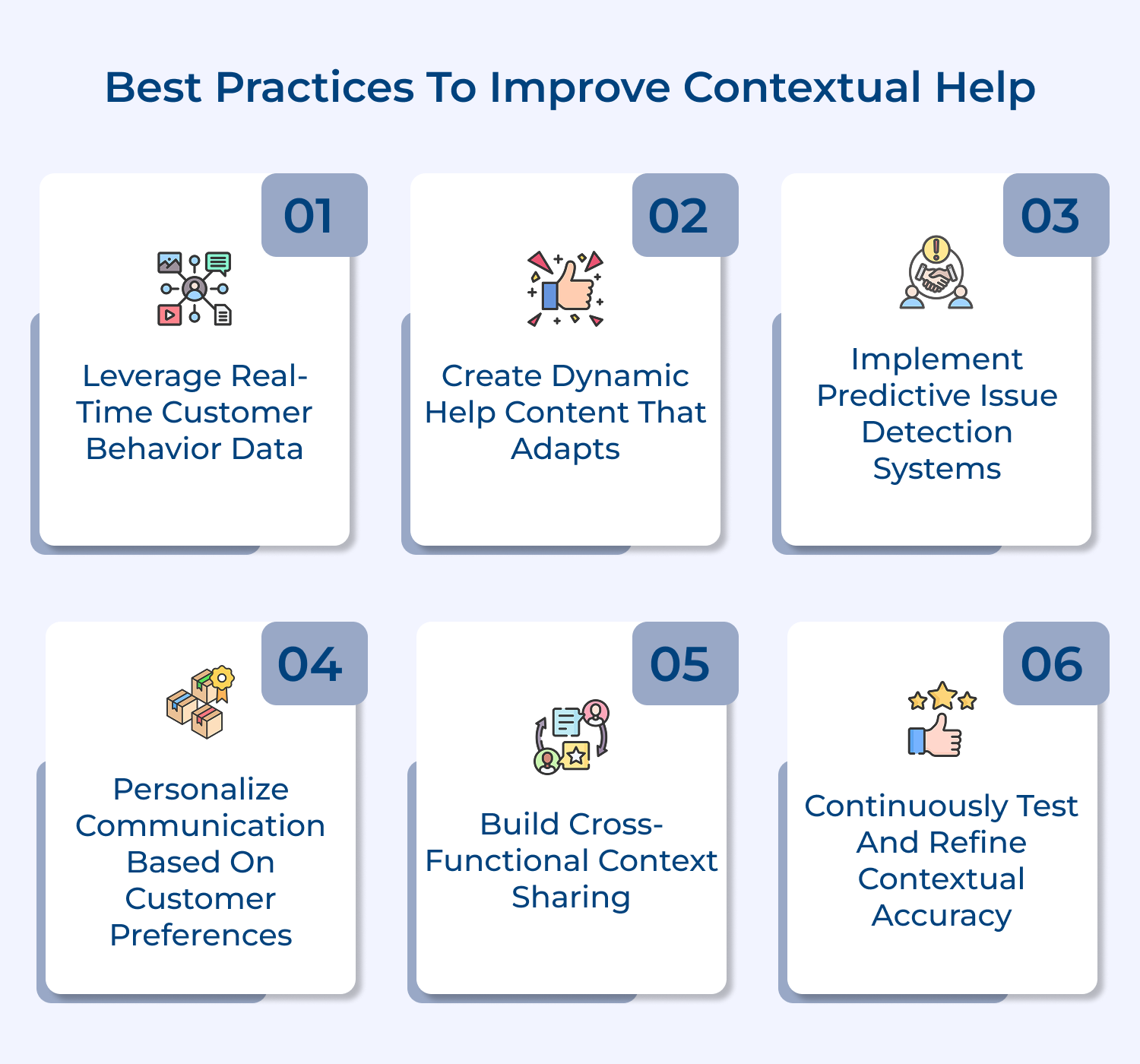
Start by tracking what customers are actually doing on your platform right now rather than relying solely on historical data from past interactions. This means monitoring their current page views and recent clicks to understand their immediate context.
When you combine this real-time activity with their account history, you create a complete picture that helps agents provide assistance that feels almost telepathic. Think of it like having a conversation with someone who already knows what you’re trying to accomplish.
Build help articles and resources that automatically adjust based on who’s reading them and what situation they’re currently facing within your platform. This personalized approach means showing billing help to paying customers while displaying onboarding guidance to new users in the same help section. Consider these key questions when developing adaptive content:
Dynamic content eliminates the frustration of sifting through irrelevant information and gets customers to solutions faster than traditional static help pages ever could.
Set up automated systems that identify potential problems before customers even realize they exist by analyzing patterns in user behavior and account data. These predictive tools can spot warning signs like unusual activity patterns or approaching subscription limits that typically lead to support requests. Your predictive system should focus on three critical areas:
When you reach out proactively with solutions instead of waiting for complaints, customers feel genuinely cared for rather than just another ticket number.
Tailor your communication style and channel preferences to match how each customer likes to receive help and information from your business. Some customers prefer detailed technical explanations, while others want simple step-by-step instructions without background theory.
Ensure that insights from sales conversations and marketing interactions flow seamlessly into your support system so agents understand the complete customer relationship. When support teams know about recent sales discussions, they can provide help that acknowledges the full business relationship. Building an effective cross-functional context requires three essential elements:
Regularly validate that your contextual support system is actually providing relevant and helpful information by testing it with real customer scenarios and feedback. Set up systematic processes to measure whether your contextual recommendations are solving problems effectively or missing the mark entirely.
Contextual help shines brightest in specific scenarios where understanding customer background makes all the difference between generic assistance and genuinely helpful solutions.
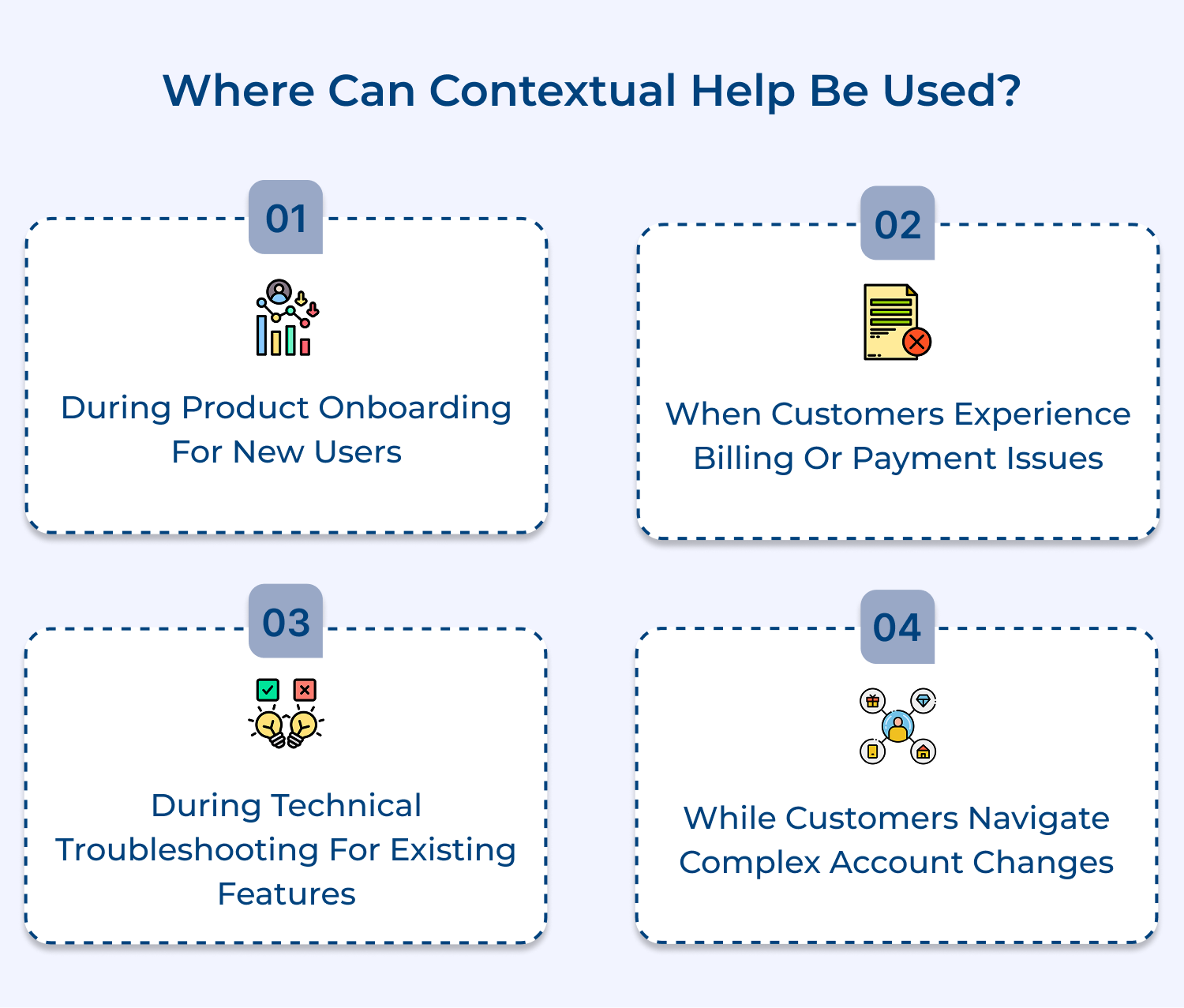
1. During Product Onboarding for New Users
When customers first start using your product, contextual help can guide them through setup steps that match their specific account type and intended use case. Instead of showing every possible feature, the system displays only the tools and options relevant to their business size or industry, making the learning curve feel manageable rather than overwhelming.
2. When Customers Experience Billing or Payment Issues
Billing problems require immediate access to payment history and subscription details to provide accurate assistance without forcing customers to dig through their own records. Contextual help can instantly surface their current plan details and recent transactions, allowing support agents to identify whether the issue stems from failed payments, plan changes or billing cycle confusion.
3. During Technical Troubleshooting for Existing Features
When customers report technical problems, contextual help analyzes their recent activity patterns and system configuration to suggest the most likely solutions first. This approach eliminates the frustrating trial-and-error process of generic troubleshooting steps that may not apply to their specific setup or usage patterns.
4. While Customers Navigate Complex Account Changes
Major account modifications like upgrades, downgrades, or feature additions benefit enormously from contextual guidance that understands their current setup and usage patterns. The system can predict which changes might affect their existing workflows and proactively address potential complications before they become problems that require additional support interactions.
These companies demonstrate how understanding customer context transforms ordinary support interactions into experiences that feel personally crafted for each individual situation.
1. Netflix – Personalized Streaming Support
Netflix provides contextual support by analyzing your viewing history and current device to offer relevant troubleshooting steps when streaming issues occur. If you’re watching on a smart TV and experience buffering problems, their system automatically suggests TV-specific solutions rather than generic connectivity advice that applies to all devices.
The impact on Netflix’s business has been remarkable because customers resolve technical issues faster and return to enjoying content instead of abandoning their viewing sessions. This contextual approach reduces support ticket volume while increasing customer satisfaction and viewing time, which directly translates to higher retention rates.
2. Amazon – Order-Specific Customer Service
Amazon’s support system instantly accesses your complete order history and delivery status when you contact them about any purchase-related question or concern. Their agents can see exactly what you ordered, when it shipped and any previous interactions you’ve had about that specific item without requiring you to provide order numbers or repeat information.
This contextual approach has strengthened Amazon’s reputation for exceptional customer service because issues get resolved in single interactions rather than multiple back-and-forth exchanges. Customers develop deeper trust in Amazon’s ability to handle problems efficiently, leading to increased purchase frequency and higher lifetime customer value across their ecosystem.
3. Spotify – Music Preference-Based Help
Spotify’s contextual support considers your listening habits and subscription type when addressing account or playback issues you might encounter. If you’re a premium subscriber experiencing offline download problems, their system prioritizes solutions related to premium features rather than suggesting basic troubleshooting steps that apply to free accounts.
The business impact shows in improved user engagement because customers spend less time frustrated with technical problems and more time discovering and enjoying music. This contextual support approach helps Spotify maintain high user satisfaction levels, which contributes to strong subscription renewal rates and positive word-of-mouth recommendations.
4. Airbnb – Trip-Specific Assistance
Airbnb delivers contextual support by immediately accessing your booking details, travel dates and communication history with hosts when you need assistance during your stay. Their support agents understand whether you’re dealing with a check-in issue, property concern, or booking modification, allowing them to provide relevant help without lengthy explanations.
The business impact appears in stronger trust between guests and the platform because travelers feel confident that Airbnb can resolve issues quickly during critical moments of their trips. This contextual support approach reduces booking anxiety and encourages repeat usage, ultimately driving higher booking volumes and increased customer lifetime value for the platform.
Contextual help transforms customer support from a frustrating guessing game into a smooth conversation where every interaction feels perfectly tailored to your specific situation and needs. When businesses understand your complete story, they can jump straight to solutions that actually work for your unique circumstances.
The future belongs to companies that make customers feel truly understood rather than just another ticket number in an endless queue. By implementing contextual support, you create experiences that build lasting relationships and turn occasional buyers into loyal advocates for your brand.

Why Do Users Seek Contextual Support?
Users seek contextual support because they want solutions that fit their exact situation without having to explain their entire history from scratch every single time. Think of it like visiting your family doctor who already knows your medical background versus going to a walk-in clinic where you must repeat everything again.
How Can Contextual Help Be Provided?
Contextual help is provided by connecting customer data from multiple touchpoints to create a complete picture of each person’s journey and current needs. This involves integrating systems like CRM platforms with support tools and website analytics to give agents instant access to relevant customer information and interaction history.
What Does It Mean to Support Customers in Context?
Supporting customers in context means understanding their complete story including past interactions, current account status and immediate goals before providing assistance. Rather than treating each support request as an isolated incident, contextual support recognizes that every customer interaction is part of an ongoing relationship with specific background and circumstances.
Why Is Providing Support in Context the Future of Customer Service?
Providing support in context represents the future because customers increasingly expect personalized experiences that acknowledge their individual relationships with brands. As businesses collect more customer data and competition intensifies, the companies that can deliver truly personalized support experiences will differentiate themselves and build stronger customer loyalty than those using generic approaches.
What Technology Powers Effective Contextual Support Systems?
Effective contextual support systems rely on integrated customer relationship management platforms, artificial intelligence algorithms for content recommendations and real-time data synchronization across multiple channels. These technologies work together to create unified customer profiles that update automatically and provide support agents with comprehensive context about each person’s unique situation and needs.
 https://omni24.io/wp-content/uploads/2026/09/Social-commerce-scaled.png
1340
2560
Webvision Solution
https://omni24.io/wp-content/uploads/2023/04/Omni-Logo-1.svg
Webvision Solution2026-10-23 12:18:272026-10-23 12:18:27What is Social Commerce and Why Does It Matter?
https://omni24.io/wp-content/uploads/2026/09/Social-commerce-scaled.png
1340
2560
Webvision Solution
https://omni24.io/wp-content/uploads/2023/04/Omni-Logo-1.svg
Webvision Solution2026-10-23 12:18:272026-10-23 12:18:27What is Social Commerce and Why Does It Matter? https://omni24.io/wp-content/uploads/2026/08/AI-Customer-Service-Agents.png
1256
2400
Webvision Solution
https://omni24.io/wp-content/uploads/2023/04/Omni-Logo-1.svg
Webvision Solution2026-09-21 04:48:512026-09-21 04:48:51How to Build an AI Customer Service Agents: 8 Key Steps
https://omni24.io/wp-content/uploads/2026/08/AI-Customer-Service-Agents.png
1256
2400
Webvision Solution
https://omni24.io/wp-content/uploads/2023/04/Omni-Logo-1.svg
Webvision Solution2026-09-21 04:48:512026-09-21 04:48:51How to Build an AI Customer Service Agents: 8 Key Steps https://omni24.io/wp-content/uploads/2026/08/Omnichannel-Conversational-AI.png
1256
2400
Tushar Joshi
https://omni24.io/wp-content/uploads/2023/04/Omni-Logo-1.svg
Tushar Joshi2026-09-16 03:51:072026-09-16 03:51:07How to Build Omnichannel Conversational AI Strategy
https://omni24.io/wp-content/uploads/2026/08/Omnichannel-Conversational-AI.png
1256
2400
Tushar Joshi
https://omni24.io/wp-content/uploads/2023/04/Omni-Logo-1.svg
Tushar Joshi2026-09-16 03:51:072026-09-16 03:51:07How to Build Omnichannel Conversational AI Strategy
Whether it’s about acquire, engage or support – Omni24 covers all your customer engagement needs in one complete platform.

Copyright ©2026 Veemo All rights reserved.
CA, Los Angeles, Hall Ave, 19011