What is Helpdesk Automation? Guide to its Features & Benefits
Deployment of a help desk automation software enables support teams to deliver excellent service to customers or employees.
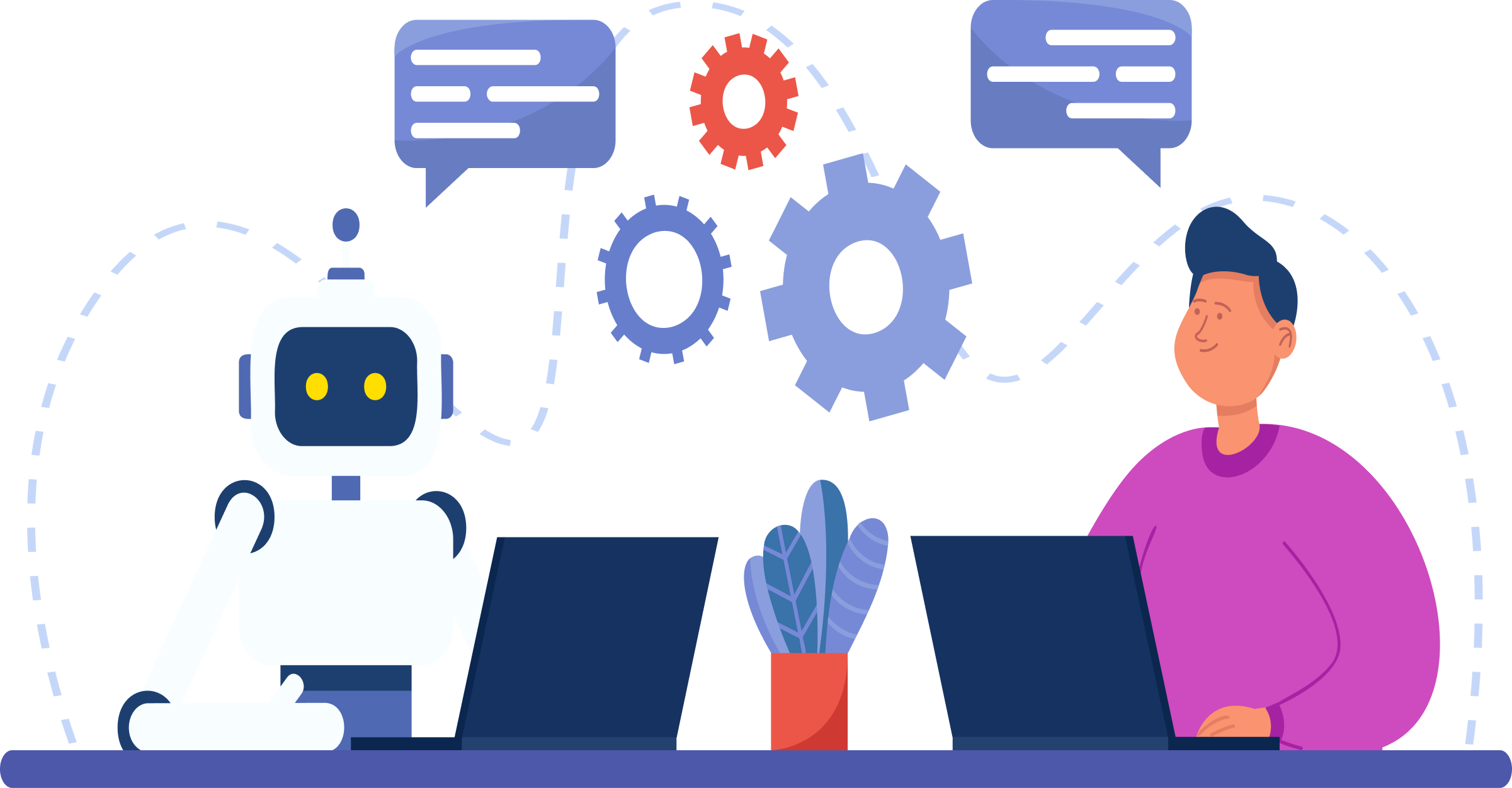
Deployment of a help desk automation software enables support teams to deliver excellent service to customers or employees.
Are you tired of spending hours on end dealing with customer complaints and technical issues? Is your helpdesk overwhelmed with customer inquiries and support requests?
Are your agents struggling to keep up with the high volume of tickets?
Helpdesk automation may be the solution you need.
According to HubSpot, 86% of customer service teams note that having a help desk system increases their productivity.
Manual ticket management can be time-consuming and inefficient, resulting in long wait times. Leveraging technology leads to automating and simplifying the customer support process.
As technology continues to advance, businesses seeking to stay ahead in the competitive market should invest in help desk automation.
Help desk automation refers to the use of automated software to handle customer queries, complaints and requests. It represents a significant opportunity for businesses to optimize their customer support operations. Businesses can achieve faster response times, increased efficiency, and happier customers by using automation technology.
Help desk automation works by leveraging technologies like AI, machine learning, and predefined workflows to process incoming support requests. These systems automatically categorize issues, route tickets to appropriate specialists, provide instant responses to common questions, and continuously learn from interactions to improve their effectiveness over time.
Key Objectives:
Leveraging help desk automation ideas can be an excellent strategy and bring numerous benefits. Help desk automation can improve efficiency and enhance the overall customer experience.

Read more: Learn how help desk & customer service software for the automotive industry leverages automation to streamline customer support.
Companies are adopting help desk automation to streamline their customer service processes and improve efficiency.

Implement an automated system that routes incoming tickets based on their nature or category to the most appropriate support agent/team. It ensures faster response times and efficient handling of customer queries.
Develop a comprehensive knowledge base that provides customers with self-service options. By offering easy access to articles, FAQs, and tutorials, you can empower users to find solutions to common issues without the need for human support.
Use artificial intelligence algorithms to automatically assign tickets to available agents based on their skills, expertise, workload, or priority level. It reduces manual effort and ensures that tickets are promptly addressed by the right agent.
Integrate chatbots into your help desk system to provide instant responses to FAQs and common problems. Chatbots can handle basic inquiries, collect relevant information, and escalate complex issues to human agents.
Configure automated escalation rules to ensure that unresolved or high-priority tickets are promptly escalated to the right management level. Set up notifications to keep stakeholders informed about important updates or changes in ticket status.
Leverage automation tools to gather real-time data and generate insightful reports on key help desk metrics. It enables you to monitor performance, identify bottlenecks, and make data-driven decisions for continuous improvement.
Send automated follow-up emails to gather feedback from customers after resolving their issues. Use surveys to assess customer satisfaction levels and identify areas for improvement. It helps in measuring customer sentiment and enhancing service quality.
Empower support agents to remotely access and troubleshoot customer devices or systems to solve technical problems. Implement remote support tools that enable screen-sharing, file transfer, remote control, and diagnostic capabilities for efficient issue resolution.
Integrate your help desk system with customer relationship management (CRM) software and ticketing systems. It ensures seamless data synchronization, centralized customer information, and improves the overall customer experience.
Implement automated monitoring and alerting systems to proactively identify and resolve potential issues before they impact customers. It includes monitoring system performance, network connectivity, service availability, and more.
These tools enhance productivity and improve customer satisfaction by ensuring prompt responses. Here are five help desk automation tools available in the market that can revolutionize your customer support strategy:

Omni24 is a cloud-based customer experience platform that seamlessly integrates AI-powered help desk capabilities with omnichannel communication tools. It unifies live chat, email, social media, and messaging platforms into a single interface while using advanced AI to automate routine inquiries and provide agents with intelligent assistance.
Omni24 enhances customer service by analyzing customer data to identify patterns and preferences, enabling personalized interactions at scale. Its AI capabilities handle repetitive inquiries instantly, freeing human agents to focus on complex issues while maintaining consistent quality across all channels, resulting in faster resolution times and improved customer satisfaction.
Key Features:
Pricing: Omni24 offers flexible pricing options based on the number of agents and channels. The basic plan starts at $29 per user per month, while the enterprise plan is custom-priced based on specific business needs. Businesses can also opt for a free trial before committing to the software.

Veemo Support is a customer support platform that offers a variety of features, including a help desk automation tool. It allows businesses to centralize customer communications and automate repetitive tasks.
The impeccable platform offers automation of ticket routing, categorizing and prioritizing tickets as well as deploying chatbots to provide immediate responses to common customer inquiries. It provides comprehensive reporting & analytics to track and optimize your help desk performance.
Key features:
Pricing: Veemo offers a range of pricing plans to suit businesses of all sizes, ranging from $29 per month per user for up to $149 per month per user including advanced features such as automation, integrations and custom branding. The software also offers a 14 day free trial for businesses to test the features before committing to a paid plan.
Help Crunch is a customer communication platform that includes a powerful help desk automation tool. It offers features like ticket management, email automation, live chat, and chatbots. HelpCrunch allows businesses to automate the creation and assignment of tickets, as well as automate responses to common queries through chatbots. The tool also provides instant notifications, tagging, and internal notes to ensure smooth collaboration within your support team.
Key features:
Gorgias is a help desk automation tool specifically designed for e-commerce businesses. It integrates with various e-commerce platforms like Shopify, Magento and WooCommerce, allowing businesses to provide personalized customer support.
The service desk automation tool automates repetitive tasks, such as order tracking, refund requests, and shipping inquiries, saving valuable time for support agents. It also offers features like automated responses, macros, and internal chat for efficient team collaboration.
Key features:
Gladly is a customer service platform that offers a comprehensive help desk automation tool. It enables businesses to centralize customer data from various channels, including phone, email, chat, social media, and more. With Gladly, you can automate ticket creation and routing based on predefined rules. It provides customer profiles to agents for personalized interactions as well as utilizes AI-powered chatbots for instant responses. It also offers a collaborative workspace for teams to streamline their workflows.
Key features:
Automating your help desk can lead to improved efficiency, streamlined processes and better customer support.

1. Evaluate Your Current Help Desk Processes
The first step in automating your help desk is to assess your current processes. Identify repetitive areas, where automation can make a significant impact. It includes tasks like ticket routing, responding to common inquiries, or generating reports.
2. Choose the Right Automation Tools
Having identified the processes that need automation, select the right tools. There are various options available, ranging from ticketing systems to chatbots. Consider your specific needs, budget, and integration capabilities while choosing the tools that are the best fit.
3. Set Up Ticket Routing Rules
One of the key benefits of help desk automation is the ability to streamline ticket routing. Define clear workflows based on ticket type, priority level or customer segment. With automation, tickets can be automatically assigned to the right agent ensuring timely resolution.
4. Integrate a Chatbot
AI enabled chatbots easily handle basic customer inquiries, gather information, and provide solutions without human intervention. Integrating a chatbot into your help desk allows for 24/7 support. It also frees up your support agents to focus on more complex issues.
5. Build a Knowledge Base
Creating a knowledge base is crucial for automating your help desk. A knowledge base serves as a repository of information where customers can find self-help resources to FAQs, reducing the number of repetitive queries. Regularly update your knowledge base to ensure its effectiveness.
6. Utilize Automation for Reporting and Analysis
Automation also assists in analyzing data for reporting purposes. It provides insights into ticket volumes, response times, and other KPIs. The data can help you identify trends, customer pain points, and areas for improvement, allowing you to make informed decisions.
7. Establish Workflows and Escalation Processes
Define the steps and responsibilities involved in resolving customer issues. Service desk automation can route tickets to the right team members based on predefined rules, ensuring timely responses. Well-defined workflows help reduce manual effort and response times.
8. Continuous Improvement and Optimization
Automation is an ongoing process. Regularly review and optimize your automated processes to ensure they are delivering the desired results. Seek feedback from your customers, support team and make necessary adjustments to improve efficiency as well as customer satisfaction.
Read more: Discover how help desk software for travel and hospitality is transforming customer support with intelligent automation.
As businesses grow and expand, so does their need to provide effective customer support. Scaling up customer support can be a daunting task when customers have high expectations for instant solutions.
Businesses can create a positive customer experience and focus on higher-value support activities by utilizing technology. It helps to automate repetitive tasks as well as provide self-service options. By investing in the right automation tools and continuously improving the support process, businesses can set themselves apart from competitors.

How does service desk automation benefit businesses?
Service desk automation offers several benefits to businesses. It saves time and reduces manual effort by automating repetitive tasks. The support agents focus on more complex and critical issues, improving overall productivity. Automation helps in reducing human errors and ensures accurate responses to customer queries. It also enables businesses to provide round-the-clock support by automating processes that can be handled without human intervention.
How can help desk automation streamline customer support operations?
Automation streamlines customer support operations by automating various processes. It can handle ticket creation and routing based on predefined criteria, ensuring that inquiries are directed to the appropriate team. It can also automatically assign priorities to tickets based on their urgency or impact. Automation workflows can be set up to handle common and repetitive requests, such as password resets or order status inquiries.
What are the different types of help desk automation workflows?
Help desk automation workflows can vary depending on the specific needs of a business. Some common types include routing workflows, which automatically route tickets to the appropriate team or agent based on criteria such as ticket type or customer location. Another type is escalation workflows, which automatically escalate tickets to higher-level support teams if they are not resolved within a specified time frame.
What are the potential cost savings that can be achieved through help desk automation?
Help desk automation can lead to significant cost savings for businesses. Reducing the need for manual intervention in routine tasks, such as ticket creation and routing, automation can free up valuable time for support agents and reduce labor costs. It can also help businesses avoid the costs associated with human errors, such as incorrect or inconsistent responses to customer inquiries. It provides self-service options, and businesses can reduce the number of support calls or emails, leading to additional cost savings.
How can help desk automation improve the customer experience?
Businesses can provide faster response times, ensuring that customers’ issues are addressed promptly by automating certain processes. Automation workflows can also ensure consistent and accurate responses to customer inquiries, eliminating the possibility of human errors. The service desk automation helps businesses deliver better service, leading to increased customer satisfaction and loyalty.
 https://omni24.io/wp-content/uploads/2026/08/conversational-ai-ecommerce.png
1256
2400
Webvision Solution
https://omni24.io/wp-content/uploads/2023/04/Omni-Logo-1.svg
Webvision Solution2026-09-08 04:06:222026-09-08 04:06:22How Conversational AI for Ecommerce Boosts Sales in 2026
https://omni24.io/wp-content/uploads/2026/08/conversational-ai-ecommerce.png
1256
2400
Webvision Solution
https://omni24.io/wp-content/uploads/2023/04/Omni-Logo-1.svg
Webvision Solution2026-09-08 04:06:222026-09-08 04:06:22How Conversational AI for Ecommerce Boosts Sales in 2026 https://omni24.io/wp-content/uploads/2026/08/Ecommerce-Customer-Segmentation.png
1256
2400
Tushar Joshi
https://omni24.io/wp-content/uploads/2023/04/Omni-Logo-1.svg
Tushar Joshi2026-09-07 04:53:302026-09-07 04:53:30How Ecommerce Customer Segmentation Drives Higher Conversions
https://omni24.io/wp-content/uploads/2026/08/Ecommerce-Customer-Segmentation.png
1256
2400
Tushar Joshi
https://omni24.io/wp-content/uploads/2023/04/Omni-Logo-1.svg
Tushar Joshi2026-09-07 04:53:302026-09-07 04:53:30How Ecommerce Customer Segmentation Drives Higher Conversions https://omni24.io/wp-content/uploads/2026/08/Enterprise-Customer-Engagement.png
1256
2400
Tushar Joshi
https://omni24.io/wp-content/uploads/2023/04/Omni-Logo-1.svg
Tushar Joshi2026-09-02 05:29:412026-09-02 05:29:41How to Scale Enterprise Customer Engagement Strategies
https://omni24.io/wp-content/uploads/2026/08/Enterprise-Customer-Engagement.png
1256
2400
Tushar Joshi
https://omni24.io/wp-content/uploads/2023/04/Omni-Logo-1.svg
Tushar Joshi2026-09-02 05:29:412026-09-02 05:29:41How to Scale Enterprise Customer Engagement Strategies
Whether it’s about acquire, engage or support – Omni24 covers all your customer engagement needs in one complete platform.

Copyright ©2026 Veemo All rights reserved.
CA, Los Angeles, Hall Ave, 19011